One Box Prompt to Deploy Video Template
Follow a single morphing interface box from input through service selection, deployment and a live result.
Use this when one compact sequence can show input, intermediate status and output without jumping between many layouts.
What’s in the film
- 01
Type the first request
A small field expands to show what the app reads.
- 02
Connect the services
The same box becomes a selectable service list and prompt view.
- 03
Go live
It contracts to a deployment pill and opens as the result card.
Best use cases
Explain a staged setup flow
Use the service list for concrete choices and the live card for one visible effect.
Customize in Video Studio
- Request, kit card and service choices
- Assistant replies, deployment status and live metrics
Edit with Studio chat
Type [request], select [services], then show [deployed outcome].
Fine-tune manually
Use distinct wording for connecting, deploying and done so adjacent statuses stay understandable.
More video templates
See all One Prompt Website Publishing Demo TemplateSelect a kit from a composer, build a page, request a pricing change and show the site being published.
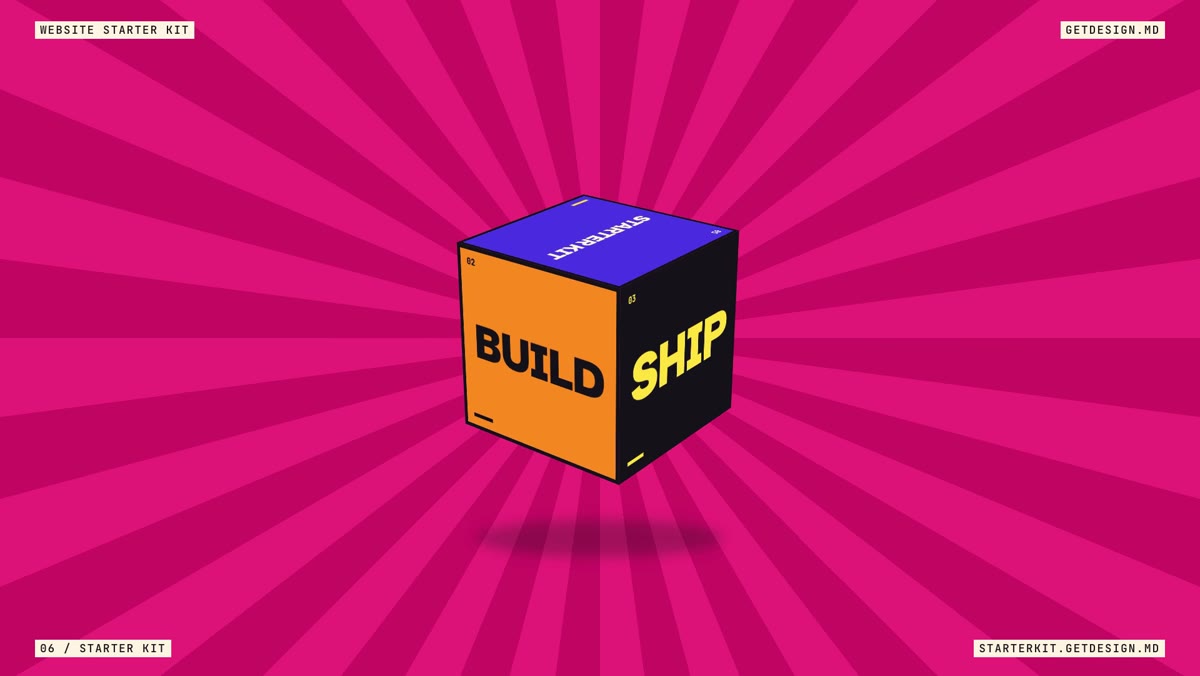 Pop Poster Toolkit Launch Video TemplateSpin through colorful cube faces, patterned type cards and gauges before an oversized shipping word.
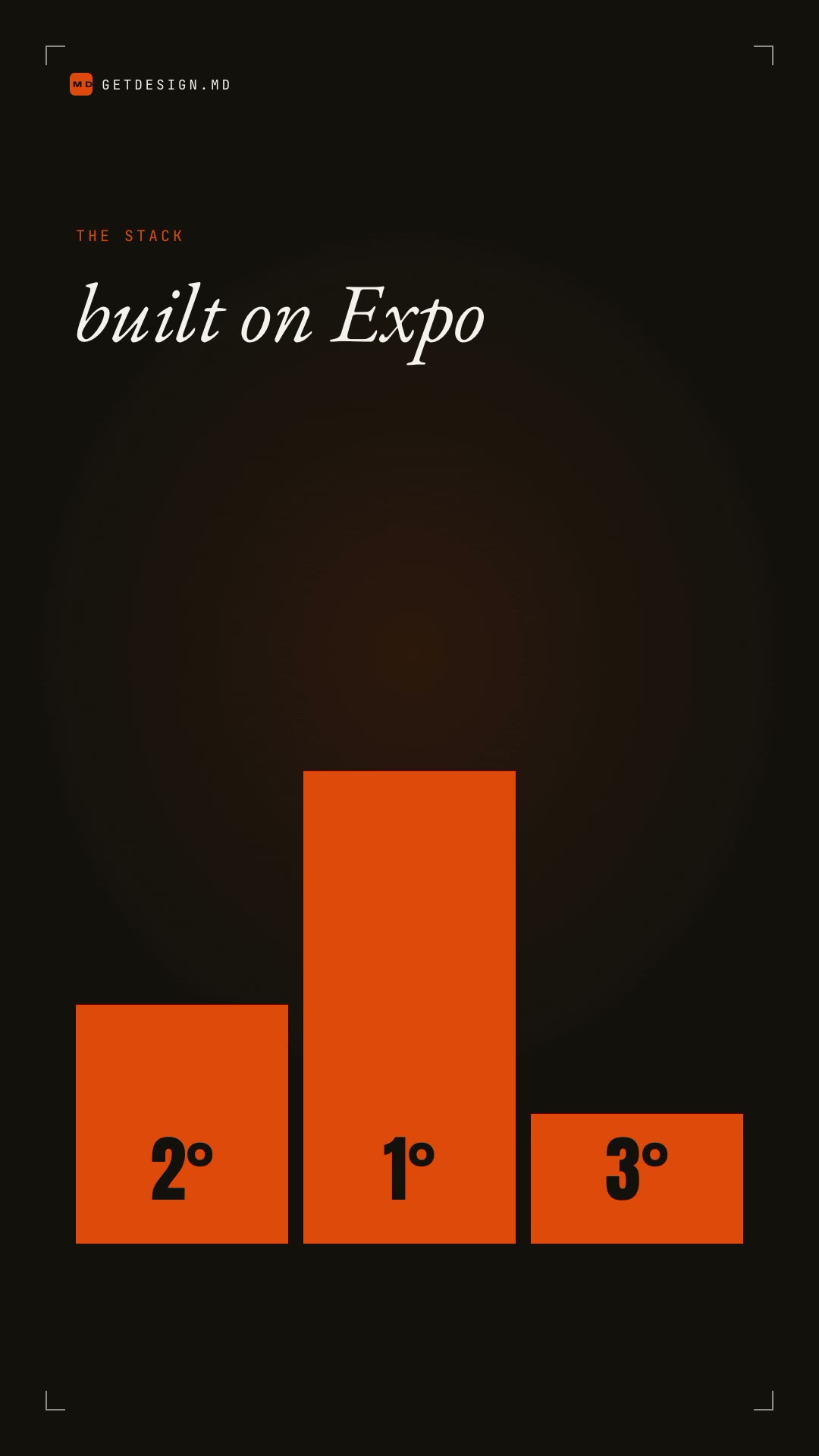 Orange Mobile Feature Showreel TemplateCut between phone previews, large stats, a ring chart and an orange podium for the product workflow.