Chat to Website Template Demo Template
Turn an AI chat request into a website draft, open its template card and show where other templates live.
Use this when the important product moment is choosing a template directly from a conversation. The settings panel helps explain how the first draft is scoped.
What’s in the film
- 01
Set up the draft
Chat and settings appear together before the template action is clicked.
- 02
Show the result
A caption leads to the reply and its draft or template card.
- 03
Browse more templates
The sidebar reveals other starting points before the lockup.
Best use cases
Teach a chat-first onboarding flow
Use the first settings screen for choices that affect the draft the viewer sees later.
Customize in Video Studio
- Assistant request, replies, settings and draft controls
- Template card, sidebar entries and final URL
Edit with Studio chat
Ask for [site type], set [settings], and show [draft name] with [template options].
Fine-tune manually
Match the draft and card titles so the result reads as the same project across cuts.
More video templates
See all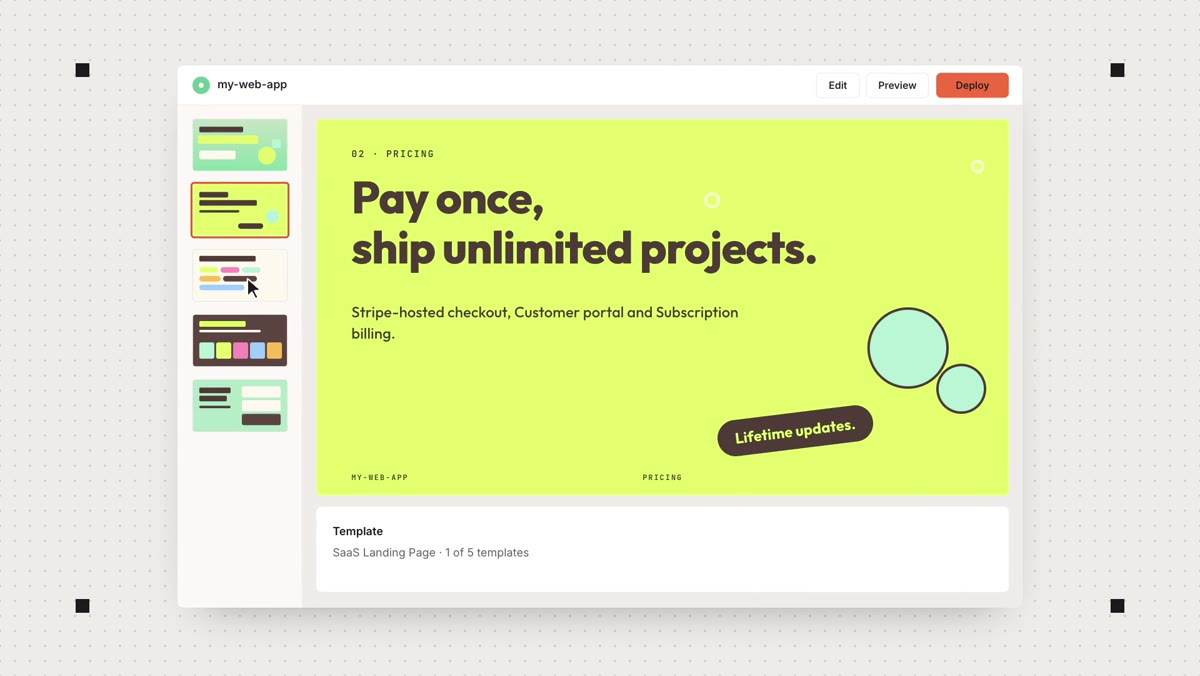 Prompt to Website Pages Demo Video TemplateTurn a typed prompt into a site, tour five pages, show a style change and end with a deployment step.
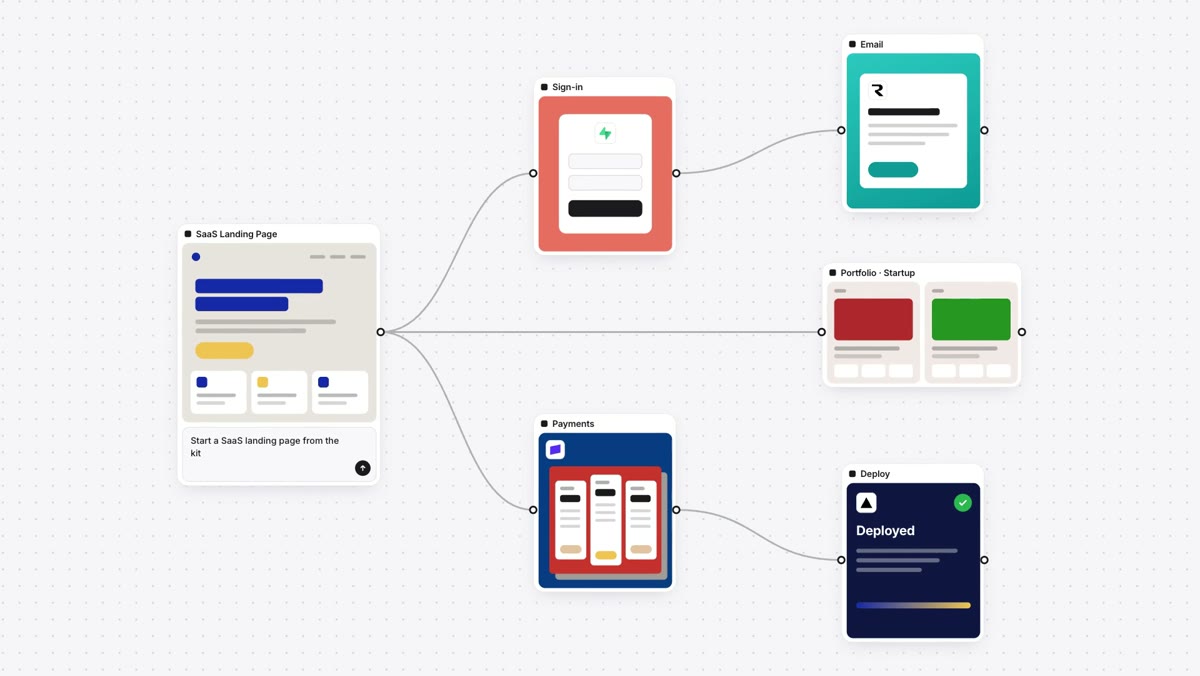 Branching AI Workflow Canvas Demo TemplateMap a typed request to connected cards on a dotted canvas while colored tool cursors work around the branches.
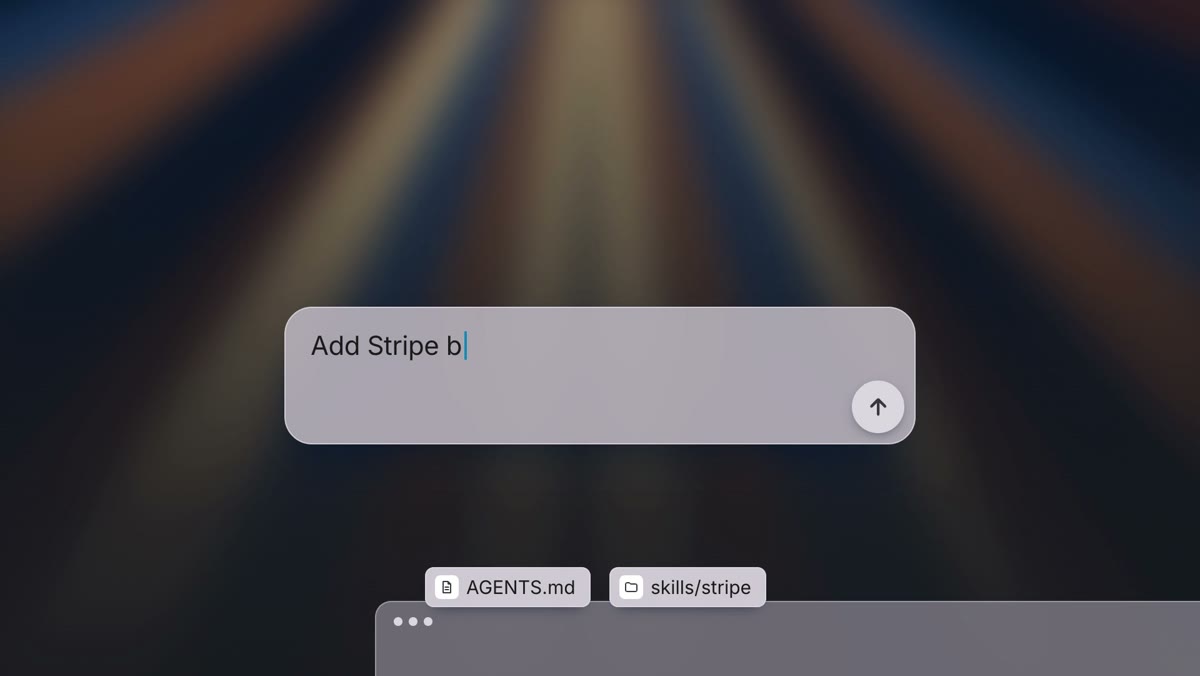 Sunrise AI Composer Reveal TemplateTransform a rising orb into the send button of an AI composer, then show requests, file context and a welcome screen.