Open Book Website Explainer Video Template
Open a printed kit, mark five steps in the text and connect a hand-drawn diagram to a deployed page.
Use this when a workflow benefits from a document-style explanation and short excerpts can guide the viewer.
What’s in the film
- 01
Open the explanation
Paper pages and marker strokes introduce the process.
- 02
Draw the workflow
Handwritten labels connect the boxes and hosting options.
- 03
Reveal the site
A darker prompt sequence leads to the finished page.
Best use cases
Explain a documented deployment process
Put one concrete action in each marked passage and use the diagram to repeat its order.
Customize in Video Studio
- Marked text, book cover and diagram labels
- Example prompts, hosting names and site behind the door
Edit with Studio chat
Mark [five steps], draw [workflow], and reveal [finished page].
Fine-tune manually
Check every highlighted passage points to the intended label in the diagram.
More video templates
See all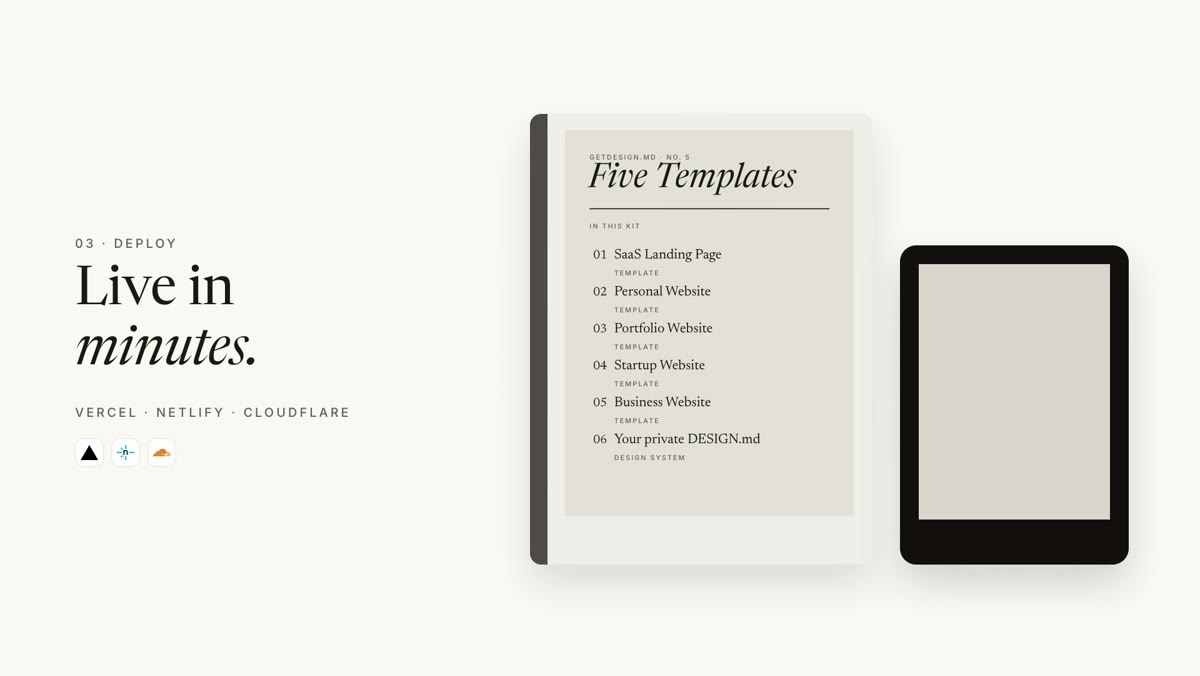 Ink Editorial Three-Step Video TemplateExplain three setup steps with serif headlines, tactile ink transitions, a printed checklist and a tablet deployment view.
 Monochrome Developer Motion Reel TemplateCut through monochrome type, 3D point fields, a comparison, feature lists and developer UI.
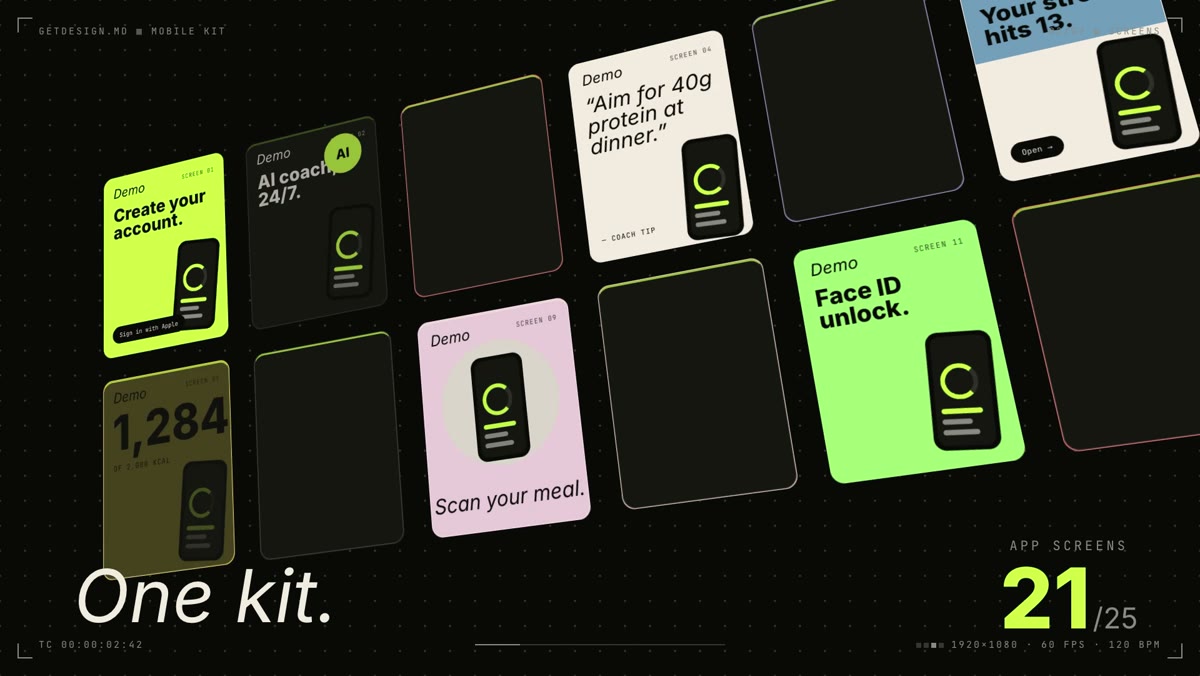 Lime Mobile Toolkit Showreel TemplateCut from a tilted wall of lime-accented phone screens to a studio product shot, feature hits and a shipping chart.