Ink Editorial Three-Step Video Template
Explain three setup steps with serif headlines, tactile ink transitions, a printed checklist and a tablet deployment view.
Use this when the sequence needs a quiet, readable treatment with room for document details.
What’s in the film
- 01
Open in ink
A textured spherical figure introduces the print-like layout.
- 02
Read the checklist
Tool, service and template details appear on document cards.
- 03
Show the live page
A tablet and deployment labels close the tutorial.
Best use cases
Publish a short onboarding guide
Give each step a name that works on its own, then show the screen associated with the final step.
Customize in Video Studio
- Step titles, tool logos and checklist rows
- Tablet copy, deployment logos and end address
Edit with Studio chat
Write [three instructions], list [included resources], and reveal [live page].
Fine-tune manually
Read the printed card at small width and trim rows that spill past its edge.
More video templates
See all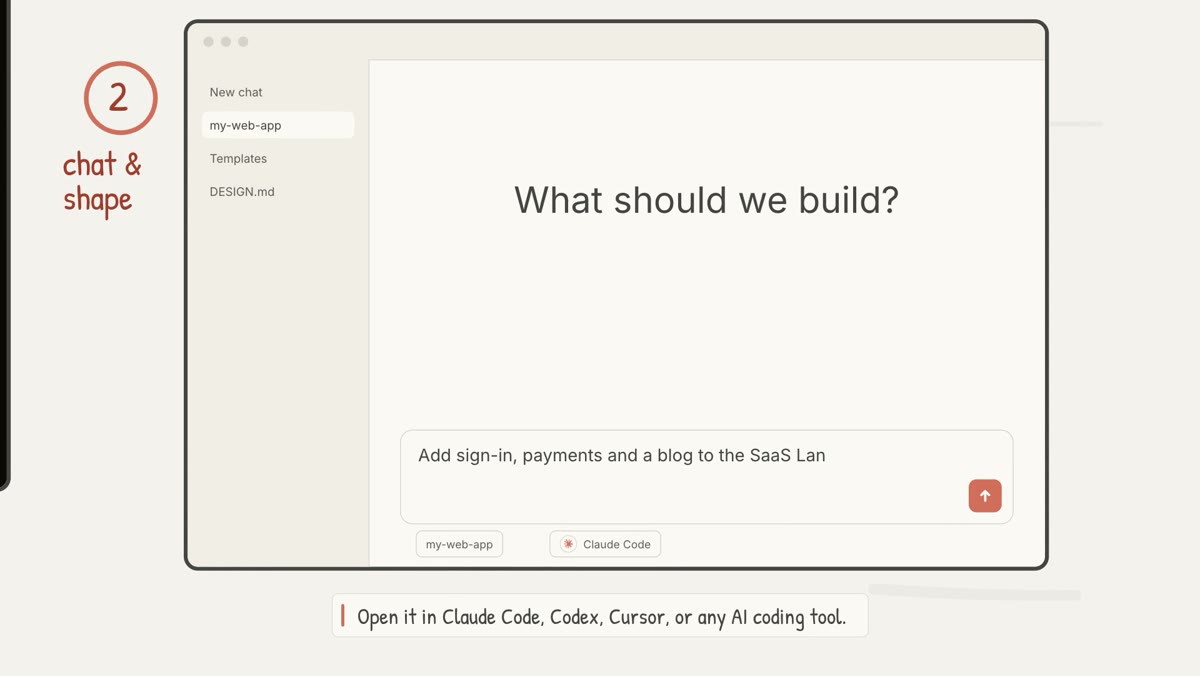 Whiteboard Website Walkthrough Video TemplateUse hand-drawn arrows, a template gallery and a terminal to teach a three-step website launch.
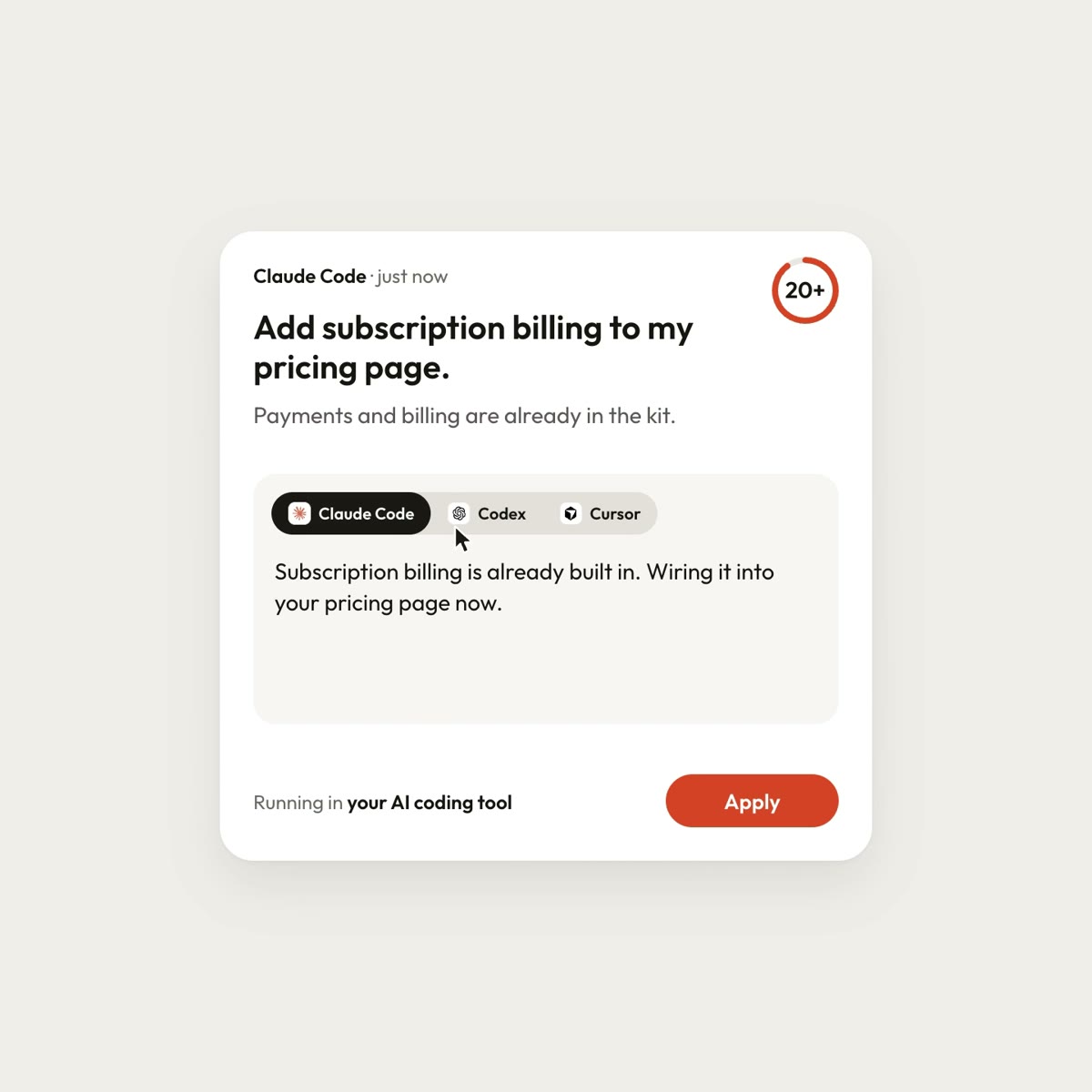 One Box Prompt to Deploy Video TemplateFollow a single morphing interface box from input through service selection, deployment and a live result.
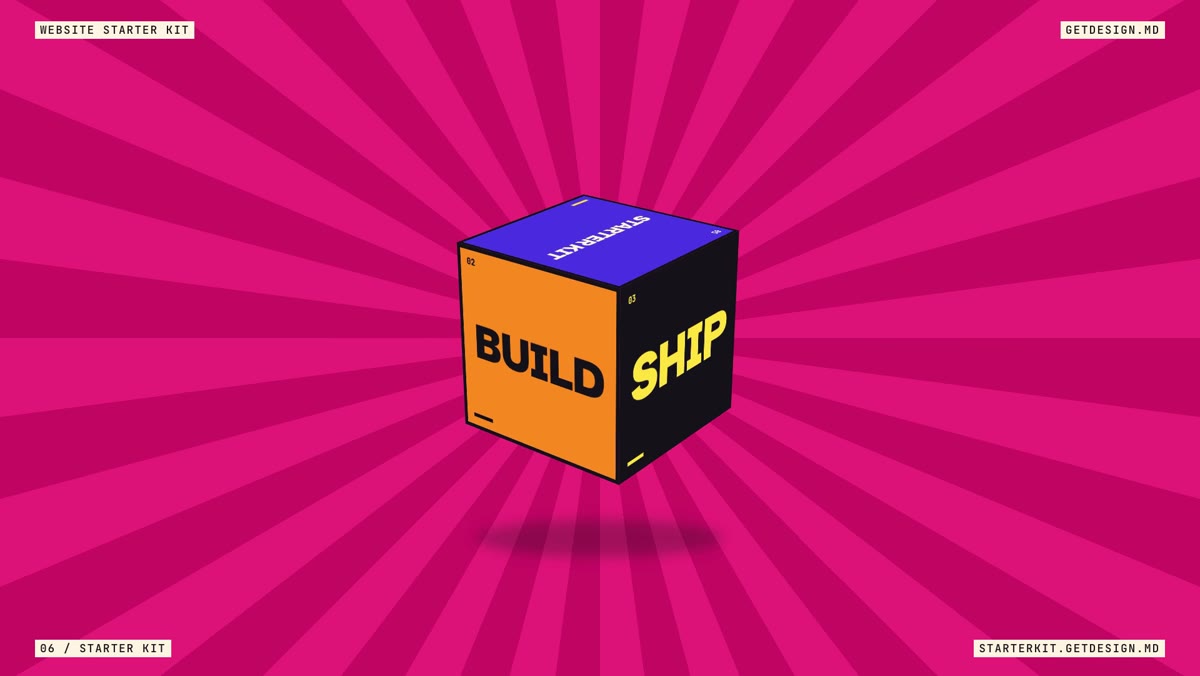 Pop Poster Toolkit Launch Video TemplateSpin through colorful cube faces, patterned type cards and gauges before an oversized shipping word.