Orange Toolkit Hub Launch Reel Template
Count through the cost of setup, hit an orange title card and organize included tools around a central product mark.
Use this when many inputs become one toolkit. The central hub works best when each surrounding card names a distinct piece.
What’s in the film
- 01
Count what setup takes
A dark dotted stage hosts the opening number and quick flashes.
- 02
Introduce the kit
An orange card clears to the hub of included pieces.
- 03
Show the proof
Large figures and tool labels appear before the wordmark.
Best use cases
Present a bundled workflow
Use the hub to name what comes together and the figures to explain the size of the work it handles.
Customize in Video Studio
- Prompt line and counter, hub title and four cards
- Proof figures, tool names and close
Edit with Studio chat
Count [setup measure], show [four bundle pieces] and add [two proof figures].
Fine-tune manually
Give each proof figure a unit and align its label with the same term used in the hub.
More video templates
See all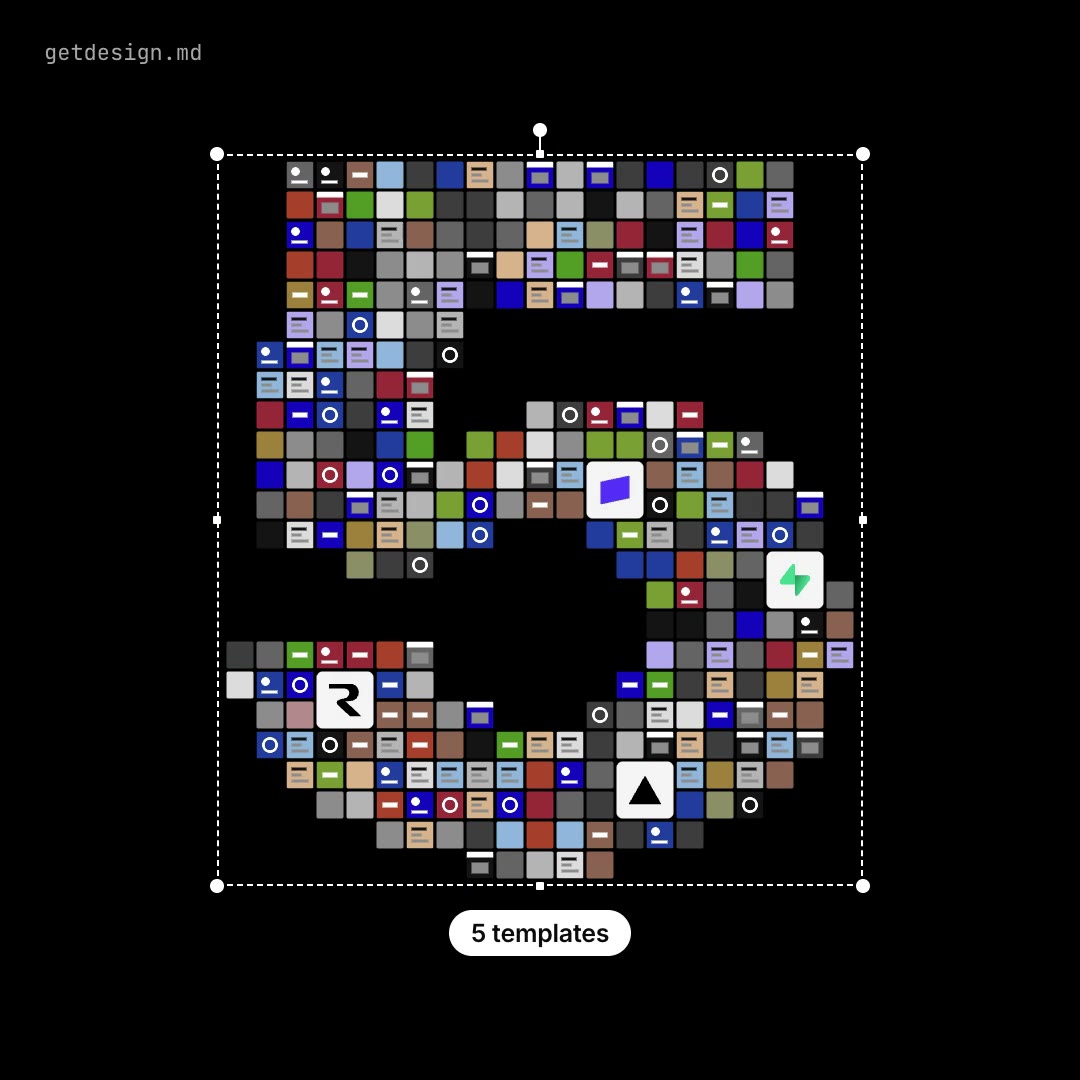 UI Mosaic Statistics Video TemplateBuild giant figures from miniature interface tiles, then squash and stretch the selection as the tiles reflow.
 Editorial Feature Cards Launch Video TemplateJump between warm paper, blue and yellow cards as a small mark links feature panels, proof slides and a text marquee.
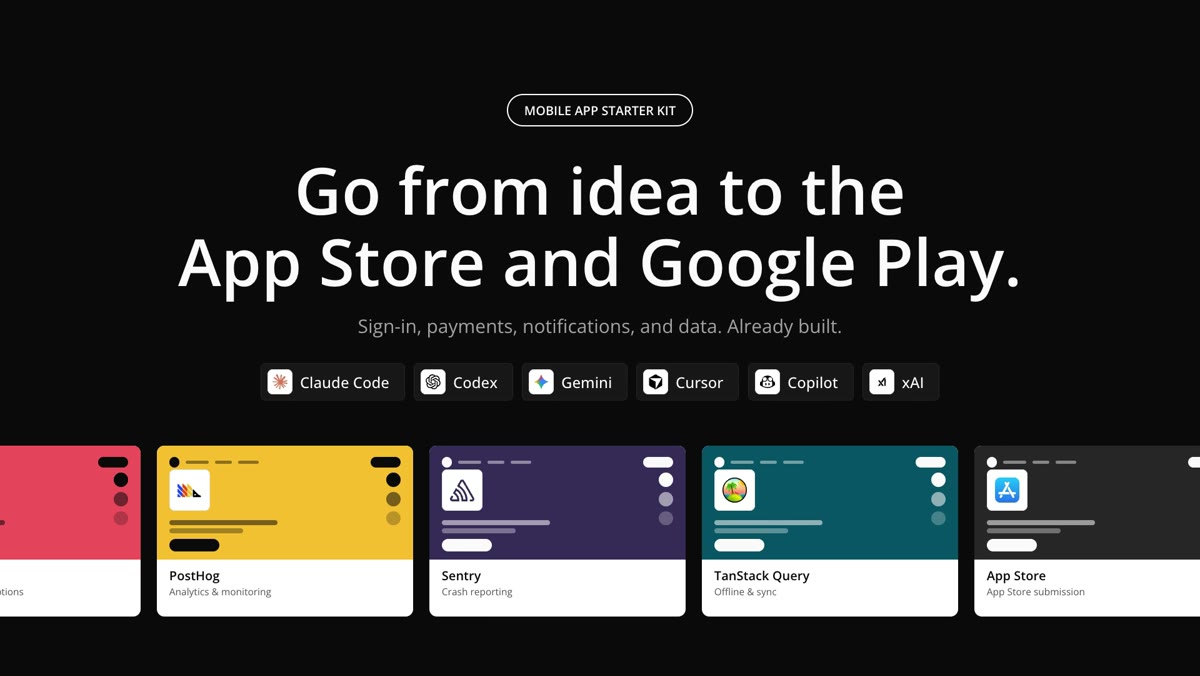 App Store Milestone Launch Video TemplateShow a mobile release as a milestone, with an App Store and Google Play headline, a screen wall and oversized proof figures.