UI Mosaic Statistics Video Template
Build giant figures from miniature interface tiles, then squash and stretch the selection as the tiles reflow.
Choose this for three related figures where the product interface can double as a design texture. Keep badges specific so the changing numbers have context.
What’s in the film
- 01
Build a number from tiles
Small UI tiles form the first figure inside a dashed selection frame.
- 02
Resize the selection
The box squashes and stretches as the tiles rearrange into new figures.
- 03
Resolve into the brand
The mosaic clears to a wordmark and site pill.
Best use cases
Present product usage milestones
Give each figure a short unit and use the last card to connect the figures back to the product.
Customize in Video Studio
- Three figures, their badges and logo chips
- The corner mark, final line and URL
Edit with Studio chat
Make [three verified figures] from the tile grid, mark them [units] and end with [brand and URL].
Fine-tune manually
Review each badge at the narrowest resize before settling on label lengths.
More video templates
See all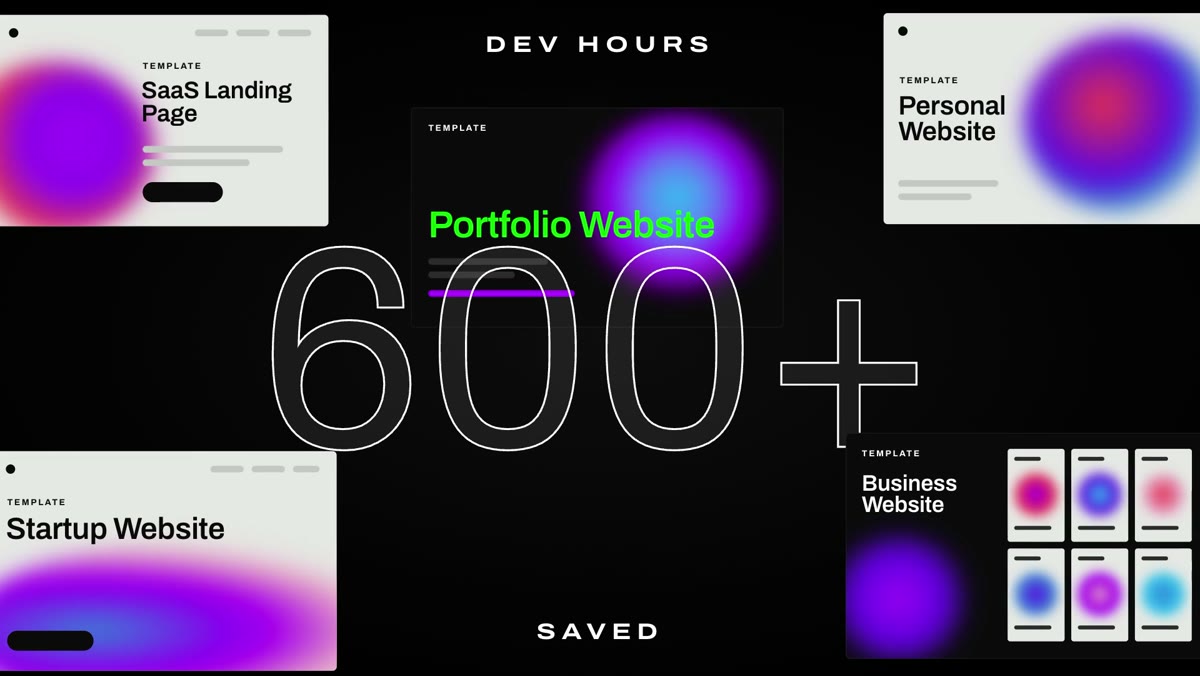 Outlined Metrics Launch Video TemplateFrame one oversized outline statistic with violet and cyan product cards in a widescreen launch video.
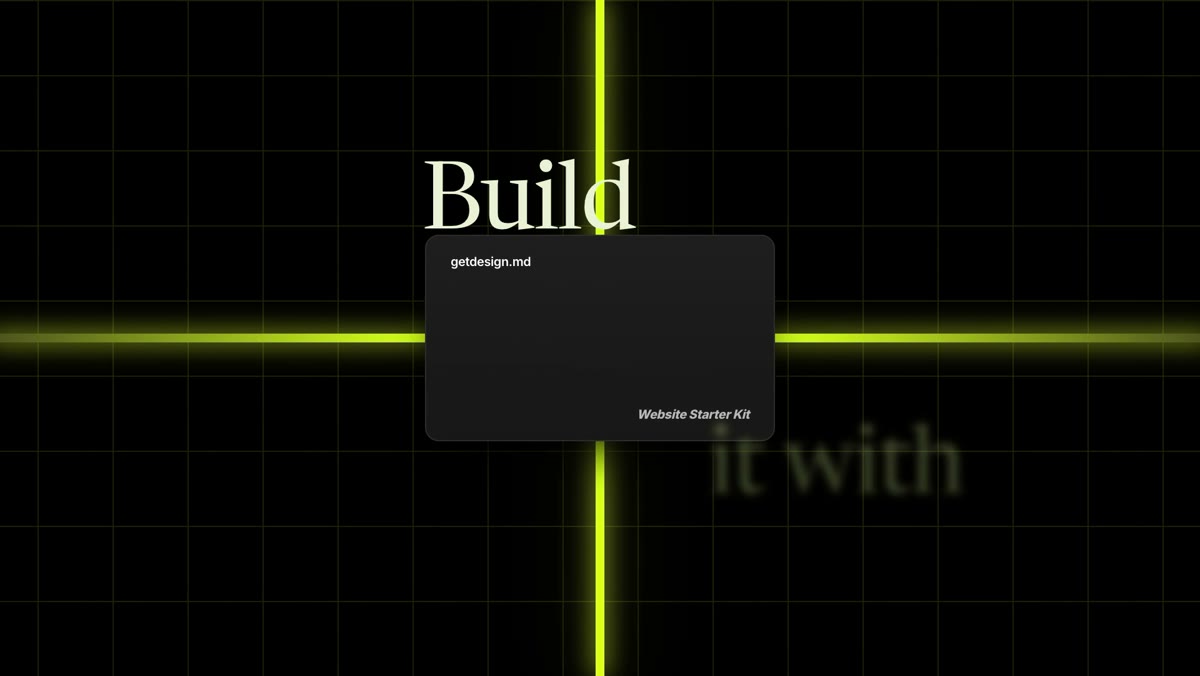 Serif Underline Product Launch Video TemplateIntroduce a toolkit with quiet serif lines, lime underlines and a dark product card that sits across a glowing cross.
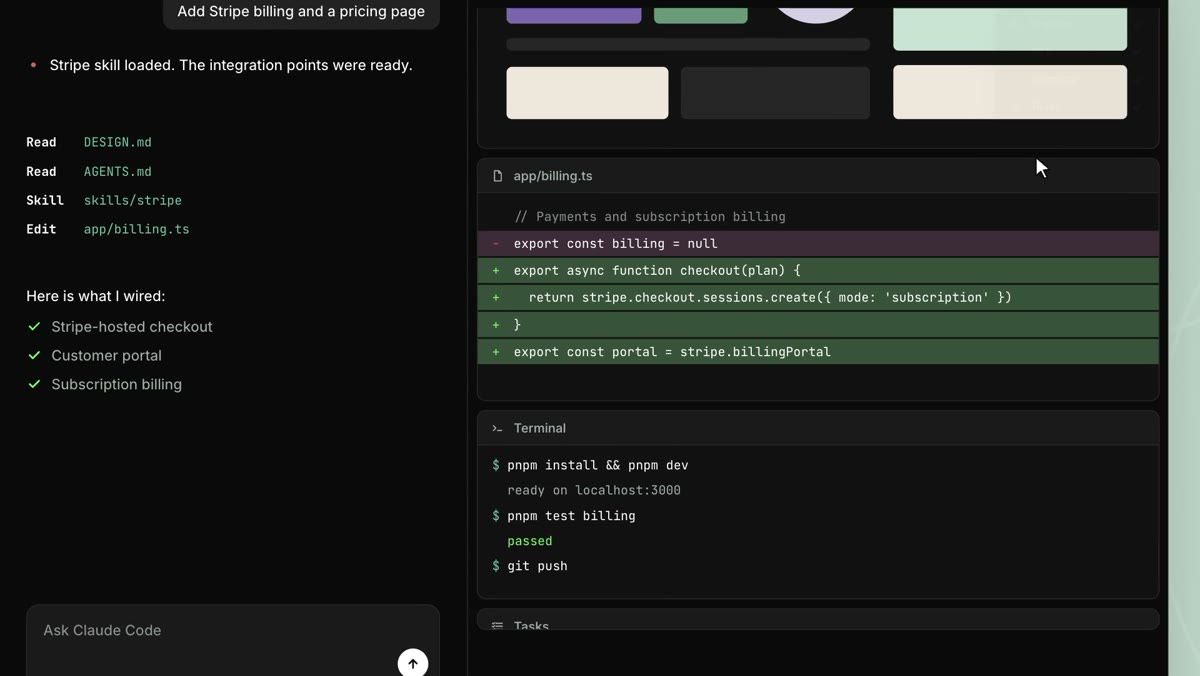 AI Workspace Panel Demo Video TemplateFollow a project from a tool picker into a dark AI workspace with a chat, live preview, diff, terminal and task panels.