Prompt to Website Pages Demo Video Template
Turn a typed prompt into a site, tour five pages, show a style change and end with a deployment step.
Pick this when a website product should show variety and editing in one walkthrough. Use a prompt that explains why these pages belong to the same site.
What’s in the film
- 01
Build from a prompt
A typed request turns into a site in a white app window.
- 02
Tour and style the pages
Page previews change before a style panel and selection show a brand edit.
- 03
Deploy the site
Host options appear beside the preview, then status changes to done.
Best use cases
Demonstrate a site builder
Use a sample business with distinct home and pricing pages, then change one recognizable style before publishing.
Customize in Video Studio
- The prompt, project name and five page labels
- Style sample, selected font, deploy targets and end card
Edit with Studio chat
Build [site type], show [five page names], switch the font to [font] and deploy to [host].
Fine-tune manually
Use the same project name and preview headline before and after the style edit.
More video templates
See all Vertical Ribbon Product Showcase Video TemplateShow a collection and how to use it in a 30-second vertical video with crossing ribbons, five tilted page previews and an animated prompt-to-build demo.
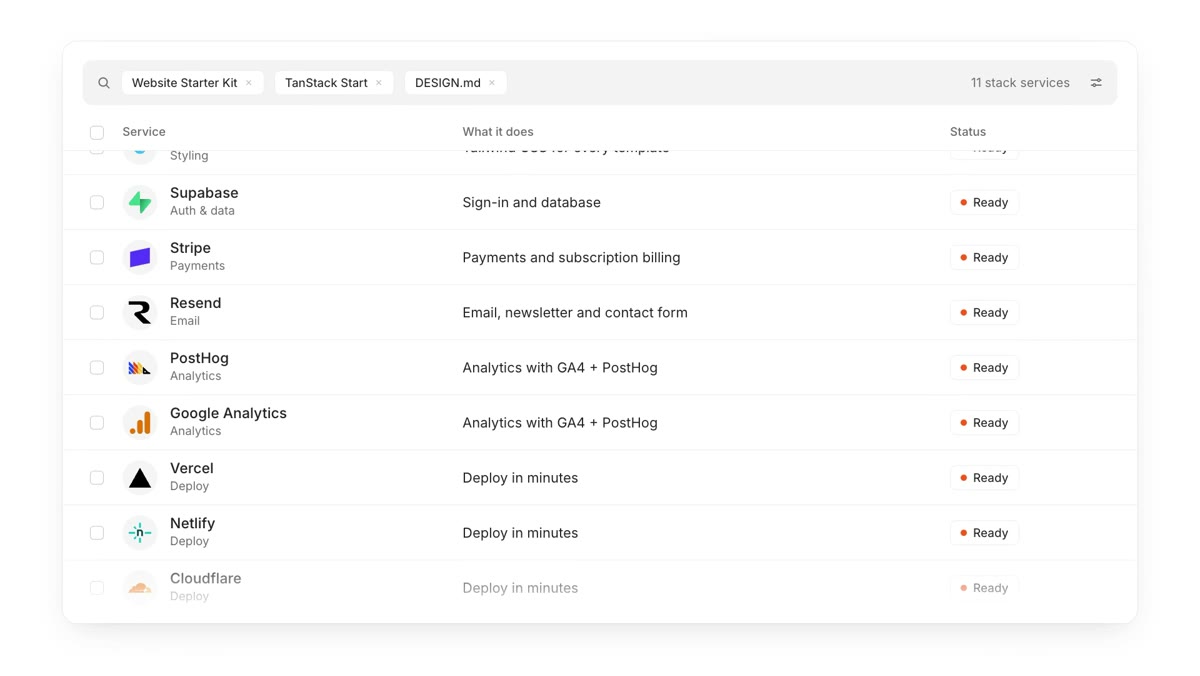 Searchable Integration Directory Demo TemplateTurn a search request into a filterable integration directory after a ring of logos introduces the available services.
 Particle Wordmark App Reveal TemplateDissolve a phrase into violet particles that gather into a wordmark, then reveal a greeting and suggested actions.