Vertical Ribbon Product Showcase Video Template
Show a collection and how to use it in a 30-second vertical video with crossing ribbons, five tilted page previews and an animated prompt-to-build demo.
Choose this when viewers need to see both what comes in a collection and what happens after they choose an item. The portrait frame gives page previews and the build sequence room to read on a phone.
What’s in the film
- 01
Show the collection
Crossing ribbons frame the opening line before five page previews scroll past at an angle.
- 02
Build from a prompt
A pointer clicks the entry button, then a chat types a request as build steps and page sections appear.
- 03
Land the result
A number counts up over the page collage and the ribbons return around the closing URL.
Best use cases
Launch a template pack on Reels or Shorts
Give each included design a two-line name and make the prompt demonstrate a task someone can try immediately.
Customize in Video Studio
- The opening and closing headlines, moving ribbon text and five page labels
- The button, typed prompt, build steps, completion panel, metric and URL
Edit with Studio chat
Show [five page types], click [button label], type [prompt] and show [build steps]. Finish with [verified metric] and [URL].
Fine-tune manually
Keep the five preview headlines to two lines and check them on a phone while the pages move. Match the completion message to the task in the prompt.
More video templates
See all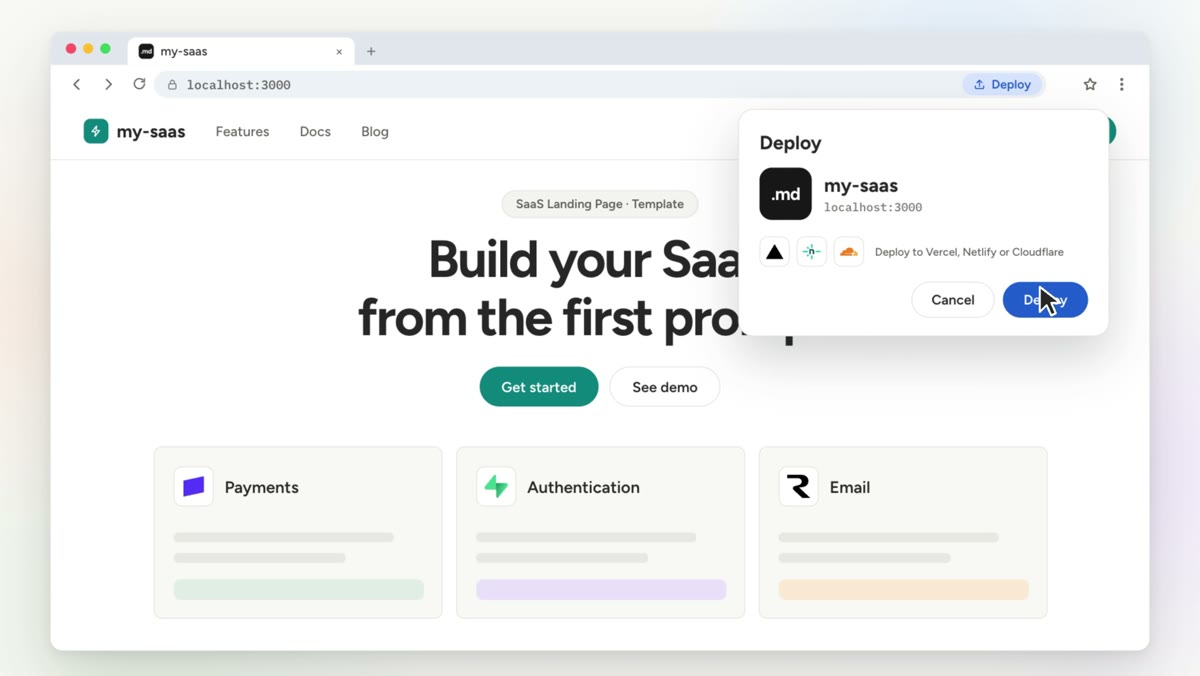 Website Deployment Demo Video TemplateShow a website moving from browser preview to deployment, then reveal the dashboards and services behind it.
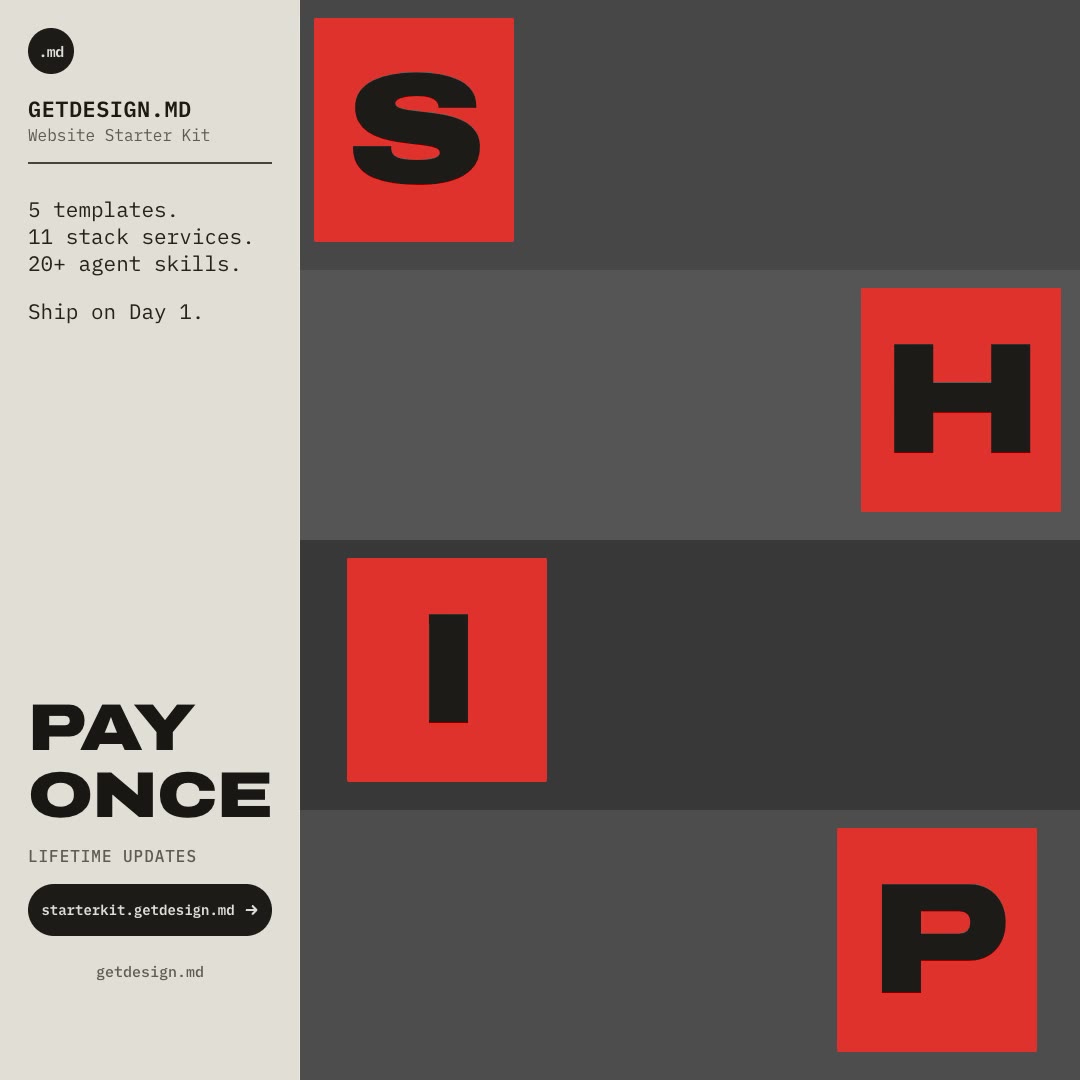 Sliding Letter Tiles Motion Poster TemplateAnimate two four-character messages across four horizontal tracks in this seven-second square motion poster with a cream sidebar for the offer and URL.
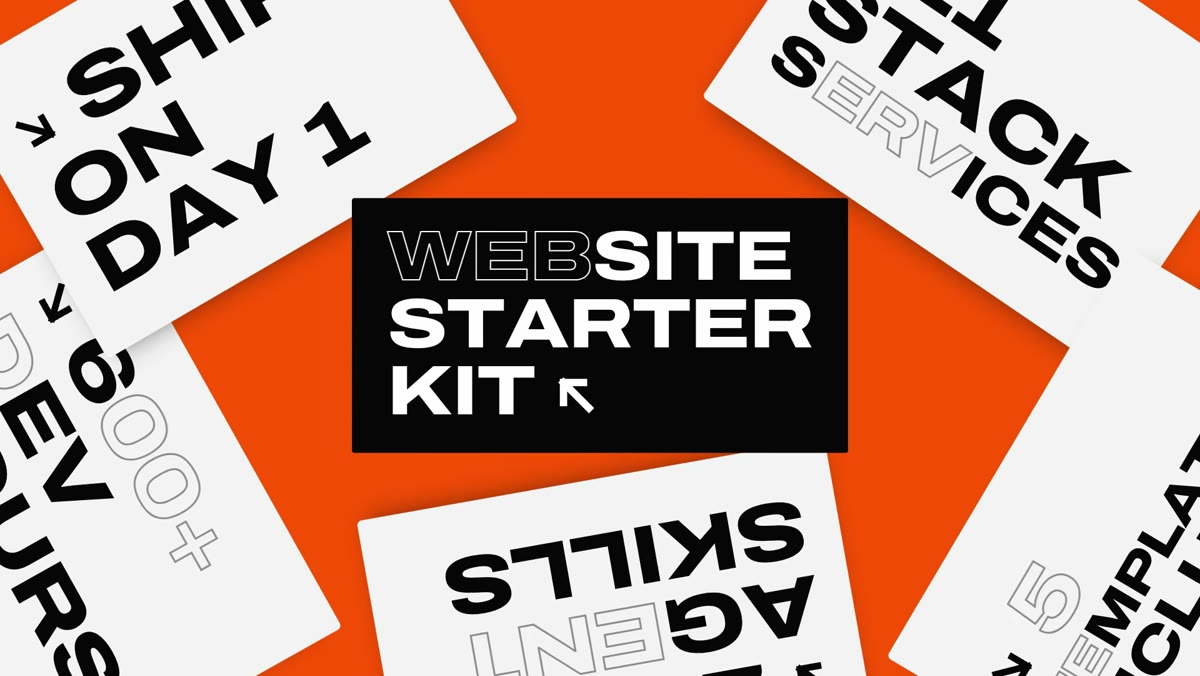 Sticker Carousel Product Launch TemplateUnpack a product bundle in a 30-second motion video with orange fact stickers, a curved template carousel and tool logos orbiting the final pitch.