Subscription Paywall Walkthrough Video Template
Introduce subscription actions, a plan dialog and a result card through floating panels and a mobile chat.
Use this when the goal is explaining a plan setup flow, including what users choose and what the final card confirms.
What’s in the film
- 01
Select a paywall action
Floating pills turn one selection into a panel.
- 02
Set up a plan
A plan dialog presents its options and confirmation controls.
- 03
Review the result
The phone chat and feature list show what the plan includes.
Best use cases
Explain a subscription feature
Use real plan names and show the same entitlement on the option card and result screen.
Customize in Video Studio
- Paywall action pills, plan fields and options
- Assistant messages, result card and feature table
Edit with Studio chat
Open [paywall action], choose [plan], and show [entitlements] in the result.
Fine-tune manually
Match plan and entitlement labels across the modal, chat and table.
More video templates
See all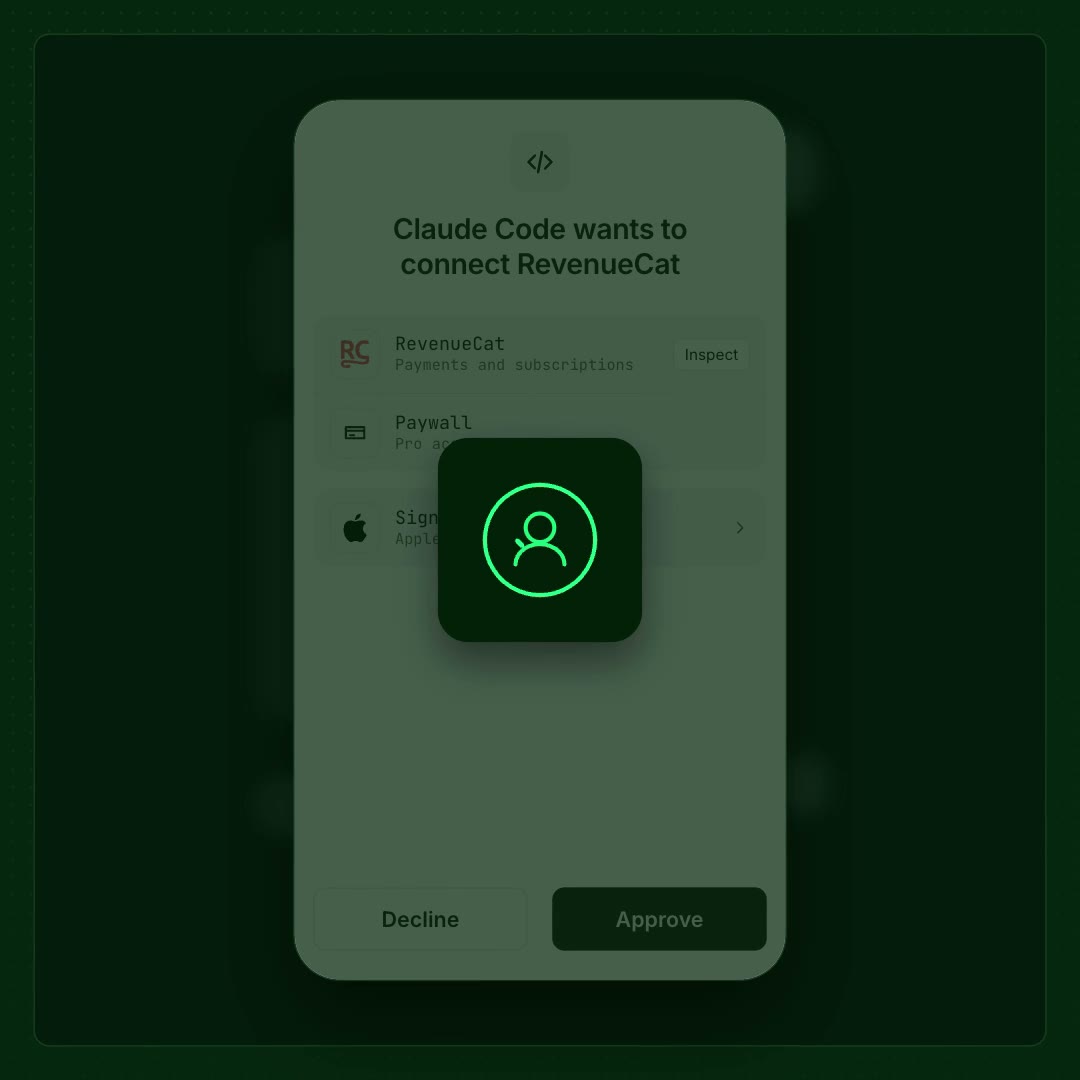 Mobile Payment Approval Demo TemplateFollow a payment connection from an agent’s waiting state to a phone notification, an approval sheet and a connected result.
 Amber Mobile App Stack Launch Video TemplateMove from typed headlines and amber type cards into a dark service network, then highlight a phone and app toolkit features.
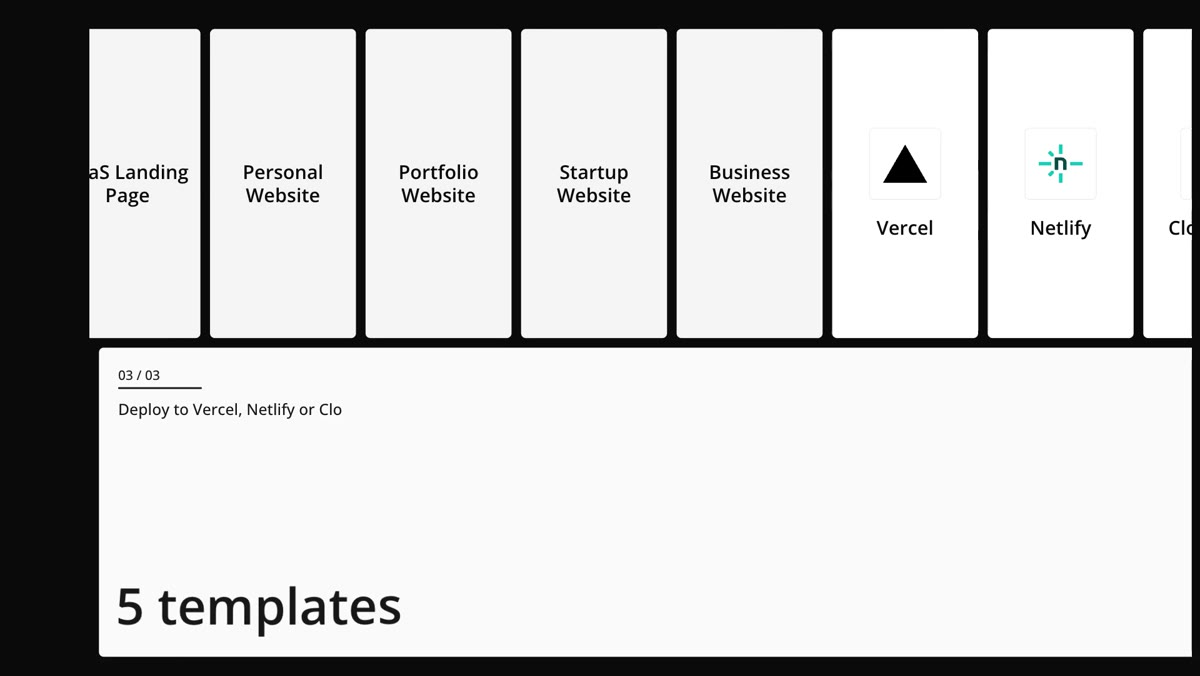 First Prompt Service Promo Video TemplateIntroduce a service with an application hook, a compact workflow and a grid of the deliverables customers receive.