Mobile Payment Approval Demo Template
Follow a payment connection from an agent’s waiting state to a phone notification, an approval sheet and a connected result.
Use this when a setup action requires explicit user approval. Show what is being approved and how the user can recognize completion.
What’s in the film
- 01
Request the connection
The agent prepares the action and waits.
- 02
Review on the phone
A lock-screen notice leads to an approval sheet with details.
- 03
Confirm the result
The service name and connection status appear together.
Best use cases
Teach an approval handoff
Name the same integration in the request, notification and final connected card.
Customize in Video Studio
- Terminal and chat copy, notification and approval sheet
- Connection outcome, status and closing URL
Edit with Studio chat
Request [integration], show [approval details] on the phone, and confirm [connection result].
Fine-tune manually
Keep approve and decline labels distinct, and use sample account details in every frame.
More video templates
See all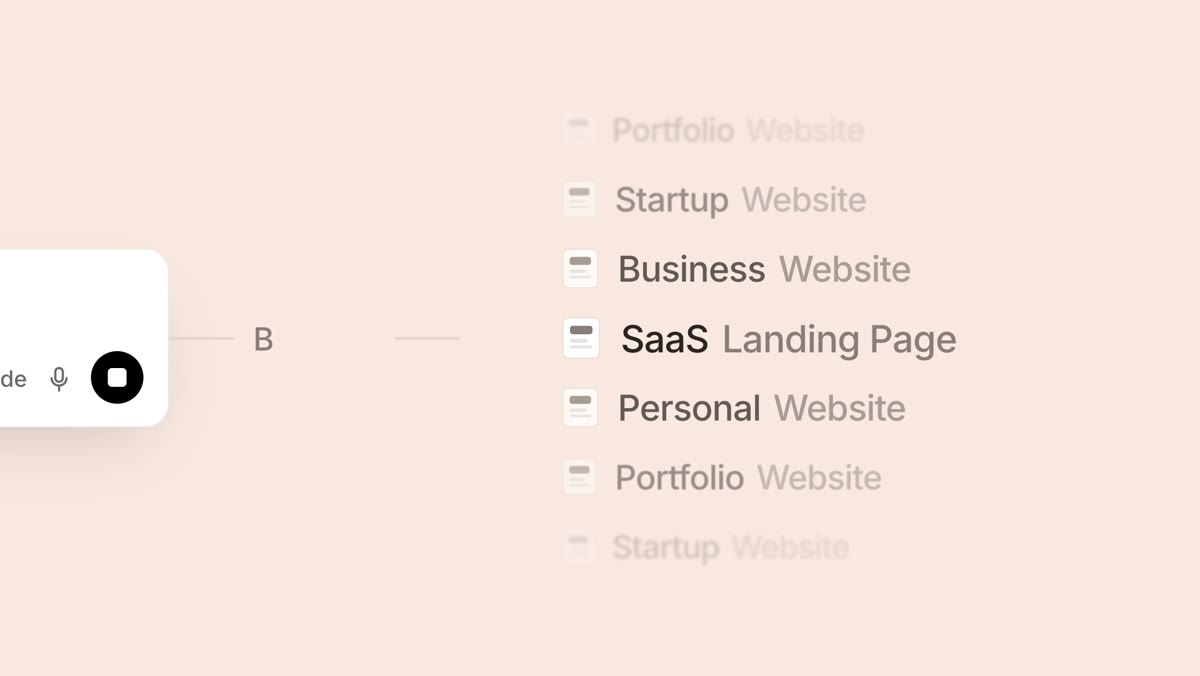 AI Build and Connect Product Demo TemplateFollow an AI setup request through a template picker, a service connection and a dashboard populated with product figures.
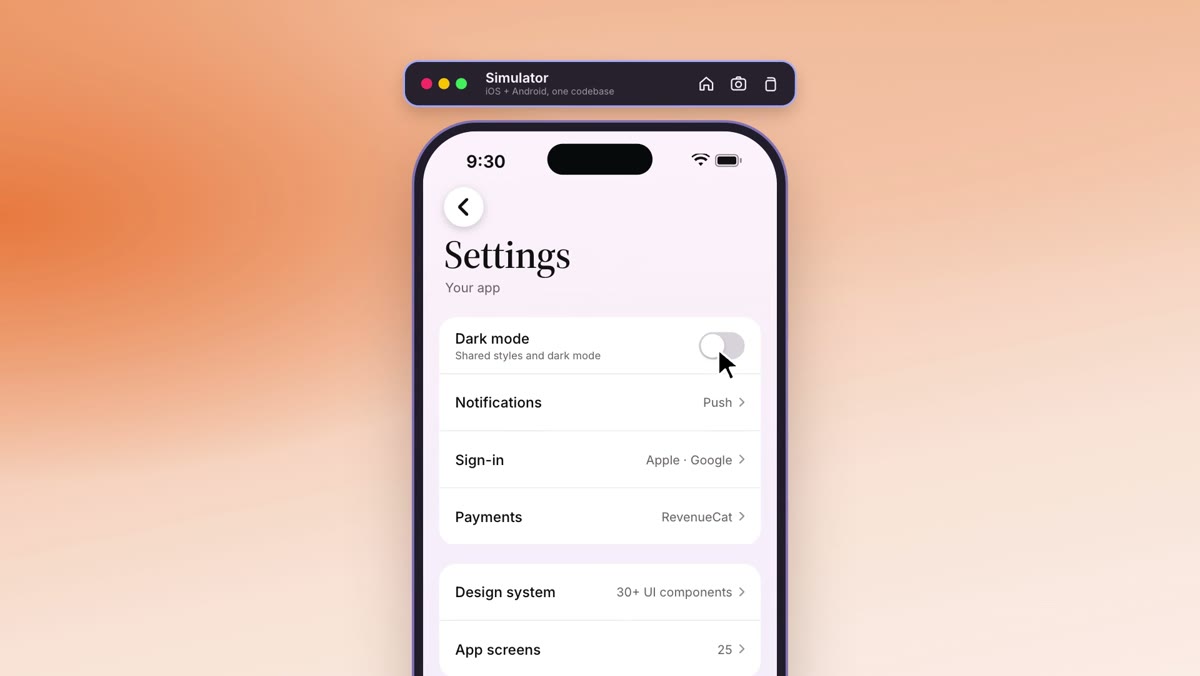 App Simulator Tap-Through Video TemplateStart from an AI request and show a simulator opening the mobile app, tapping a feature and reaching Settings.
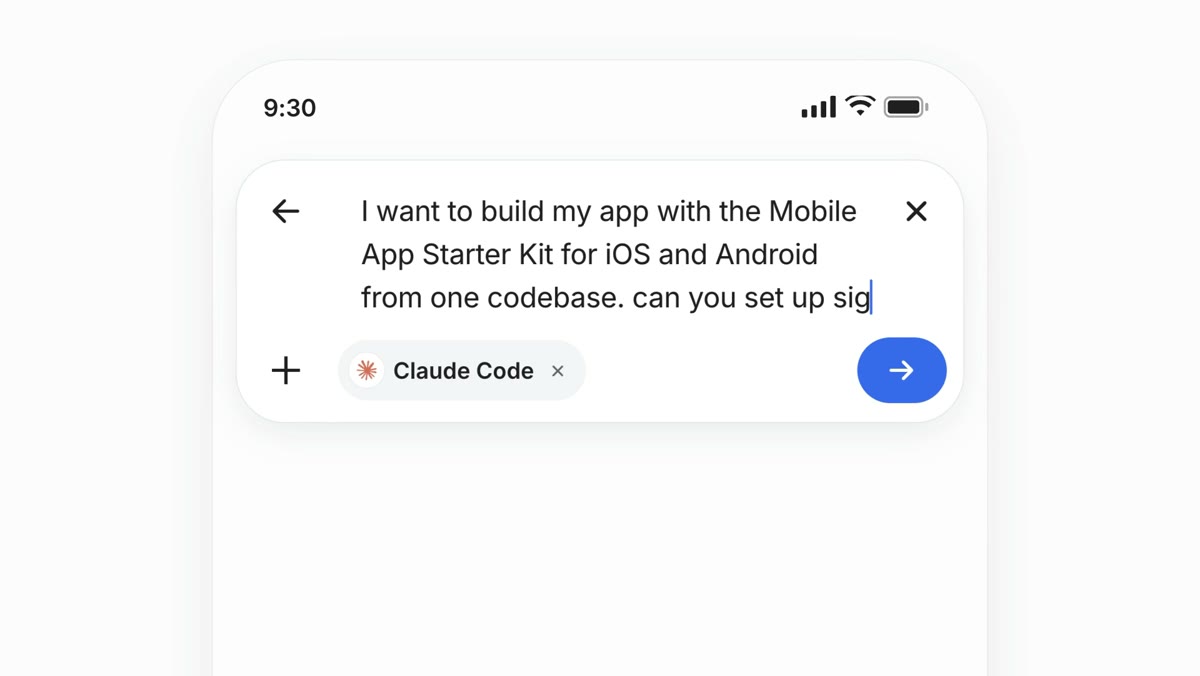 Predictive Prompt Autocomplete Demo TemplateZoom into a mobile composer and show proposed words appearing inline as a user writes a build request.