Template Picker Website Walkthrough Video Template
Choose a portfolio from a dropdown, customize it in chat, then open the preview and create a repository.
Choose this when you want viewers to follow one design from the template picker to a customized browser preview and its own repository.
What’s in the film
- 01
Pick a starting point
The pointer picks a portfolio from five choices.
- 02
Customize and preview
The typed brief produces a card that opens into a scrolling page.
- 03
Create a repo
The walkthrough closes on the repository action and ownership message.
Best use cases
Show the value of starting from a template
Pick a design with a visibly different starting layout and use the brief to show what changes.
Customize in Video Studio
- The dropdown choices, selected design and customization prompt
- The preview labels, repository confirmation and deployment line
Edit with Studio chat
Select [template] from [choices]. Ask for [specific changes], open the resulting preview, then create [repository name] and show [deployment option].
Fine-tune manually
Update the picker's selected name, then the preview labels. Review the template selection and repository confirmation in sequence for consistent naming.
More video templates
See all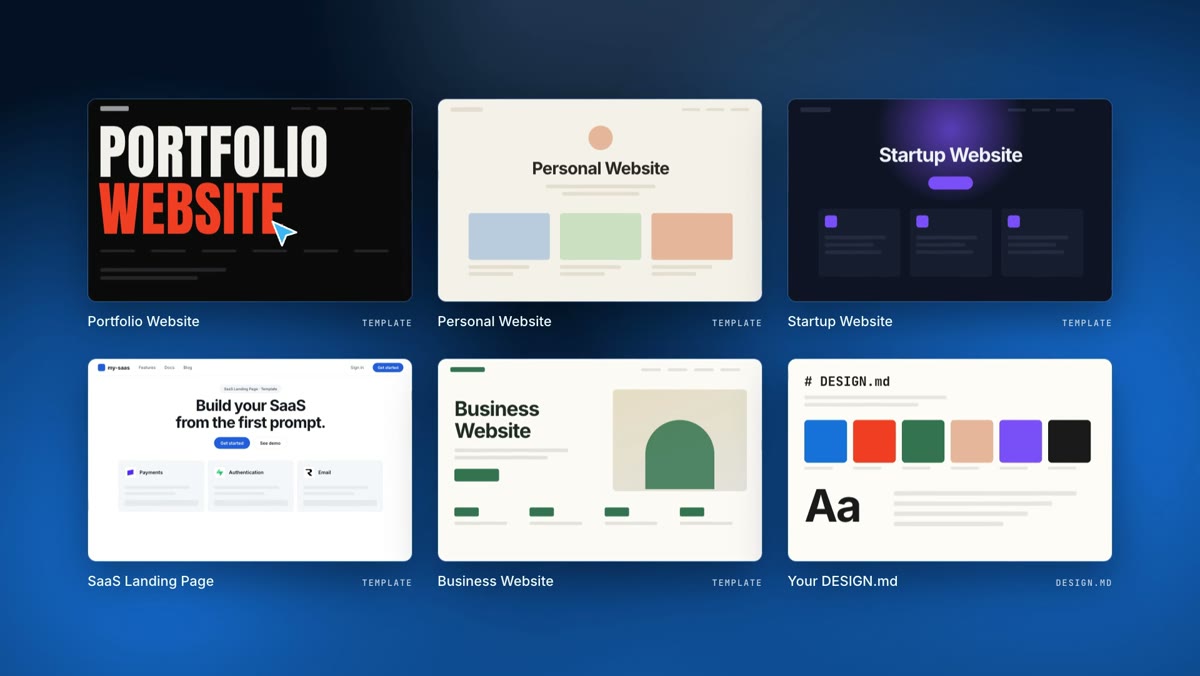 Website Template Collection Showcase Video TemplateTour a rotating gallery of website designs, open a sample page, and show an AI prompt adding a pricing section.
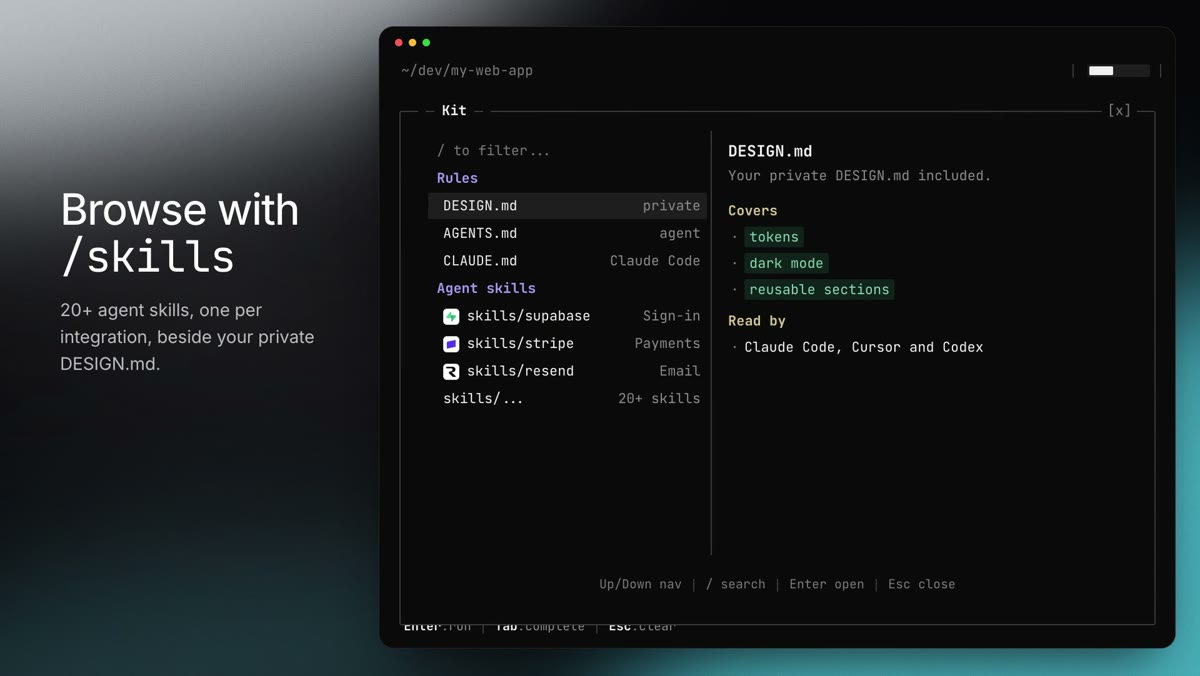 Repeatable AI Coding Rules Video TemplateShow an agent reading project rules before editing, browsing skills, then applying the same instructions in a later session.
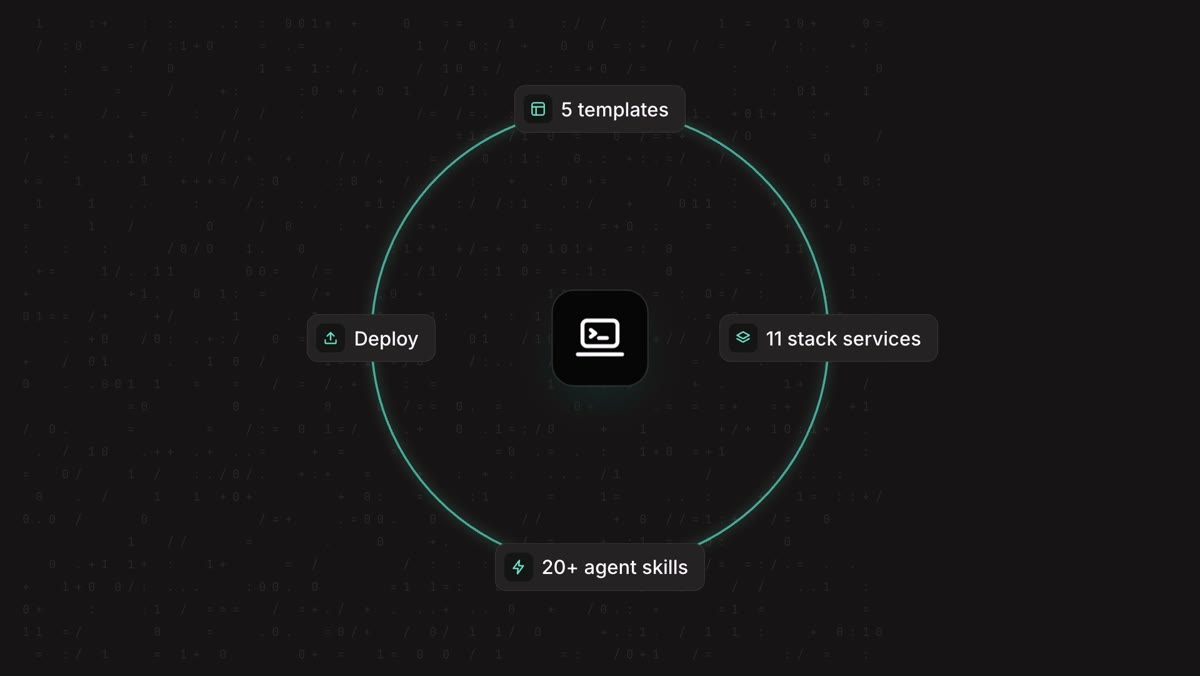 Glass Download Software Launch Video TemplateA glass download pill turns into an orbit of product features and a diagram linking local code to cloud deployment.