Glass Download Software Launch Video Template
A glass download pill turns into an orbit of product features and a diagram linking local code to cloud deployment.
Choose this for a downloadable product whose story continues after the file arrives. The sequence shows what comes with it and how local code connects to hosted deployment.
What’s in the film
- 01
Download
A glass pill fills and confirms the download.
- 02
Orbit
Four feature nodes gather around the kit icon.
- 03
Local to cloud
Dashed lines connect a code card to deployment targets.
Best use cases
Launch a downloadable developer kit
Use the download as the hook, then label what ships and how users deploy it.
Customize in Video Studio
- The download label and four feature nodes
- The permission dialog copy, local and cloud labels and deployment logos
Edit with Studio chat
Download [product], reveal these orbit labels [four labels], then connect the local repo card to [cloud targets]. End with [brand] and [URL].
Fine-tune manually
Edit the download label and orbit nodes before the closing diagram. Keep each orbit caption short and put the hosting choices on the cloud card.
More video templates
See all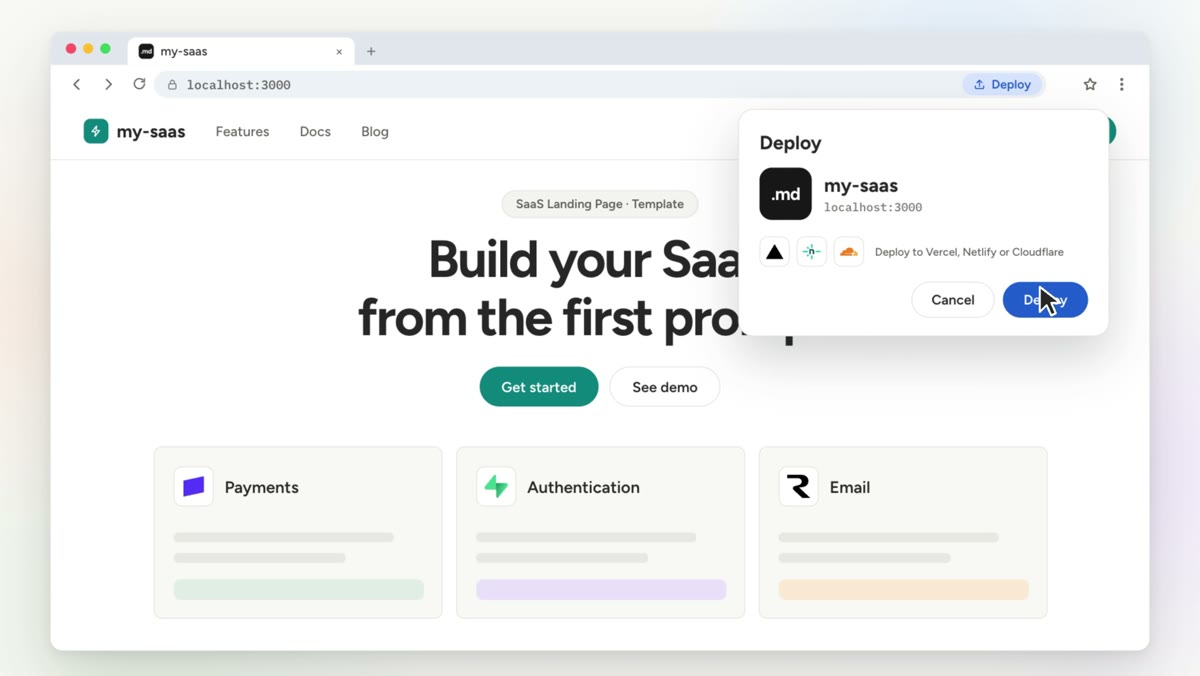 Website Deployment Demo Video TemplateShow a website moving from browser preview to deployment, then reveal the dashboards and services behind it.
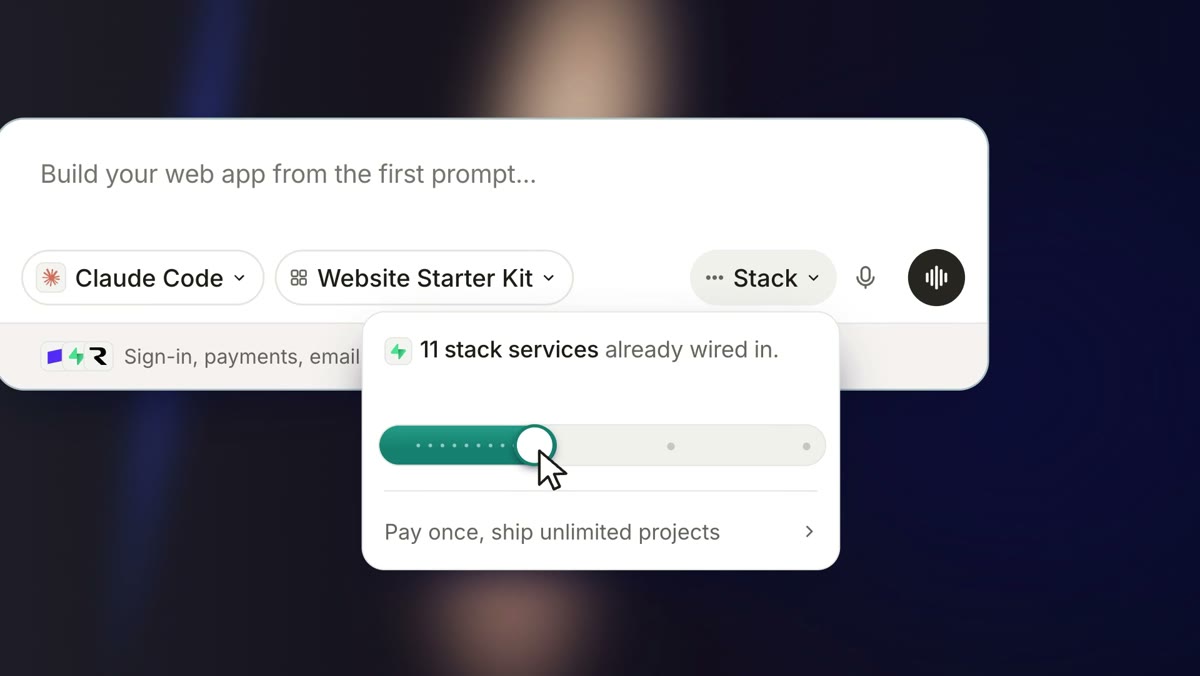 Interactive Slider Feature Teaser Video TemplateReveal four product capabilities as a pointer drags a slider beneath a bright prompt bar.
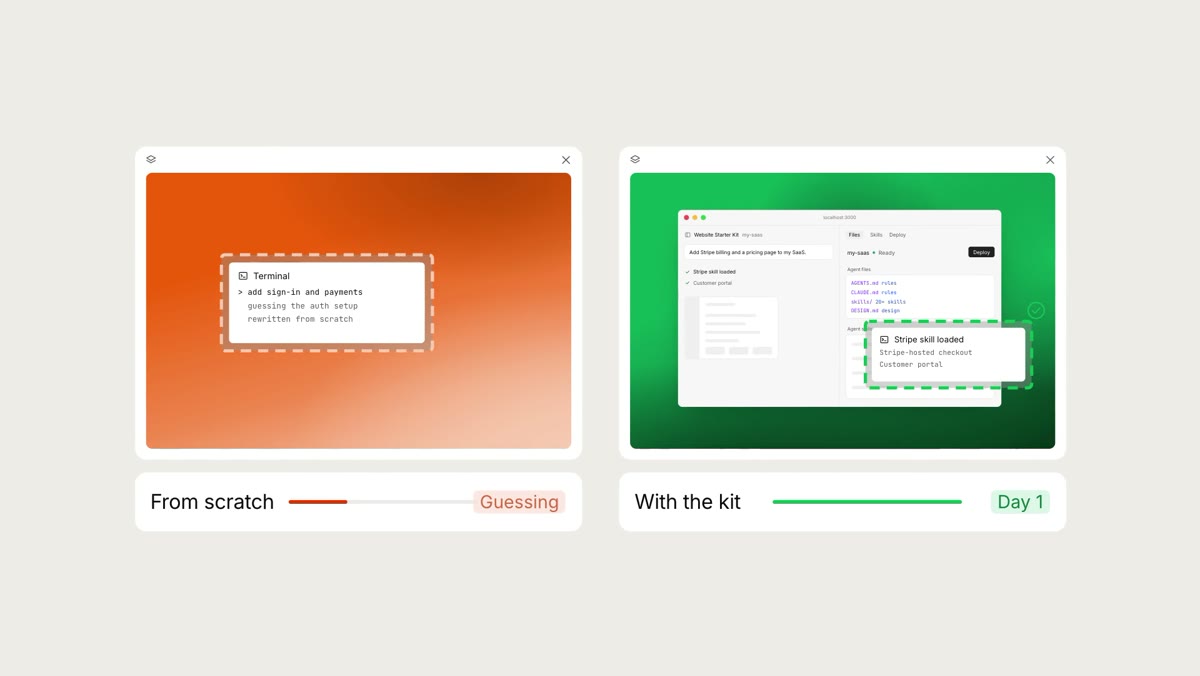 Split Screen Workflow Comparison Video TemplateCompare two workflows in a side-by-side race, with progress bars, error states and a working product preview.