Three-Step Website Kit Walkthrough Template
Explain a website kit chapter by chapter, from getting the files through opening an AI agent to seeing project examples.
Use this when viewers need a guided overview at an editorial pace. Keep each chapter tied to a user action.
What’s in the film
- 01
Get the starting point
A light product shot introduces the kit and first action.
- 02
Open it in the agent
The second and third steps show how the project moves into a build.
- 03
Show the result
Site examples and proof cards close the argument.
Best use cases
Walk a customer through a kit purchase
Use the chapters to show what they get, where they open it and what they can build.
Customize in Video Studio
- Chapter labels, website examples and comparison lines
- Proof figures and closing action
Edit with Studio chat
Write [three steps], show [two example outcomes] and finish with [next action].
Fine-tune manually
Keep the title of the sample project consistent across step windows.
More video templates
See all One Prompt Website Publishing Demo TemplateSelect a kit from a composer, build a page, request a pricing change and show the site being published.
 Animated Landing Page Feature Reel TemplateUnfold a title, fan out feature cards and zoom through a tilted service grid in a product landing-page reel.
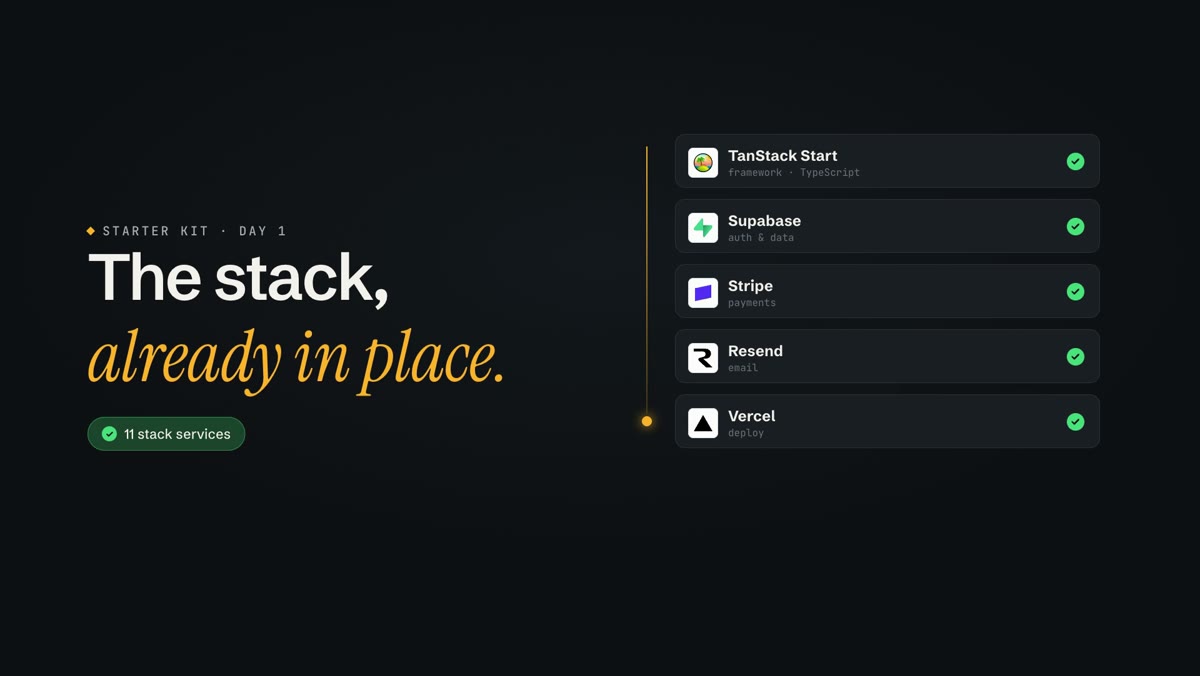 Night Workspace SaaS Launch Video TemplateBuild a night-time product story around a laptop, warm serif accents, setup statuses and a live site preview.