Transforming Dot Brand Motion Template
A single dot travels through an address, a flame and bright geometric fields to connect several product messages.
Use this when one recognisable visual detail can tie several features together. The dot reappears as punctuation, a signal and the centre of each new scene.
What’s in the film
- 01
Isolate the dot
The camera pushes into a dot in the address bar.
- 02
Change its form
The dot becomes rings and a flame before returning to the wordmark.
- 03
Link the messages
Later scenes reuse the same shape to reveal services, skills and branding.
Best use cases
Connect a family of product features
Choose short labels that can carry a recurring symbol through several distinct scenes.
Customize in Video Studio
- The address-bar text and dot-led words
- The short feature lines, figures and closing lockup
Edit with Studio chat
Use [site address] in the opening. Carry its dot into [feature label one], [label two] and [label three], each with a short supporting line. End on [brand].
Fine-tune manually
Review the words that sit around the dot and keep their lengths close to the sample. Check each cut for a clear relationship between the symbol and caption.
More video templates
See all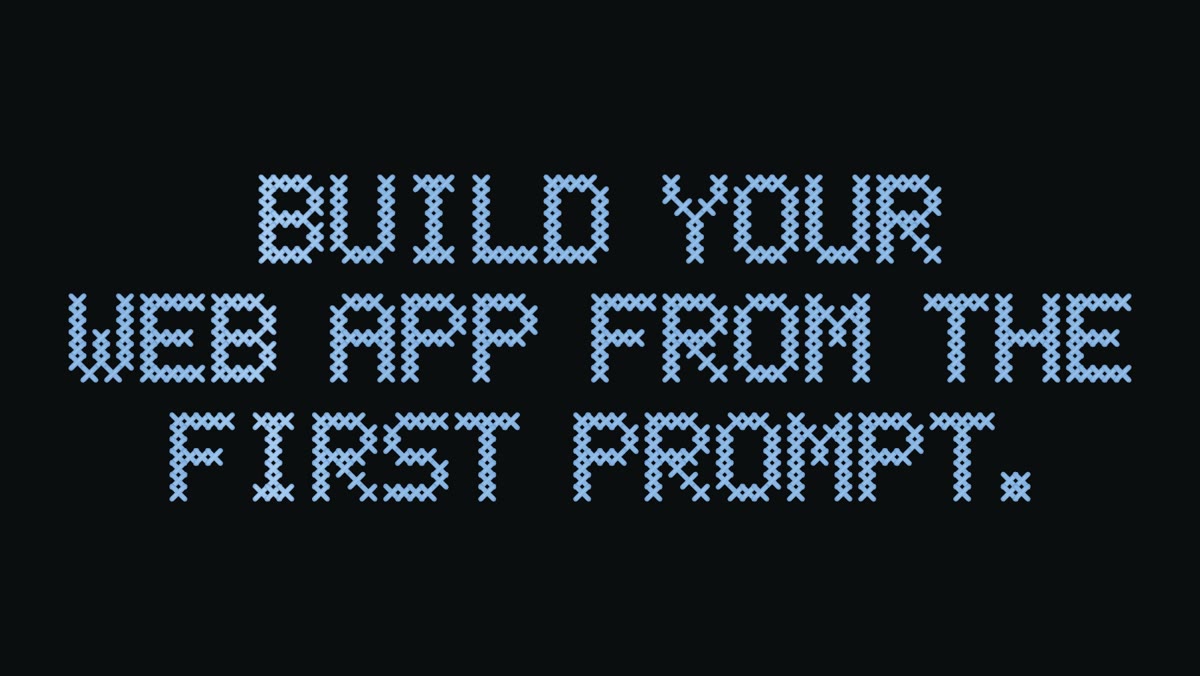 Dot Matrix Headline Motion TemplateBlue dots scatter and regroup into three short headlines before settling into your wordmark.
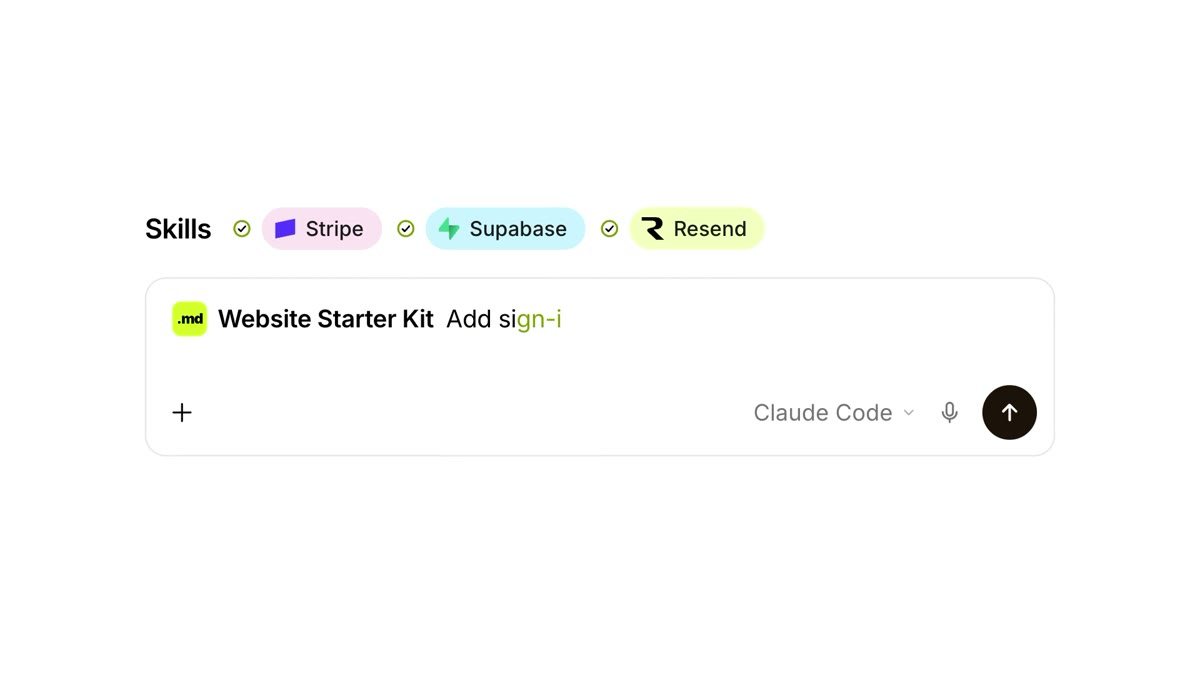 Mention-Driven AI Product Demo TemplateAn @mention brings a product and its skills into a prompt, followed by an app preview, an activity log and a metrics board.
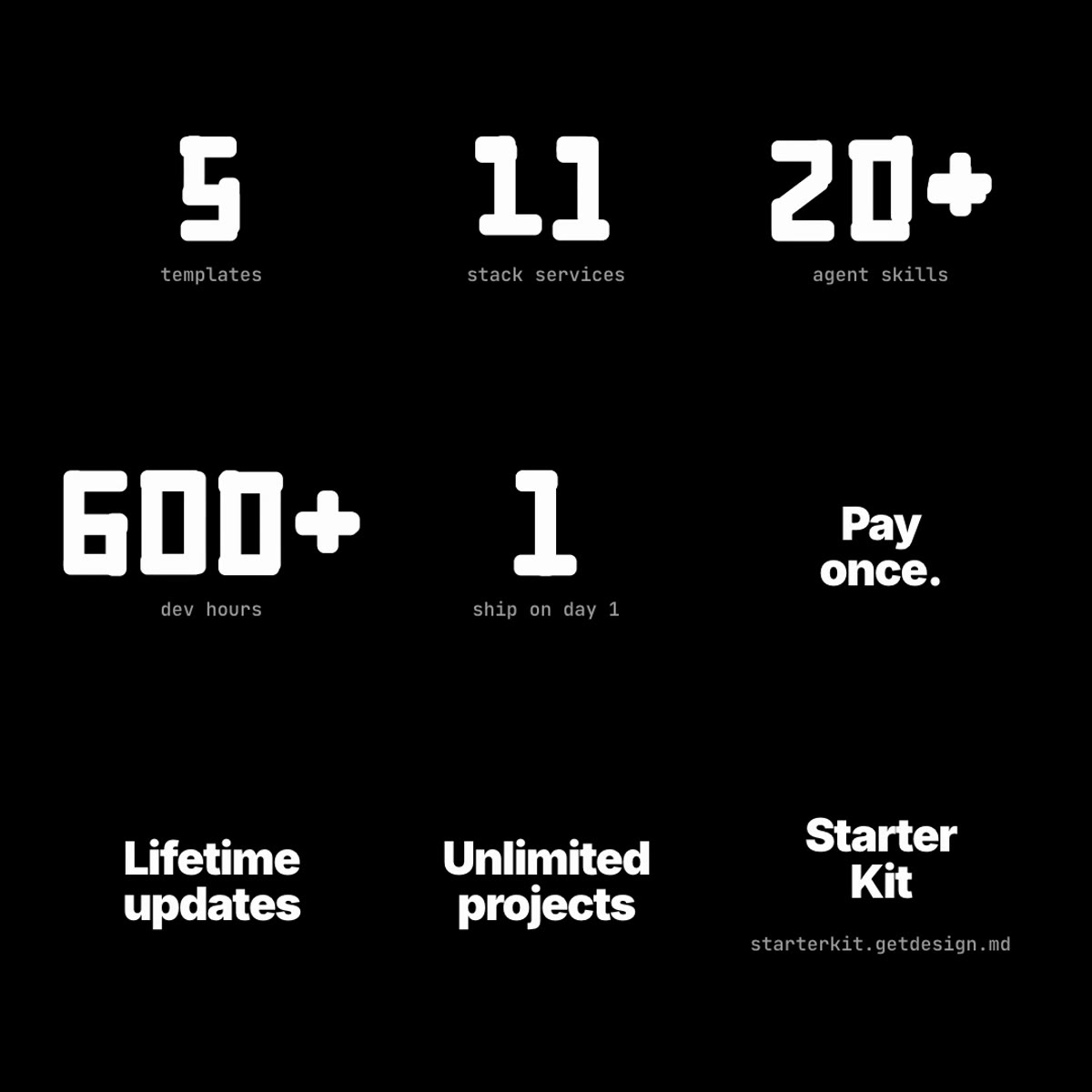 Block Countdown Launch Loop TemplateA square 3–2–1 countdown snaps into a nine-cell launch grid and returns to the opening frame.