AI Workspace Panel Demo Video Template
Follow a project from a tool picker into a dark AI workspace with a chat, live preview, diff, terminal and task panels.
Use this when the interface is the story and each panel can show a different part of the same task. Give the demo a project name viewers can recognize from scene to scene.
What’s in the film
- 01
Open the project
A compact tool pill grows into a project workspace.
- 02
Ask for a change
The prompt reads project files and the reply lists its steps.
- 03
Inspect the result
Preview, diff and terminal panels show what the assistant changed.
Best use cases
Demo a developer workspace
Use one request throughout and let the preview show the result of a change that is also visible in the diff.
Customize in Video Studio
- Tool menu, sessions, prompt and referenced files
- Preview address, diff lines, terminal output and task list
Edit with Studio chat
Open [project], ask [prompt], show [changed files] and preview [result].
Fine-tune manually
Match the project title, filename and preview path across the session, diff and terminal.
More video templates
See all Developer Kit Readiness Demo Video TemplateShow project rule files, deployment status and a ready checklist, then send a concrete request from a coding assistant.
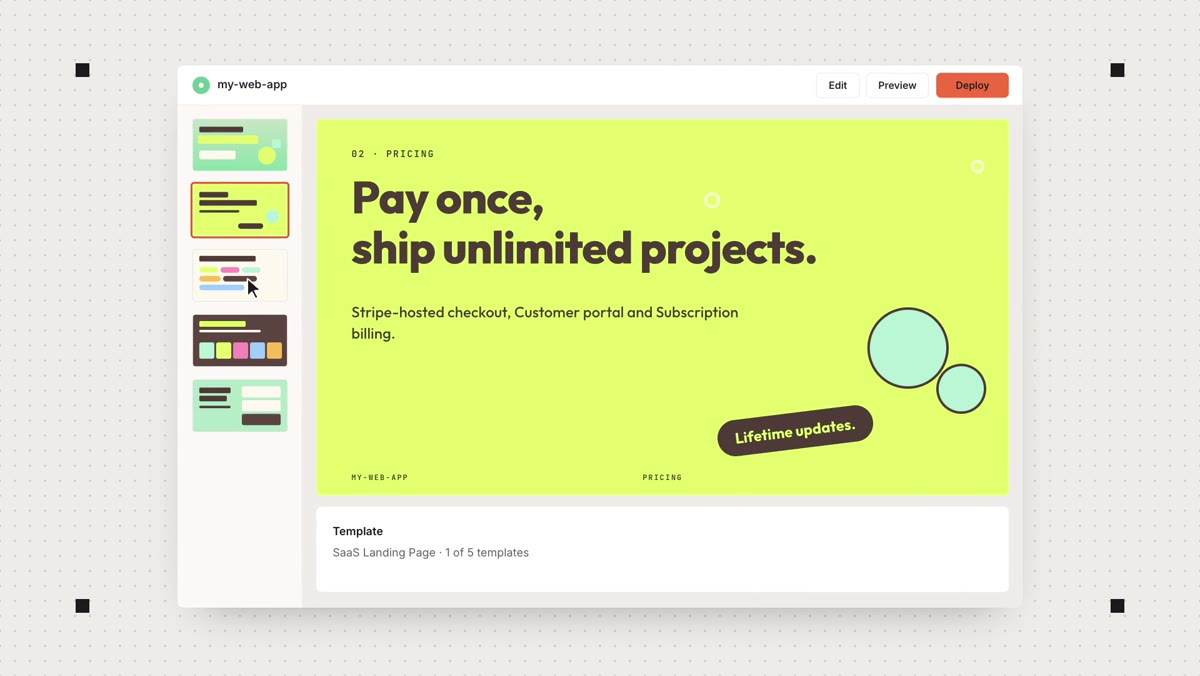 Prompt to Website Pages Demo Video TemplateTurn a typed prompt into a site, tour five pages, show a style change and end with a deployment step.
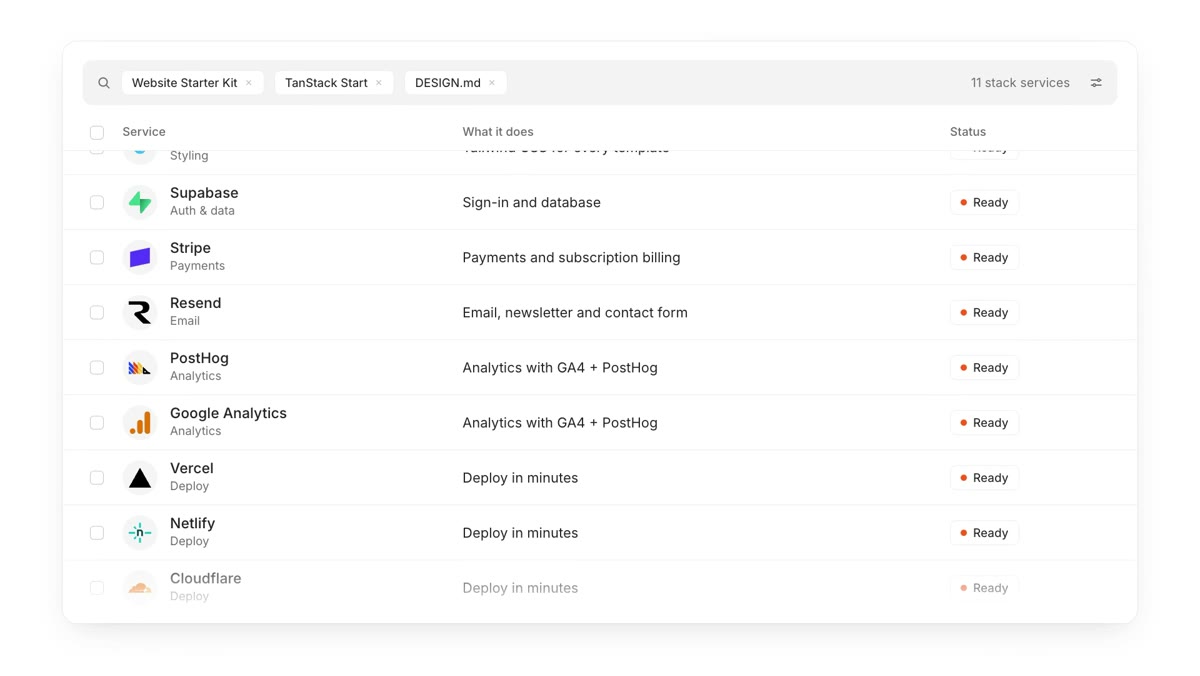 Searchable Integration Directory Demo TemplateTurn a search request into a filterable integration directory after a ring of logos introduces the available services.