Website Deployment Demo Video Template
Show a website moving from browser preview to deployment, then reveal the dashboards and services behind it.
Choose this when deployment is the feature. A click takes a site from a browser preview to a standalone window, then the film tours the services connected to it.
What’s in the film
- 01
Browser to desktop
The browser bar peels away as the page becomes a standalone window.
- 02
Deployment
A close-up shows the hosting choices, followed by a growing dock.
- 03
Service switcher
Search and keyboard shortcuts lead into Authentication, Payments and Email.
Best use cases
Show a new publish flow
Put the final preview and deployment choices in adjacent beats so viewers can follow the handoff.
Introduce a suite of tools
Give each dashboard a moment in focus, then tile two related workflows together.
Customize in Video Studio
- The sample page copy and deployment targets
- The search result, dashboard labels and Authentication, Payments and Email window content
Edit with Studio chat
Show [product page], then open Deploy with [hosting targets]. Use the search and app switcher beats to introduce [service A], [service B] and [service C]. End with [brand] and [URL].
Fine-tune manually
Start in the Deploy scene and edit the target labels. Then select each service window in turn and update its navigation and heading to match the product shown.
More video templates
See all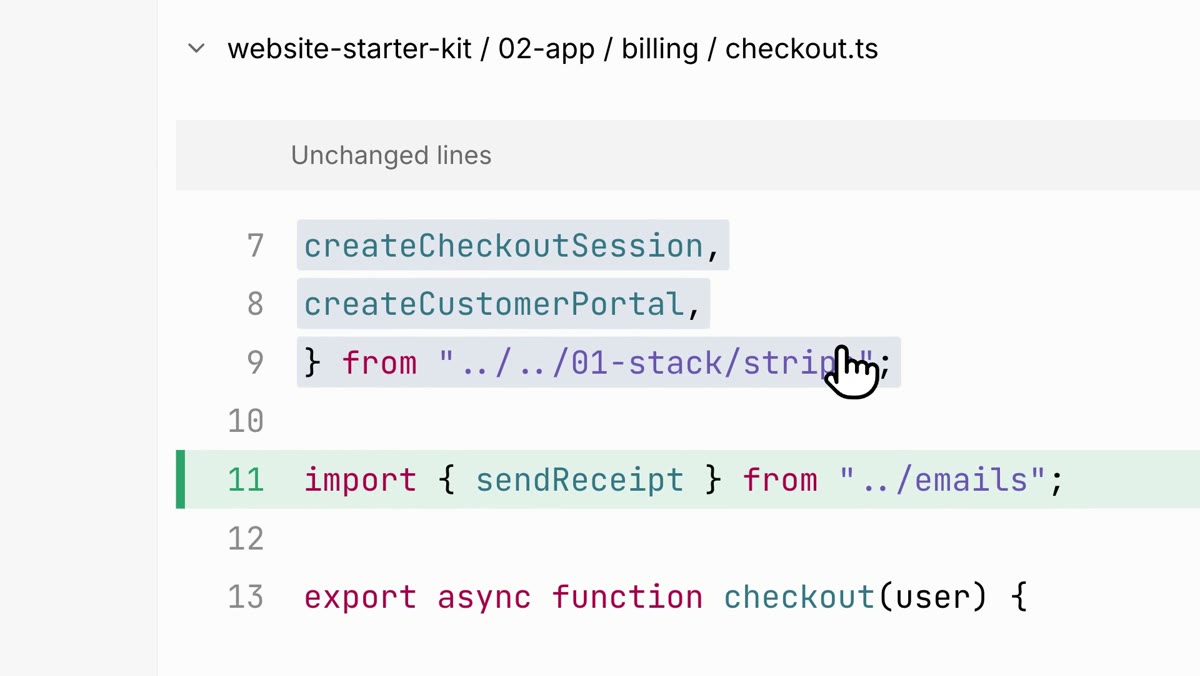 Repository to Deployment Walkthrough Video TemplateWalk from creating a project to reviewing a code diff, merging a change and choosing where to deploy.
 Kinetic Typography Motion TemplateCreate a 12-second square product launch video with bold black-and-white typography, animated action verbs, and your own closing wordmark.
 Bold Typography and Integration Carousel Video TemplateSquare launch video with stacked type, forest-green title cards, a flipping integration carousel and full-screen feature words.