Website Stack and Template Carousel Video Template
Lead from a product request into stack descriptions, a set of website cards and one final terminal beat.
Use this if the right tools and ready-to-use starting screens are the launch message.
What’s in the film
- 01
Ask for the project
A pile of pieces and an opening line set up the request.
- 02
Name the stack
Short cards and a feature strip explain what comes with the project.
- 03
Tour the pages
An angled carousel leads into the last terminal view.
Best use cases
Introduce a service stack with example pages
Use the deck to show different customer starting points and the terminal to tie them to one action.
Customize in Video Studio
- Agent prompt, short claim cards and service labels
- Carousel copy, terminal line and closing lockup
Edit with Studio chat
Ask [build prompt], name [services], and rotate through [page types].
Fine-tune manually
Keep page labels distinct across the carousel so adjacent cards do not look interchangeable.
More video templates
See all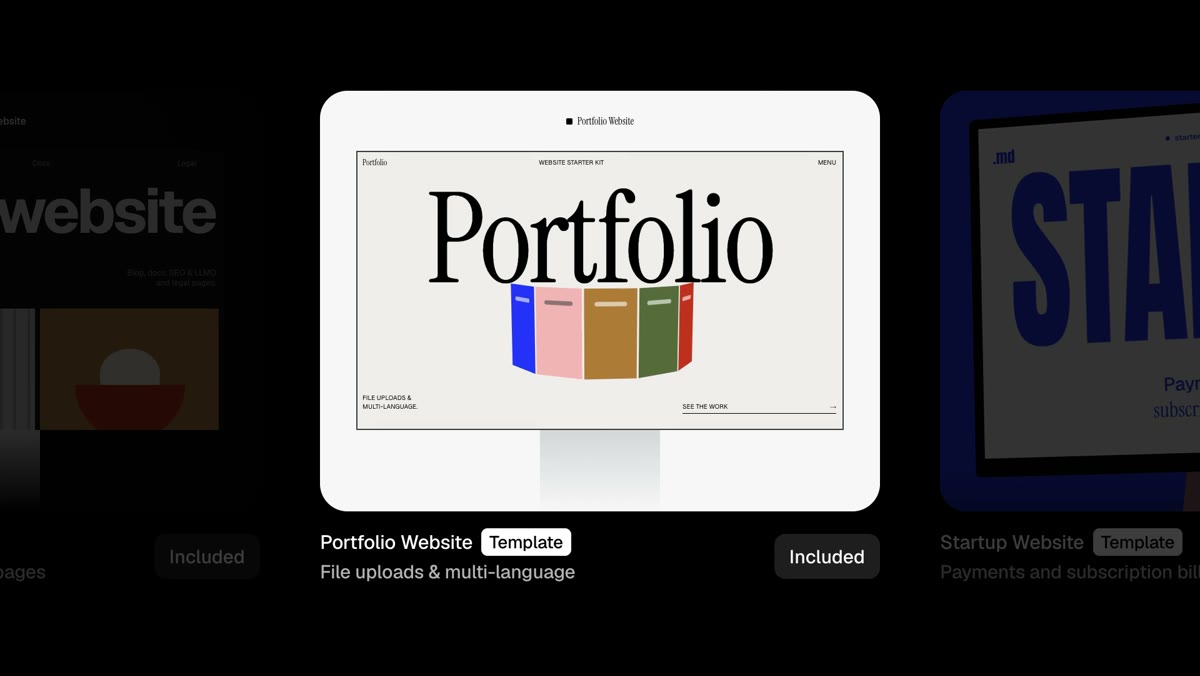 Spotlight Website Showroom Video TemplateMove four website previews through a single center spotlight so each design gets a readable front view.
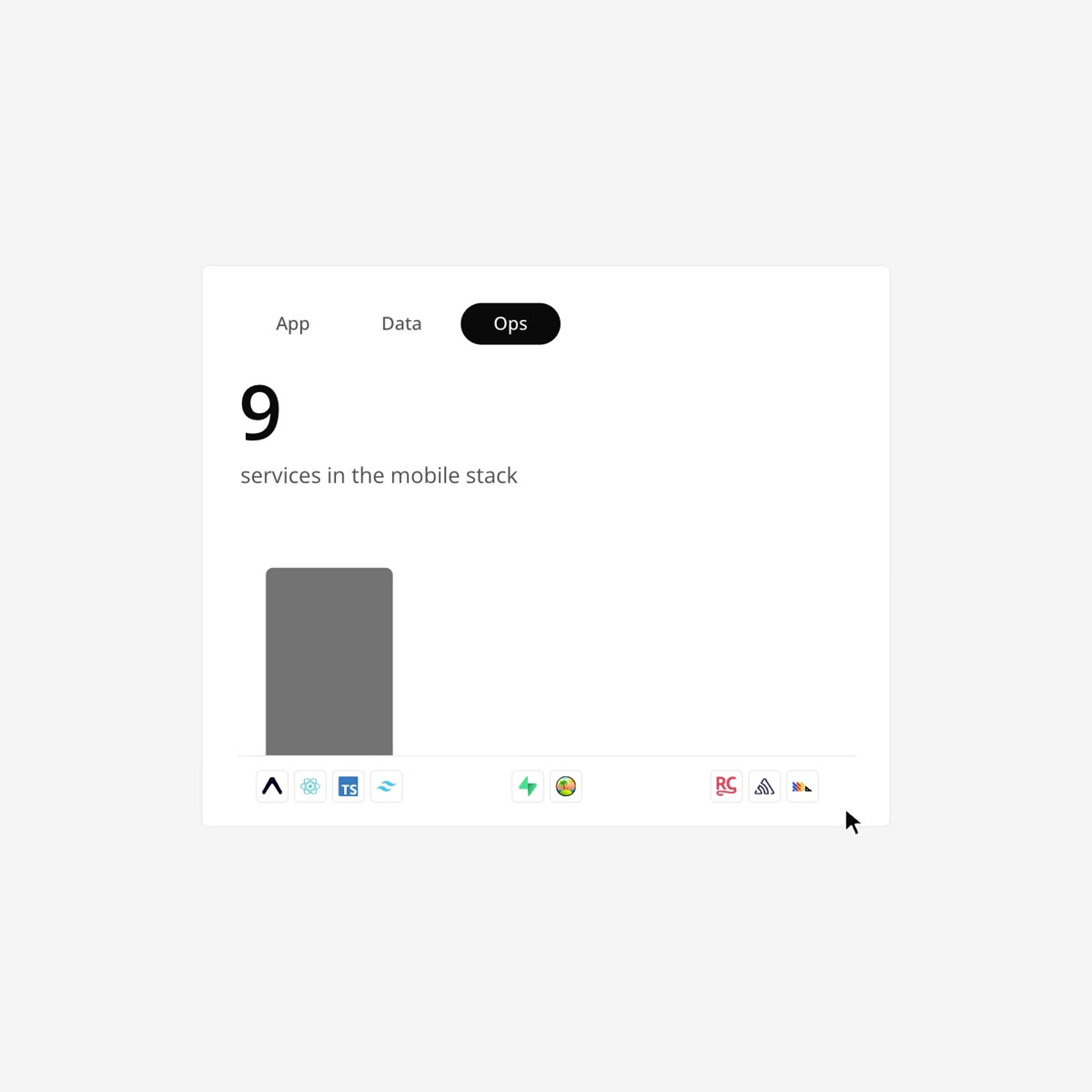 Mobile UI Control States Video TemplateAnimate a button, loader, slider, toggle, tabs and chart as a sequence of small mobile interface state changes.
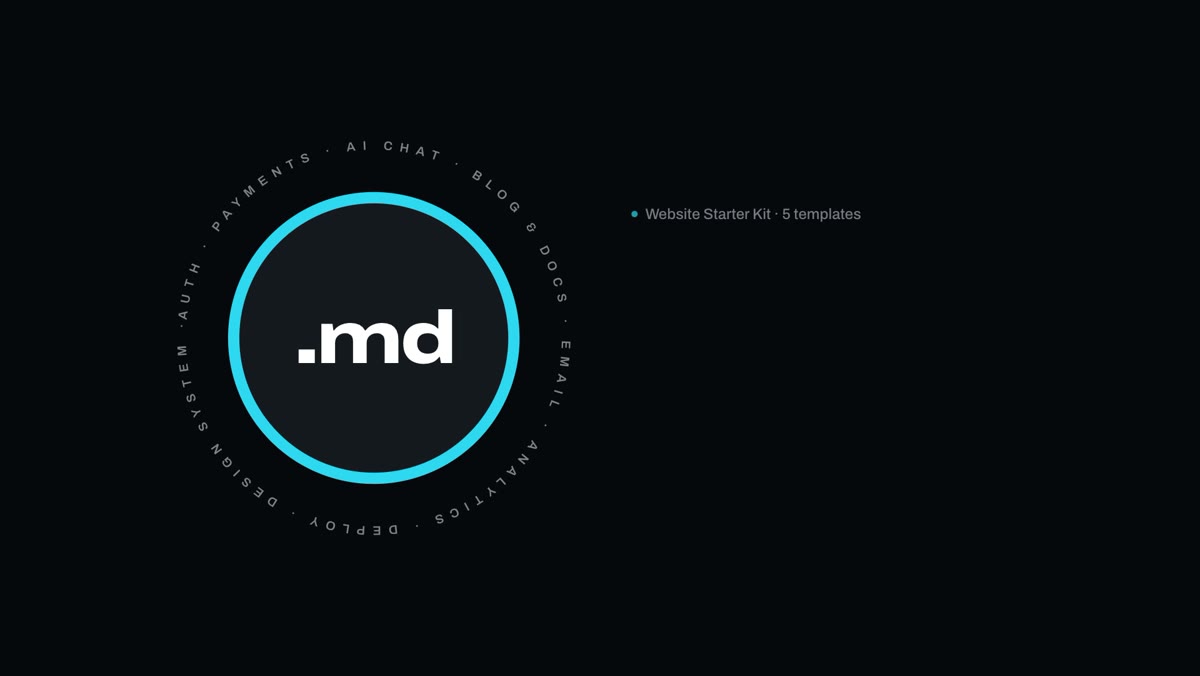 First Person Toolkit Introduction Video TemplateIntroduce a toolkit through a speaking-in-first-person headline, an aqua ring and quick facts about the stack, skills and projects.