
▸ About this template
Parents comparing preschools ask the same things: which room their child will be in, what the day looks like, what it costs and whether a place is free. They also want to know the teachers before they visit. This template answers each question on its own page, with openings and tuition in plain tables. The demo school is Puddlejump in Madison, Wisconsin, a small outdoor-minded preschool in a converted dairy beside a marsh trail.
The home page opens on a full-screen photo of children in rain ponchos, with a stamp showing how many places are left. A split statement with rounded photos and fact tiles comes next, then the three rooms as arched cards by age. A season picker shows what the day outside looks like in each season and what goes in the cubby. Nine numbered promises, notes from parents at pickup and a block for booking a visit finish the page.
There are four pages: home, rooms, our school, and places and fees. The rooms page switches between three age groups, each with a parent quote, an hour-by-hour timeline, numbers at a glance and a question form. Our school introduces four teachers, a slider of family stories, questions sorted by topic and four beliefs. Places and fees lists openings, four steps to apply, a visit picker, a tuition table and the application form. The colours are milk white, rain-boot blue, marigold, berry and moss, in Fredoka and Nunito.
The DESIGN.md Pro canvas loads all four pages for editing. Rename the rooms, set your own ages, ratios and fees, and replace the photos with your own classrooms and yard. Another DESIGN.md can change the look of every page together. Use chat for bigger changes, such as a fourth room or a summer camp page, and publish when the details match your school.
▸ What’s inside
- Home/
- Rain poncho photo hero with a places-left stamp, a split statement, three rooms by age, a season picker, nine promises, parent notes and a visit block.
- Rooms/programs
- A switch between three rooms, each with a photo, a parent quote, an hour-by-hour timeline, numbers at a glance and a question form.
- Our school/about
- The school's introduction, four teacher cards, a slider of family stories, questions sorted by topic and four beliefs.
- Places and fees/enroll
- Openings with status chips, four steps to apply, a visit picker by day and time, a tuition table and the application form.
▸ Best use cases
Showing each room
The rooms page switches between age groups. Each one shows a photo, a quote from a parent, a timeline from drop-off to pickup, its numbers at a glance and a short form for questions. Enter your own rooms, ratios and daily schedules.
Filling places for next year
The places page lists openings by room with status chips, sets out the steps to apply and ends with an application form that asks which days you need. Every Book a visit button leads to a picker for a day and a time, so tours are easy to arrange.
Earning trust before a visit
Teacher cards, a slider of family stories and notes overheard at pickup let parents hear from people already at the school. The FAQ sorts answers by topic. Add your own staff, quotes and questions.
▸ Designed for
- Independent preschools and childcare centers with a few rooms
- Outdoor and nature-based early years programs
- Centers that take infants, toddlers and preschoolers
- Directors who run tours and applications themselves
▸ More website templates
See all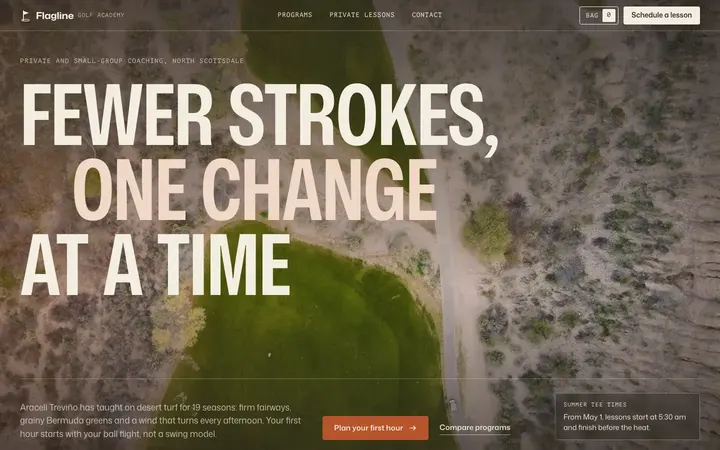 Golf Academy WebsiteGolf academy website template for coaching schools, with lesson packs, a program finder, a results board, a private lesson page and a contact form.
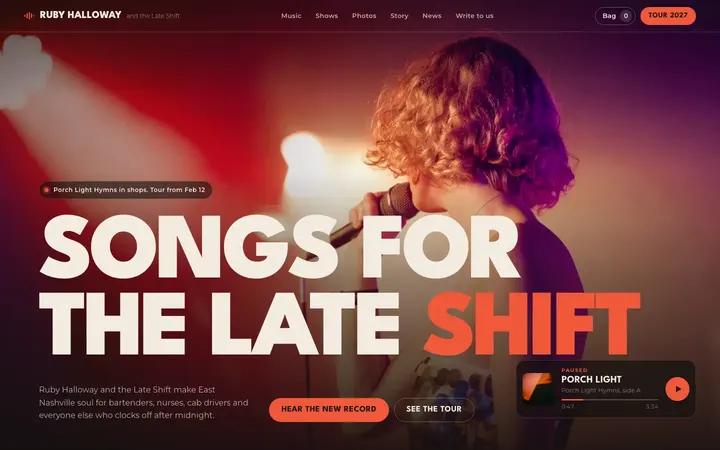 Musician WebsiteMusician website template for bands and solo artists, with tour dates by region, releases with track previews, merch, photos, news and a contact page.
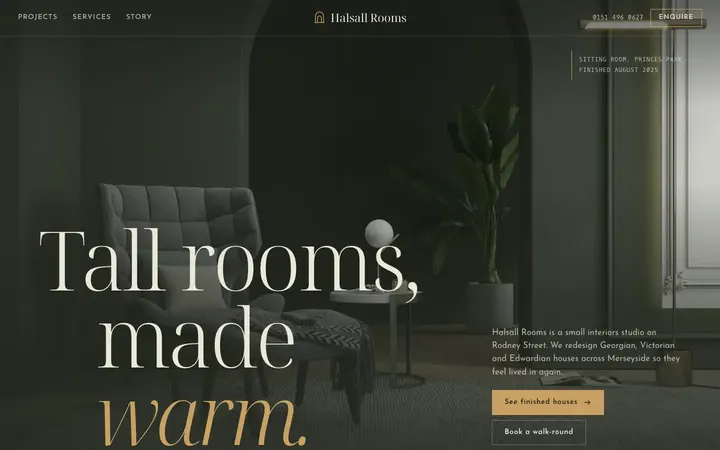 Interior Designer WebsiteInterior designer website template for residential studios, with filtered projects, fixed-fee services, a five-step process and an enquiry form.