
▸ About this template
Couples choose a wedding planner on trust. Before they write, they want to see weddings that went well, hear from couples who were there and know what each package costs. This template puts all three near the top, with testimonials from past couples, fixed-fee packages and the number of weddings the studio takes each year. The demo studio is Wisteria Row, a small planning team in Savannah, Georgia.
The home page opens on a full-screen photo of an oak avenue with a large serif headline and a button to check a date. Next come testimonials you switch between by couple, three packages with starting prices, a short statement with studio numbers, the founder's introduction, a photo collage of recent weddings and the latest journal posts. The footer lists open dates for the coming seasons and a newsletter sign-up.
There are five pages: home, a planning page, a studio page, a journal and one journal article. The planning page holds a package picker, a comparison table, a timeline of the planning season, common questions and the inquiry form. The studio page introduces the team, the founder's story and four house rules. The palette is ivory, moss and live-oak green with a wisteria lilac accent, with DM Serif Display for headings and Hind for text.
Open the template on the DESIGN.md Pro canvas and every page is there to edit. Put in your own packages, prices and couples, and swap the photos for weddings you have planned. A different DESIGN.md changes the colours and type across all five pages, and a chat request can add a gallery or rewrite a section. Publish once the words are your own.
▸ What’s inside
- Home/
- Oak avenue photo hero, testimonials by couple, three packages with prices, studio numbers, the founder, a collage of recent weddings and journal posts.
- Planning/services
- A package picker, a side-by-side comparison table, a planning season timeline, common questions and the wedding inquiry form.
- Studio/about
- The studio's introduction, photos from recent weddings, the three-person team, the founder's story and four house rules.
- Journal/journal
- A featured article and journal posts with topic filters for weddings, planning notes and venues.
- Journal entry/journal-entry
- One journal article with a contents list, a rain plan checklist you can tick off and further reading.
▸ Best use cases
Selling packages at fixed fees
List your packages in the priced rows on the home page, then in the planning page's package picker and comparison table, with what each covers and when planning starts. The inquiry form asks which package a couple is leaning towards, plus date, guest count, budget and venue, so your first reply can be specific.
Letting past couples speak for you
Load the testimonial picker with notes from your own couples, each with a date and a venue, and fill the collage with photos from recent weddings. Visitors read about real days from people in their position before they ever contact you.
Writing a blog that brings inquiries
Use the journal for venue guides, planning timelines and the questions couples ask every week. Topic filters keep the list easy to browse. The article page has a contents list and a checklist readers can tick off, a format that suits rain plans, packing lists and day-of schedules.
▸ Designed for
- Wedding planners selling full planning and day-of coordination
- Small planning studios that take one wedding each weekend
- Event designers who plan, style and run the wedding day
- Destination and venue planners selling fixed-fee packages
▸ More website templates
See all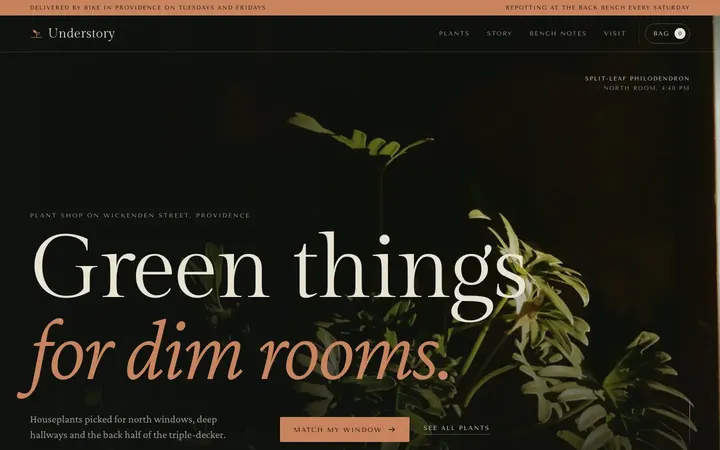 Plant Shop WebsitePlant shop website template for houseplant stores, with light and pet-safe filters, product pages with sizes and pots, a gift card and a care blog.
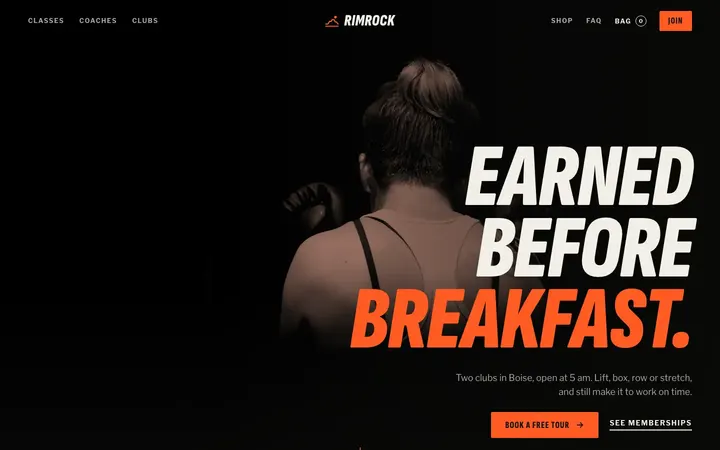 Fitness Gym WebsiteGym website template for fitness clubs with two or more locations, with a class timetable, coach profiles, membership plans and free tour booking.
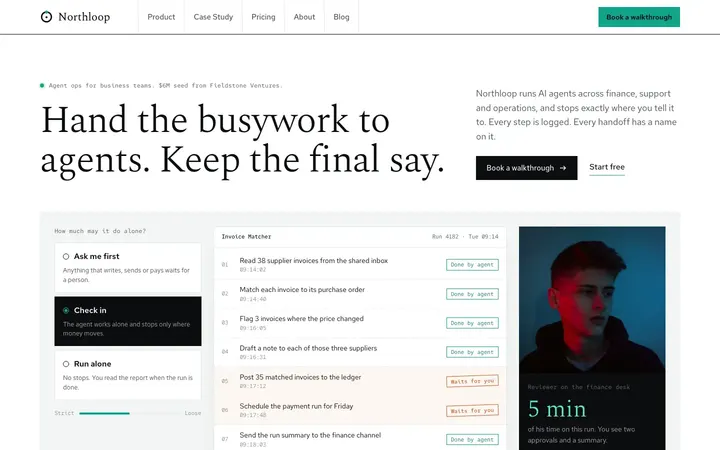 AI Agent Platform WebsiteAI agent platform website template for automation startups, with an autonomy demo, a pricing calculator, customer case studies and a blog.