App Icon Construction Lines Video Template
Draw a wordmark on a blue construction grid, separate its curves into feature shapes and bring them together as an app icon.
Use this when the new icon and the geometry behind it are the reveal. Short feature labels leave room for the extracted shapes.
What’s in the film
- 01
Draft the wordmark
Outline letters appear against a blueprint grid.
- 02
Pull out the shapes
Curves become flat feature cards on contrasting fields.
- 03
Complete the icon
The separate forms settle into the final mark.
Best use cases
Launch an app identity
Use the grid to establish the wordmark and the color fields to name the features it represents.
Customize in Video Studio
- Wordmark and guide labels
- Feature labels and the line beneath the app icon
Edit with Studio chat
Draw [wordmark] on the grid, label the fields [features] and close with [icon subtitle].
Fine-tune manually
Keep feature names short and check that the final lockup has the same brand spelling as the blueprint.
More video templates
See all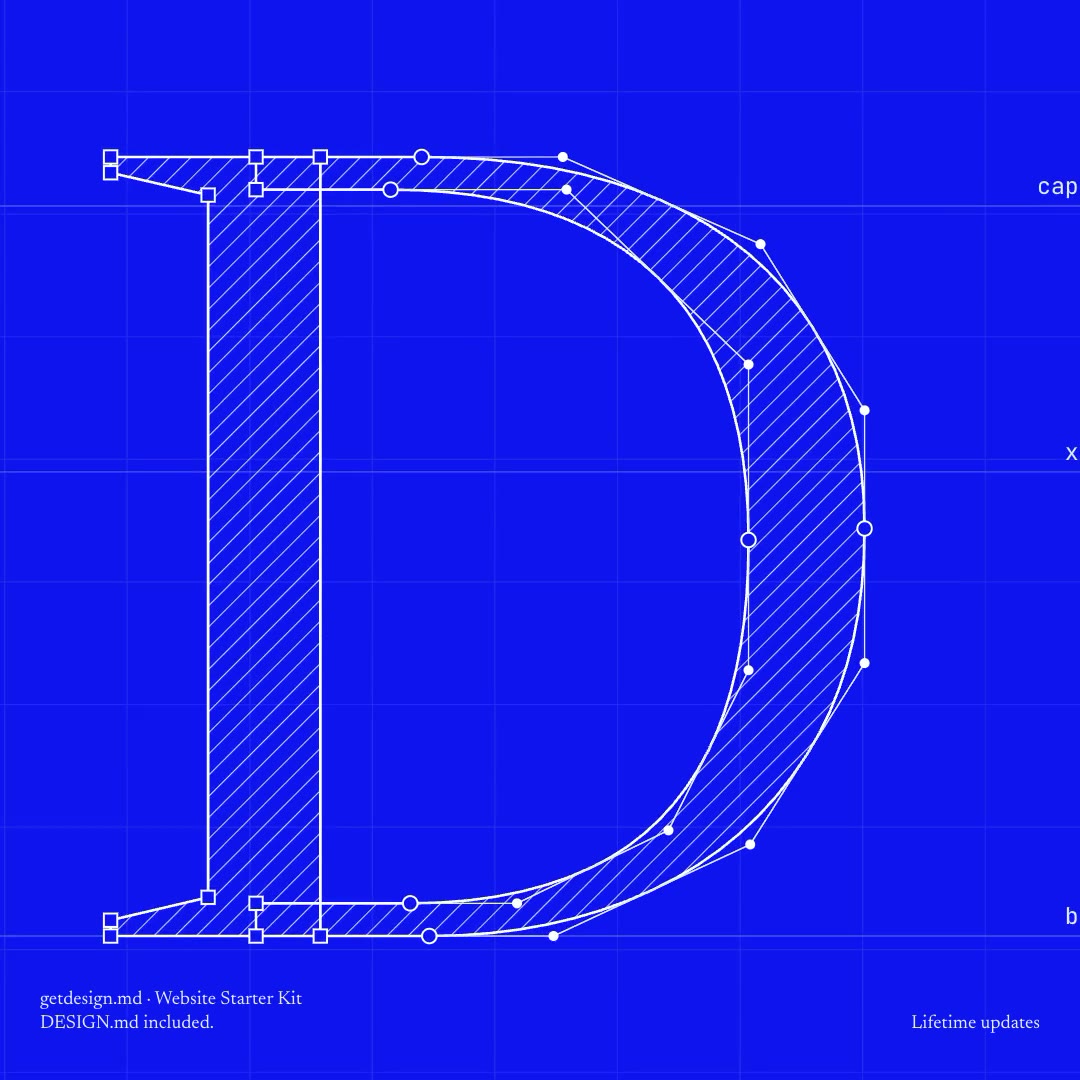 Blueprint Typography Specimen Video TemplateConstruct a letter on a blue grid, zoom to its points, then show a character set and design-spec details.
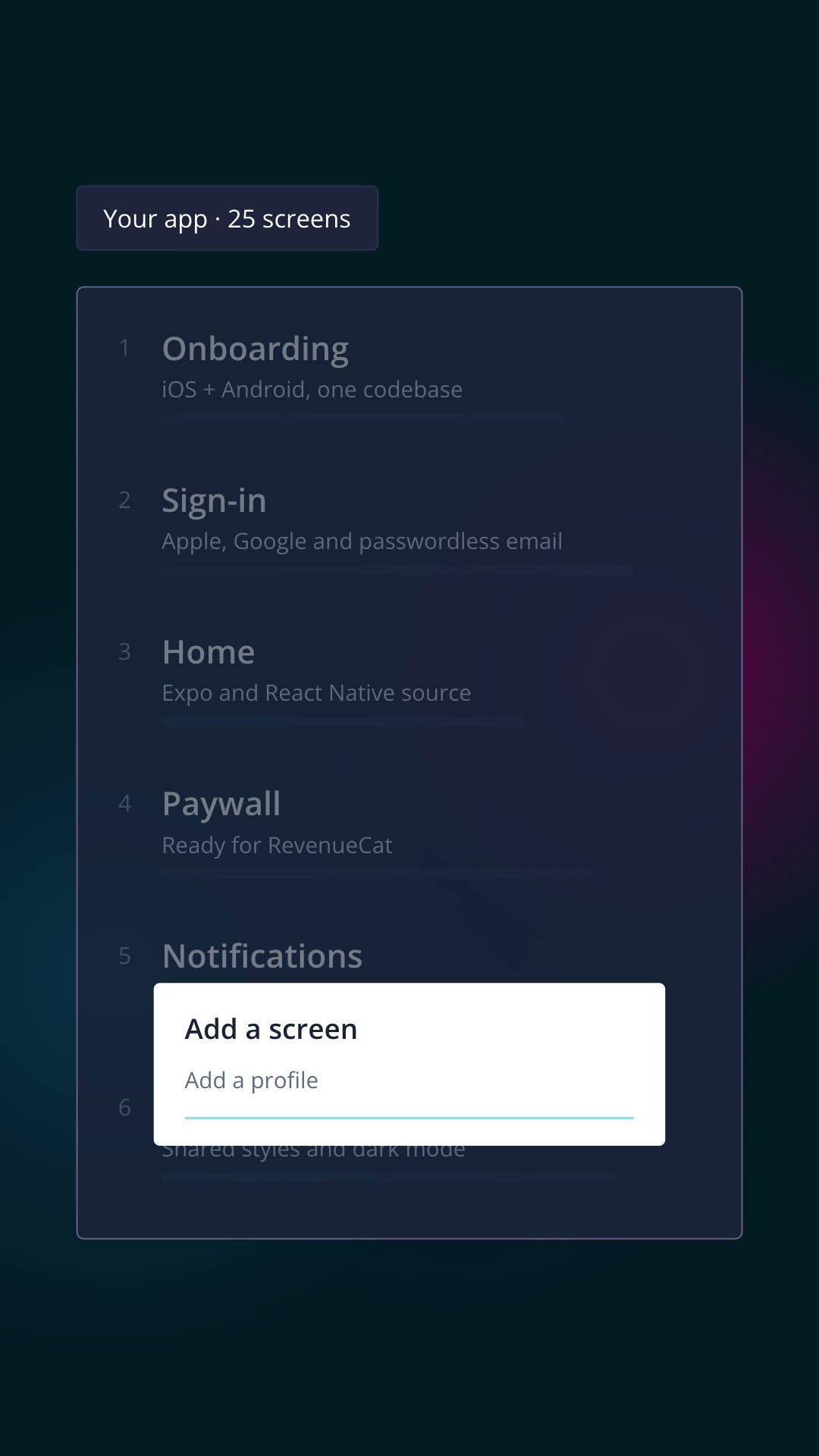 Mobile App Outline to Screens Demo TemplateShow an app prompt become a six-row plan, insert a requirement and reveal the resulting phone screens.
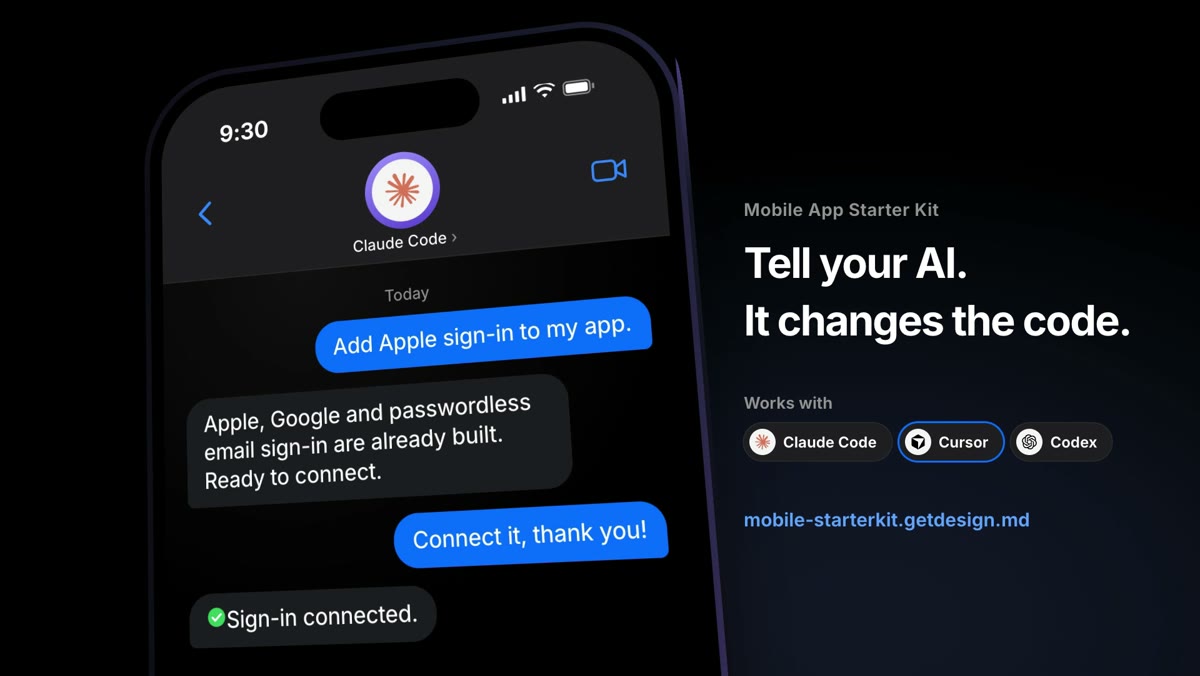 Dark Mobile AI Chat Demo TemplateShow one request, an AI reply and a confirmation inside a dark phone chat with a short headline beside it.