Dark Mobile AI Chat Demo Template
Show one request, an AI reply and a confirmation inside a dark phone chat with a short headline beside it.
Choose this when a single exchange can explain the feature. Use the side headline to state the outcome once.
What’s in the film
- 01
Ask on the phone
A blue user bubble appears in the angled phone.
- 02
Read the answer
The reply arrives as the second headline line and tool pills appear.
- 03
Confirm the task
A go-ahead and a checked completion message finish the exchange.
Best use cases
Show a small in-app change
Ask for a recognizable edit and use the final bubble to confirm precisely what changed.
Customize in Video Studio
- Four message bubbles, chat name and avatar
- Headline, tool pills and URL beside the phone
Edit with Studio chat
Ask [single request], reply with [proposed change], and confirm [result].
Fine-tune manually
Keep the longest bubble short enough that the subsequent confirmation stays in view.
More video templates
See all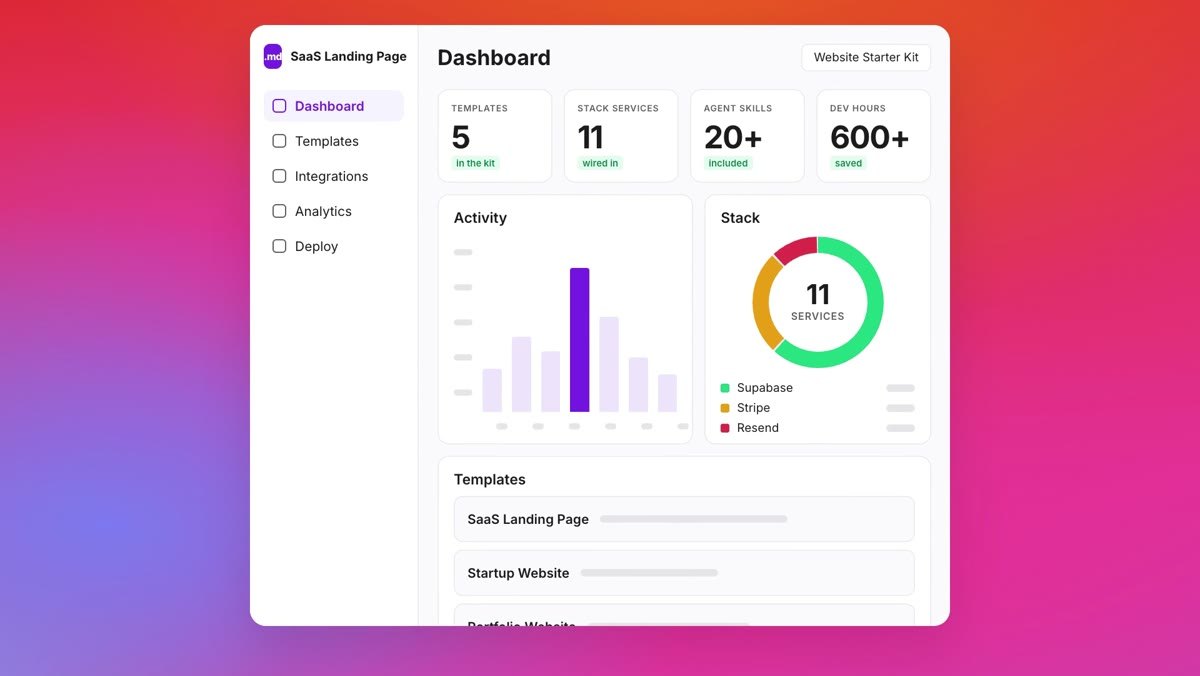 Team AI Thread Demo Video TemplateA team thread shows several people making requests, reading the assistant’s reply and deciding what to deploy.
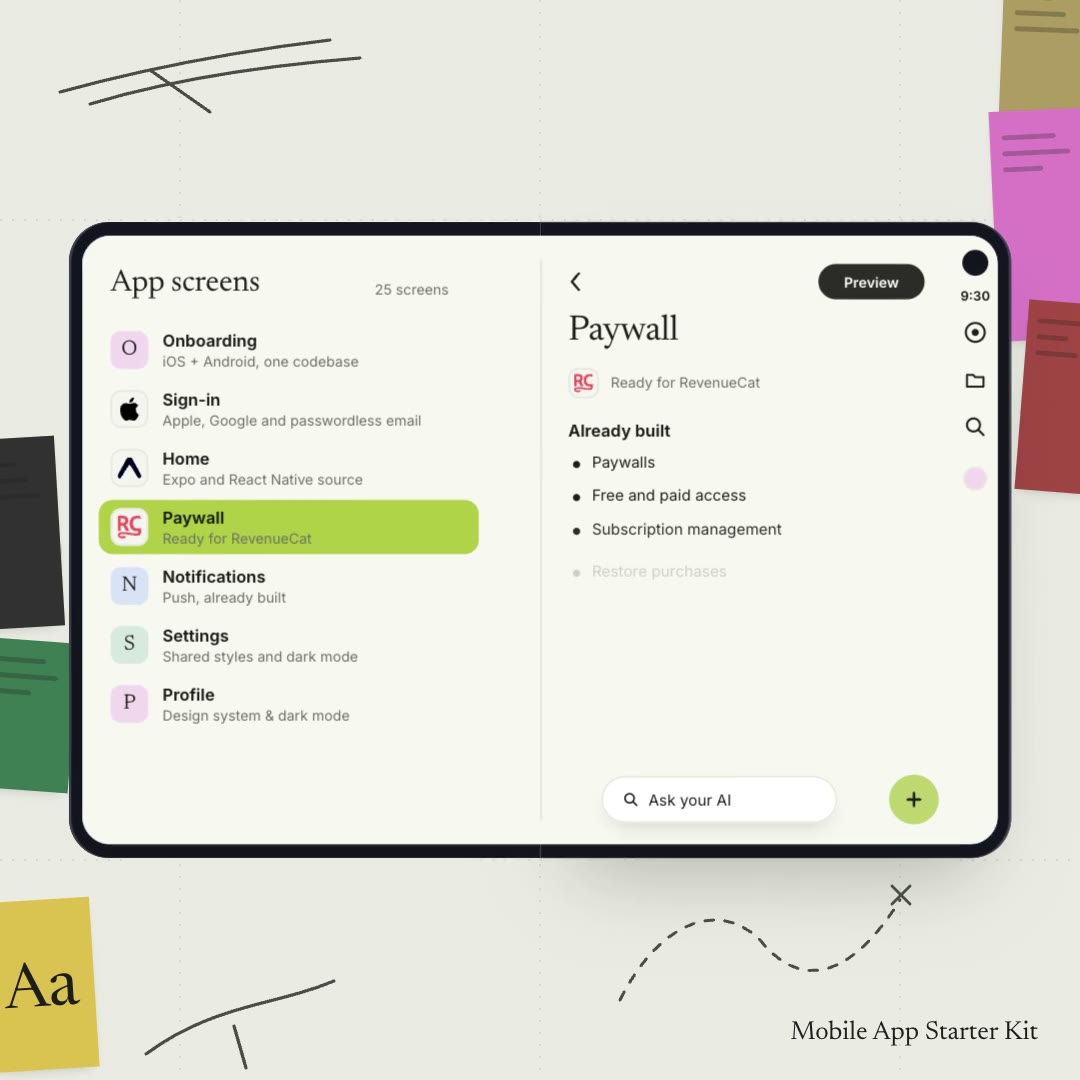 Foldable App Split View Demo TemplateUnfold a dark phone into a tablet layout and show a list beside its selected detail on a paper desk.
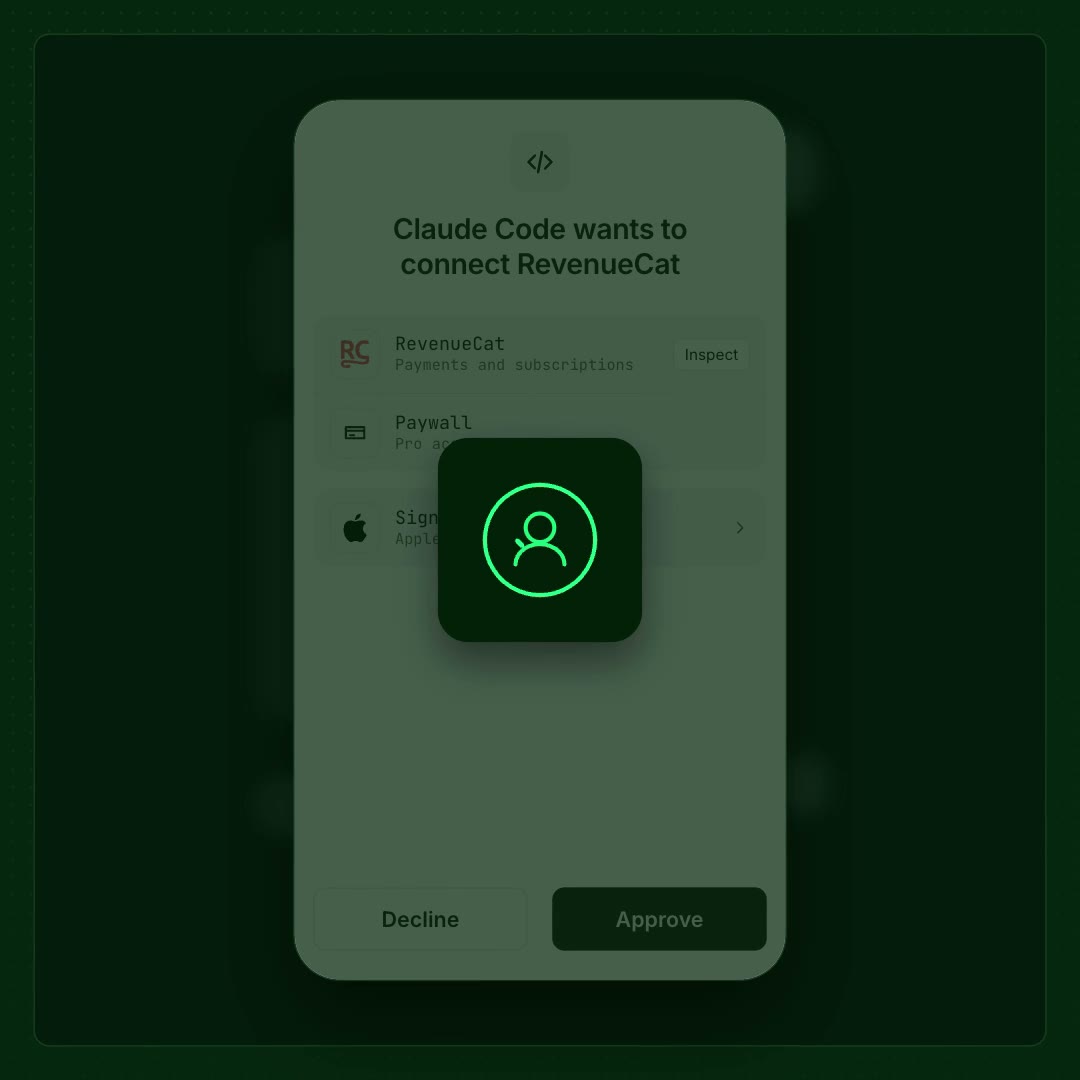 Mobile Payment Approval Demo TemplateFollow a payment connection from an agent’s waiting state to a phone notification, an approval sheet and a connected result.