App Simulator Tap-Through Video Template
Start from an AI request and show a simulator opening the mobile app, tapping a feature and reaching Settings.
Choose this when real navigation is the proof. A short, predictable path works best with the simulator shots.
What’s in the film
- 01
Request a walkthrough
A prompt names the kind of app or test to open.
- 02
Watch the agent run it
Steps appear in a desktop window beside the phone simulator.
- 03
Tap through the app
Home gives way to a detail and a settings view.
Best use cases
Show the first-run path
Use a familiar home card and make the next screen’s title confirm where the tap led.
Customize in Video Studio
- Request, agent log and simulator labels
- Home cards, detail screen and settings rows
Edit with Studio chat
Open [app], tap [home card], then show [detail] and [settings].
Fine-tune manually
Match the label in the log to the card the pointer actually taps.
More video templates
See all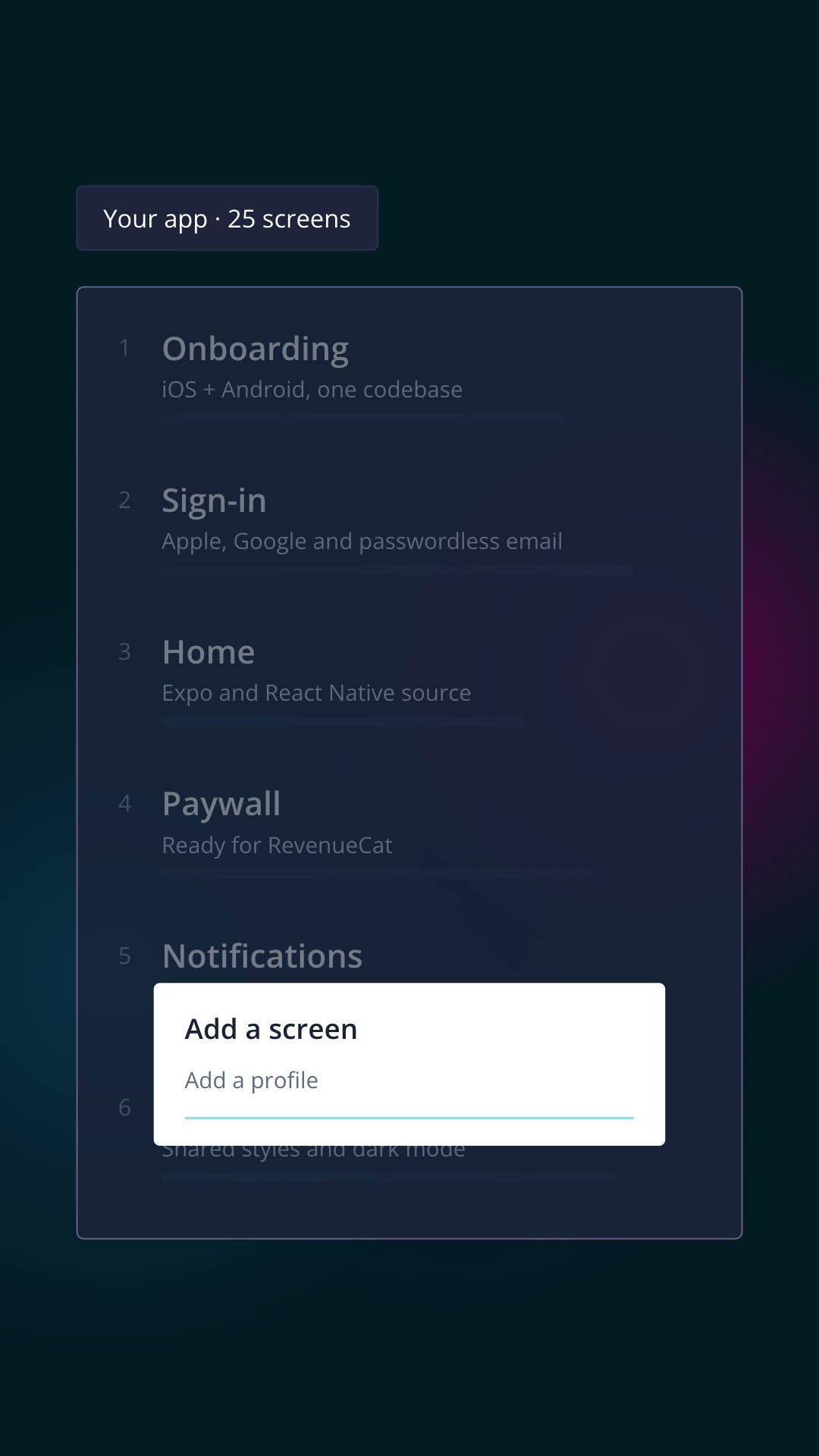 Mobile App Outline to Screens Demo TemplateShow an app prompt become a six-row plan, insert a requirement and reveal the resulting phone screens.
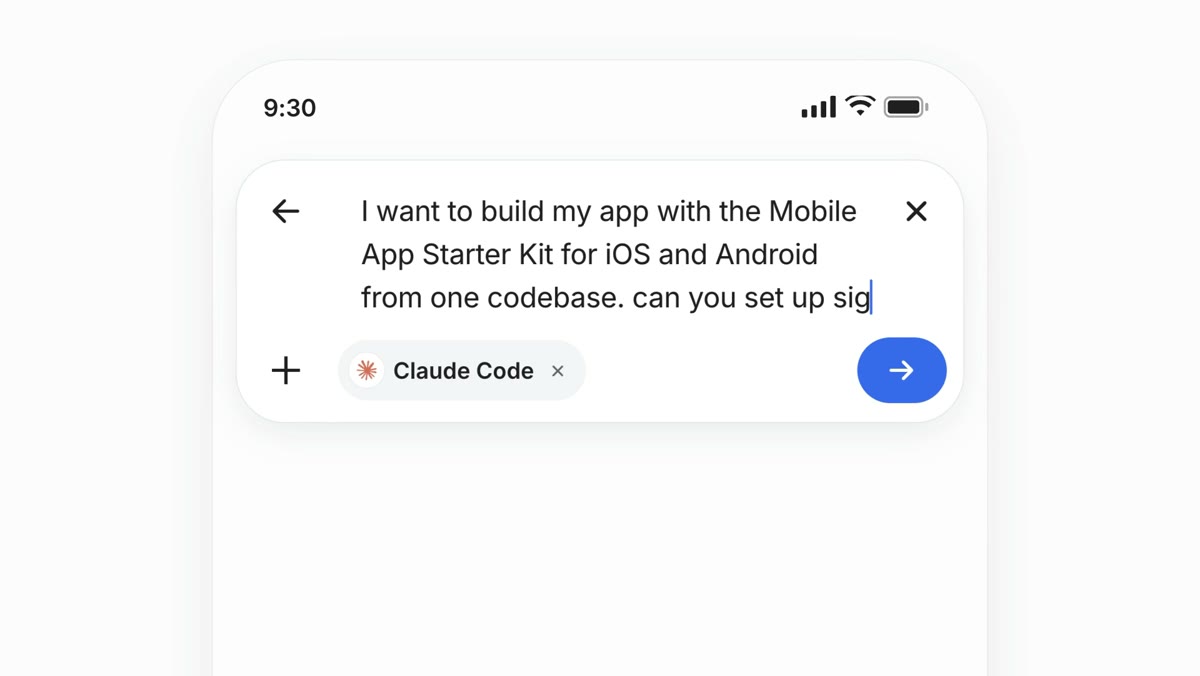 Predictive Prompt Autocomplete Demo TemplateZoom into a mobile composer and show proposed words appearing inline as a user writes a build request.
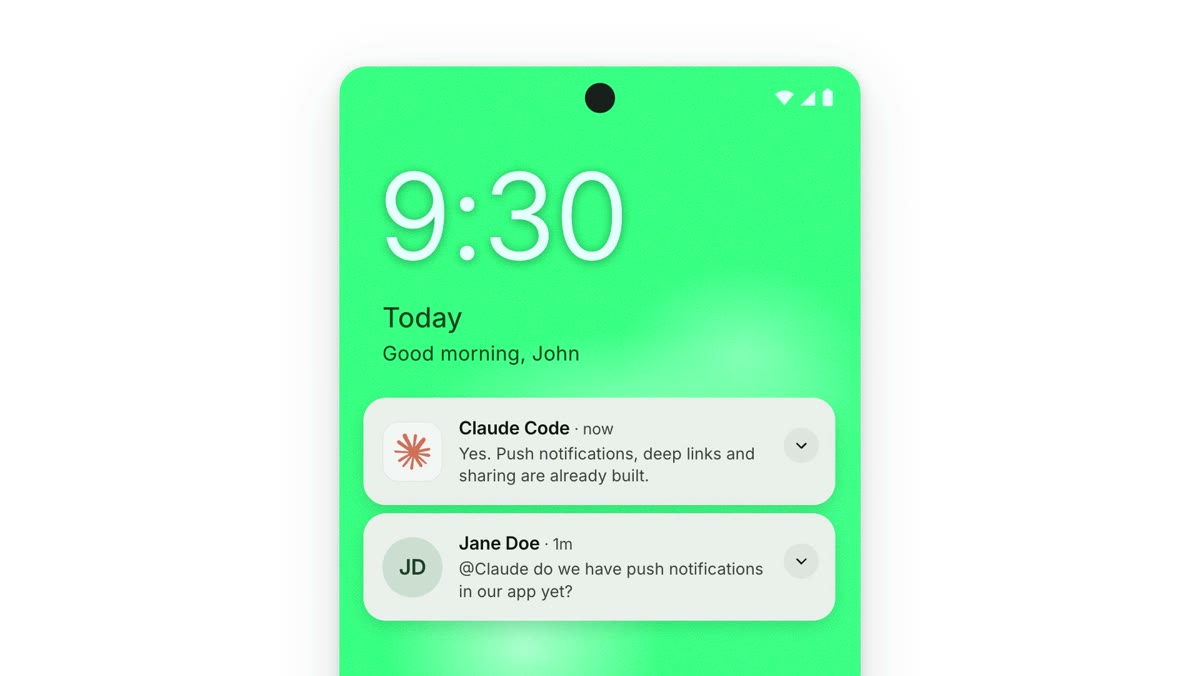 Lock Screen AI Reply Demo TemplateAnswer a teammate’s question through two notifications on a green phone lock screen, then bring the answer into a short title sequence.