Build vs Buy Comparison Video Template
Turn a buying question into a visual comparison with a dot-matrix globe, research cards and a table that assembles on screen.
Choose this when your buyer is weighing two options against the same criteria. The question, evidence cards and comparison table give that decision room to develop.
What’s in the film
- 01
Frame the decision
A typed question and three fact cards establish what to compare.
- 02
Build the table
Marked phrases become columns, one at a time.
- 03
Return to the answer
The globe comes back with a shorter answer and the kit reveal.
Best use cases
Compare two starting points
Choose rows that buyers genuinely weigh, then use the table to make the same criteria visible for both choices.
Customize in Video Studio
- The opening question, fact cards and their supporting labels
- The comparison columns, evidence rows and closing verdict
Edit with Studio chat
Open with [buyer question]. Compare [option A] and [option B] using [shared criteria], then close with [short verdict based on the facts].
Fine-tune manually
Enter the comparison columns and rows before editing the ending. Give both options the same criteria and remove any claim you cannot support.
More video templates
See all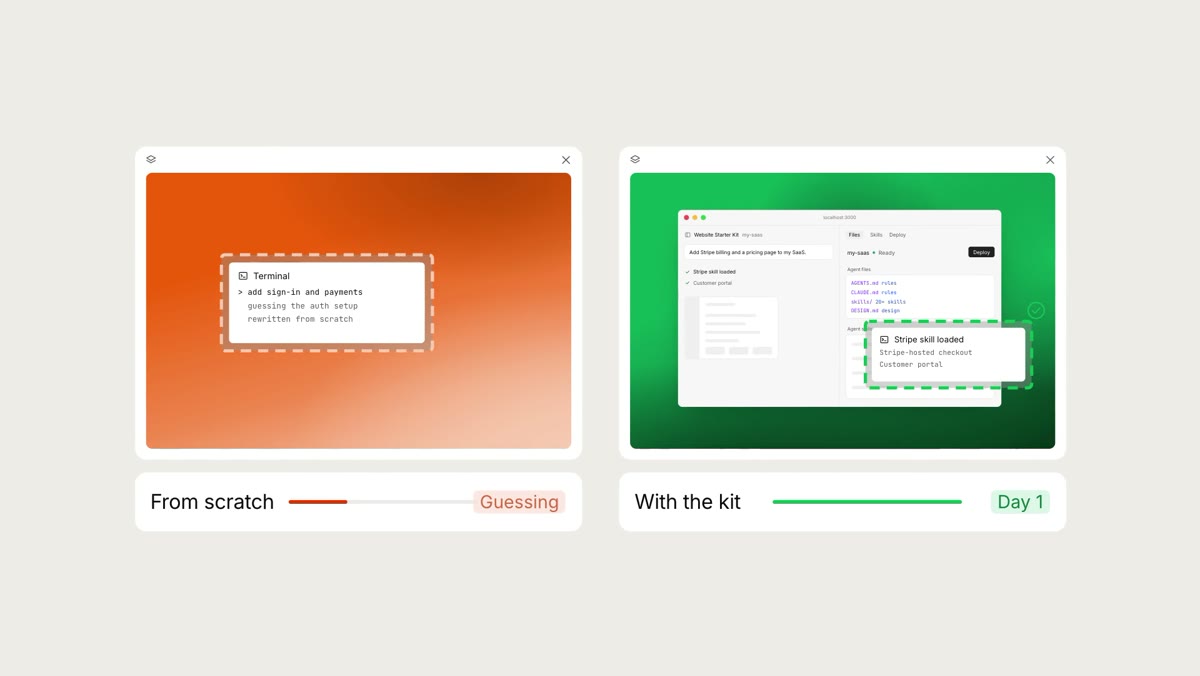 Split Screen Workflow Comparison Video TemplateCompare two workflows in a side-by-side race, with progress bars, error states and a working product preview.
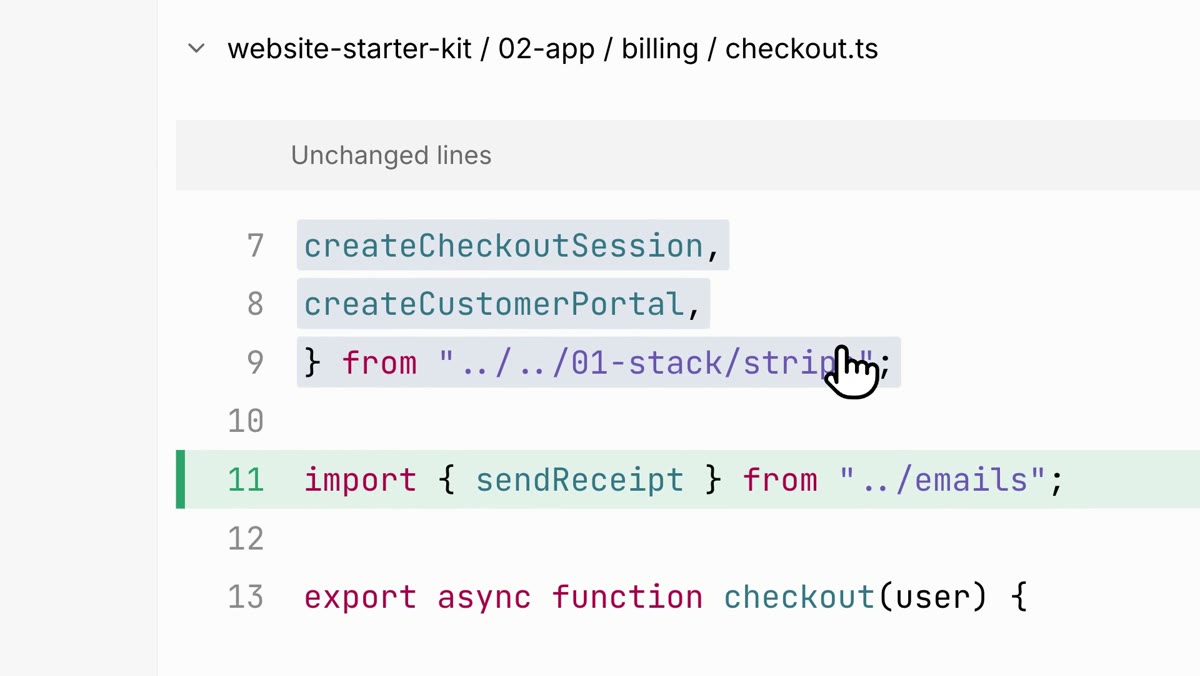 Repository to Deployment Walkthrough Video TemplateWalk from creating a project to reviewing a code diff, merging a change and choosing where to deploy.
 Snap Zoom Typography Promo Video TemplateAn eight-second square promo where a red headline rushes past the camera and snaps back into a compact fact.