Design System AI Builder Demo Video Template
Show an AI builder applying design rules as a site assembles, then builds a matching blog from a prompt.
Choose this when the value of a design system is easier to see across two pages. The film links written design rules to a landing page and a matching blog.
What’s in the film
- 01
Design rules
The camera follows typed rules in a tilted composer.
- 02
Matching pages
Outlined components fill a SaaS page, then a prompted blog builds beside it.
- 03
Command reveal
Integration commands flash past before the skills chip and brand close.
Best use cases
Show design consistency
Put two types of pages next to each other so viewers can see which visual decisions carry across.
Introduce an AI coding workflow
Show the design file as a prompt reference and the generated page as the immediate result.
Customize in Video Studio
- The design rules, prompt and highlighted design-file reference
- The landing page and blog copy, slash commands and tool names
Edit with Studio chat
Type these design rules: [three short rules]. Build [page A], then type [request for page B] with my design file attached. Keep the visible styling consistent across both pages.
Fine-tune manually
Edit the three rule lines in the opening composer. Check the related sections in the landing-page and blog scenes and adjust their headings to reflect those rules.
More video templates
See all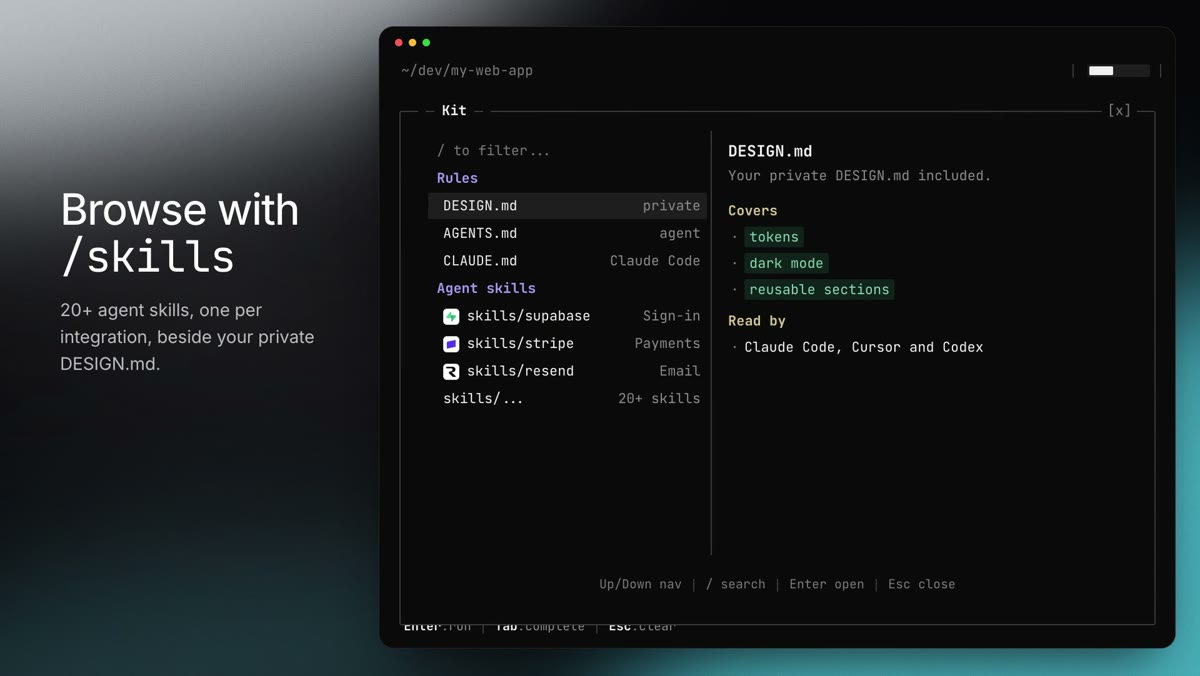 Repeatable AI Coding Rules Video TemplateShow an agent reading project rules before editing, browsing skills, then applying the same instructions in a later session.
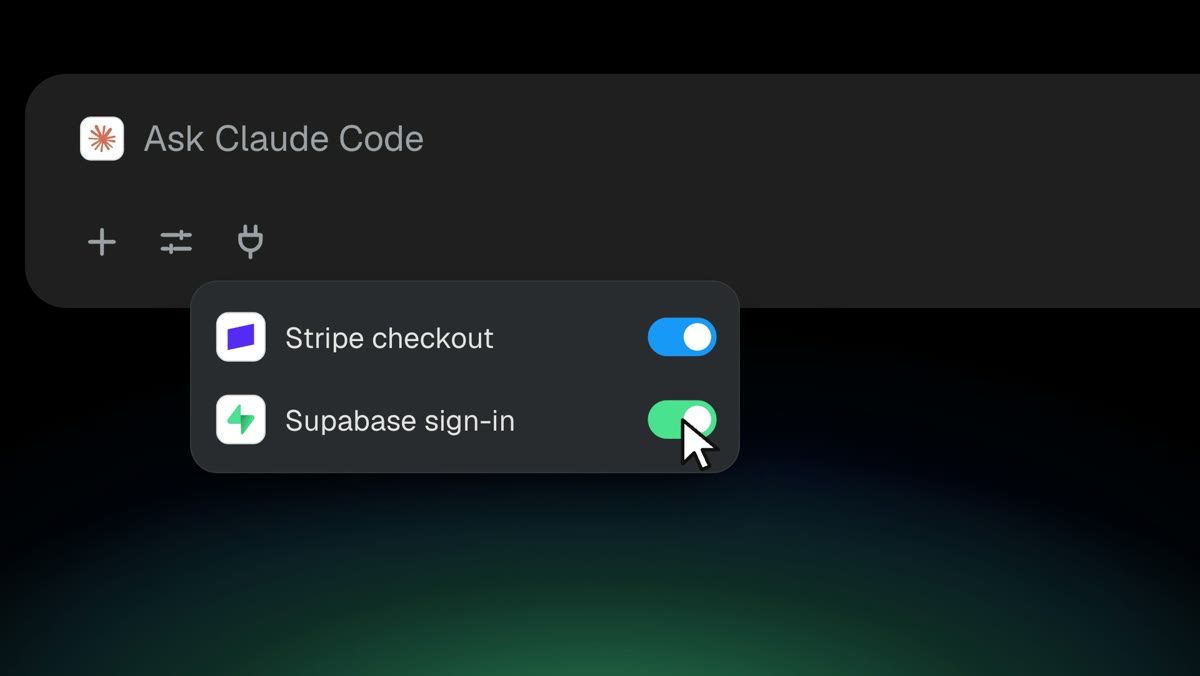 SaaS Integration Toggle Demo Video TemplateA dark composer demo that zooms into a connector menu, switches on an integration and shows a prompt using it.
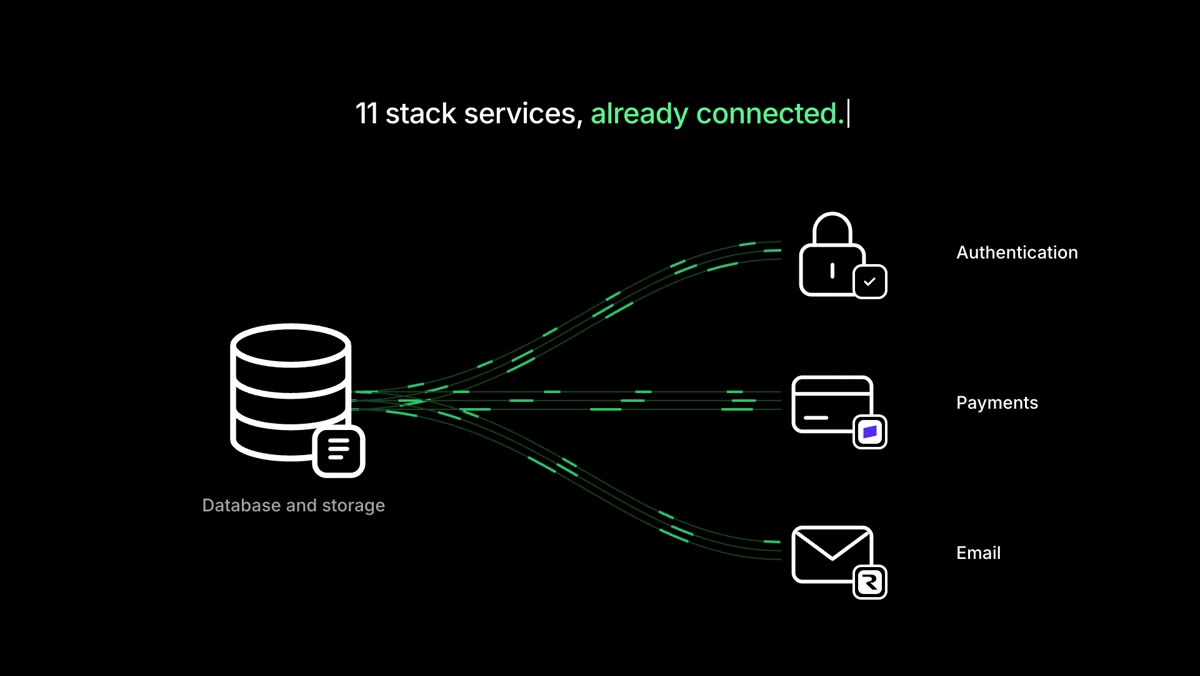 Backend Infrastructure Launch Video TemplateTurn a backend setup story into a launch video with a failure chart, a service setup form, and an animated data pipeline.