SaaS Integration Toggle Demo Video Template
A dark composer demo that zooms into a connector menu, switches on an integration and shows a prompt using it.
Choose this for a focused feature announcement. The camera stays with one composer as a connector joins the menu, turns on and gets used in a prompt.
What’s in the film
- 01
Connector introduction
The title calls out the two services before the composer appears.
- 02
Enable the connector
The camera follows the pointer into the menu and holds on the switch.
- 03
Use it in a prompt
A request is typed and sent before the partner tiles appear.
Best use cases
Announce a new integration
Show where the switch lives and what the interface looks like once the connector is on.
Show sign-in and checkout together
Use a short setup prompt to explain how two related services fit into the first project.
Customize in Video Studio
- The existing and newly enabled connector names
- The composer prompt, partner marks and closing caption
Edit with Studio chat
Show [existing connector] already enabled. Add [new connector], switch it on, then type [short request that uses it]. End on the two partner names.
Fine-tune manually
Edit the two connector labels before editing the prompt. Preview the toggle close-up and confirm the connector named in the prompt is the one the viewer just saw turn on.
More video templates
See all Trigger and Action Workflow Demo Video TemplateExplain an automation from trigger to result using a typed composer, a phone notification and a series of workflow cards.
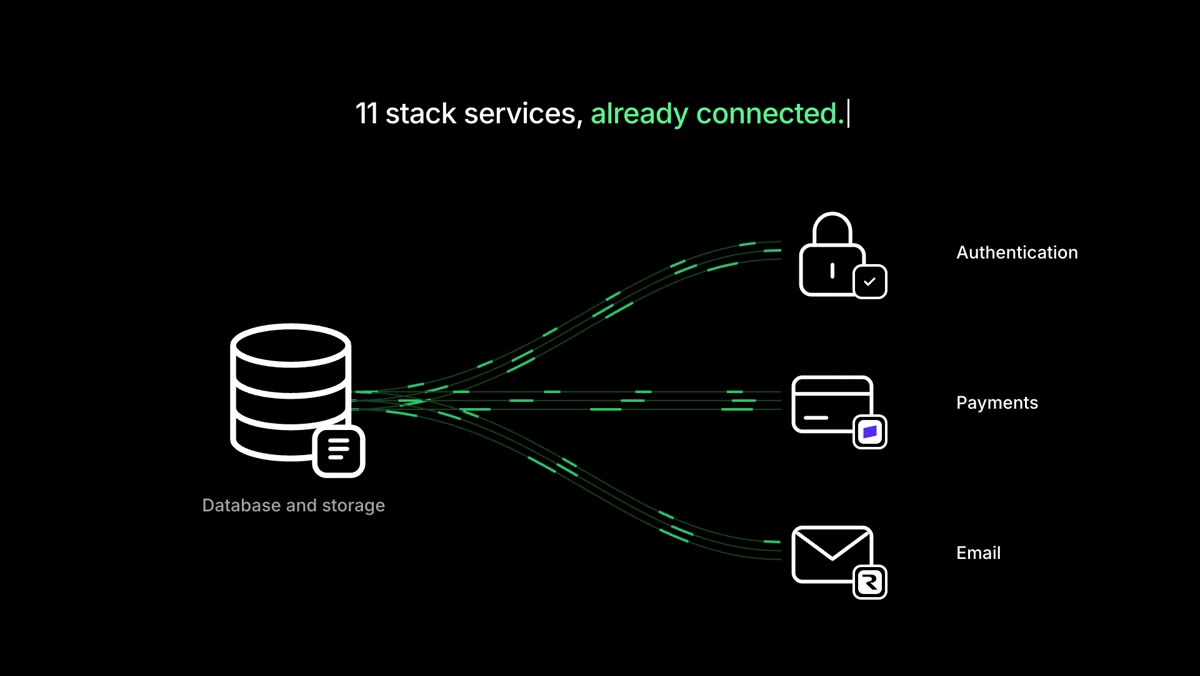 Backend Infrastructure Launch Video TemplateTurn a backend setup story into a launch video with a failure chart, a service setup form, and an animated data pipeline.
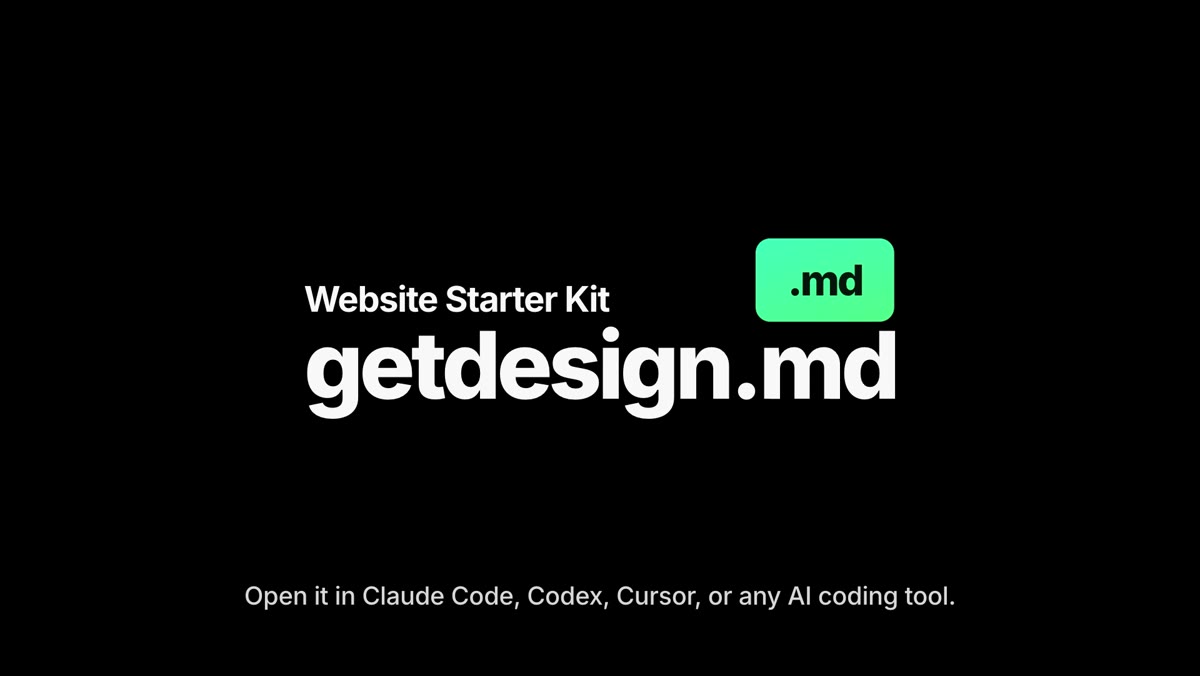 Animated Logo Reveal Teaser TemplateA short black-and-mint brand teaser built around cycling status text, a pointer click and an illuminated logo reveal.