Design-to-Code Node Workflow Video Template
A copied design frame lands on a node canvas where project rules and tools connect to finished product screens.
Use this when a visual design needs to carry through into several built screens. The node graph shows which rules, templates and tools connect the starting frame to each output.
What’s in the film
- 01
Copy the design
The camera moves from a street poster to the same design in an editor.
- 02
Wire the inputs
The frame lands on a canvas as rules and template nodes connect to it.
- 03
Produce the screens
Tool and skill nodes lead into sign-in, payment and email pages.
Best use cases
Explain where a generated UI comes from
Use a recognizable design as the input and keep the labels on its path short enough to follow.
Customize in Video Studio
- The copied design frame and its headline
- Design-rule, tool, skill and output nodes
Edit with Studio chat
Copy [design frame] into the canvas. Connect [rule file], [template] and [skills] to [three output screens]. Keep the frame’s headline consistent throughout.
Fine-tune manually
Update the source frame first, then match its labels on the graph. Check each wire ends at the screen it explains.
More video templates
See all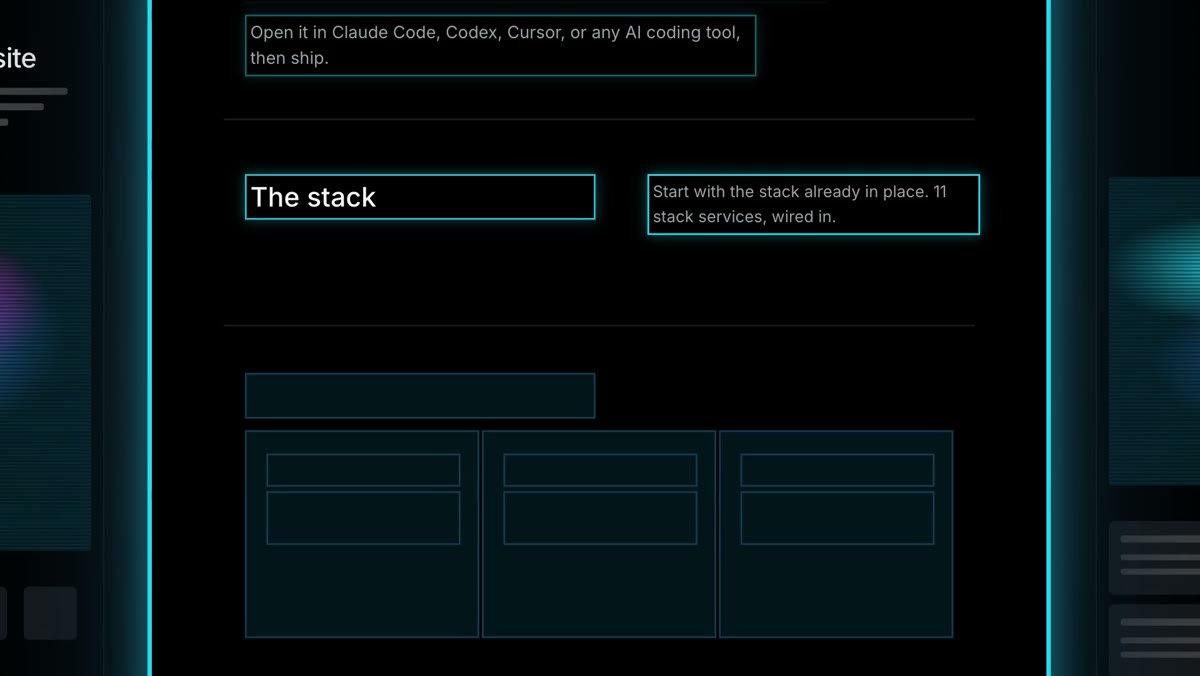 Design System AI Builder Demo Video TemplateShow an AI builder applying design rules as a site assembles, then builds a matching blog from a prompt.
 Fragmented Wordmark Reveal TemplateA seven-second wordmark sting where letter fragments lock into place above a progress line, then drift away.
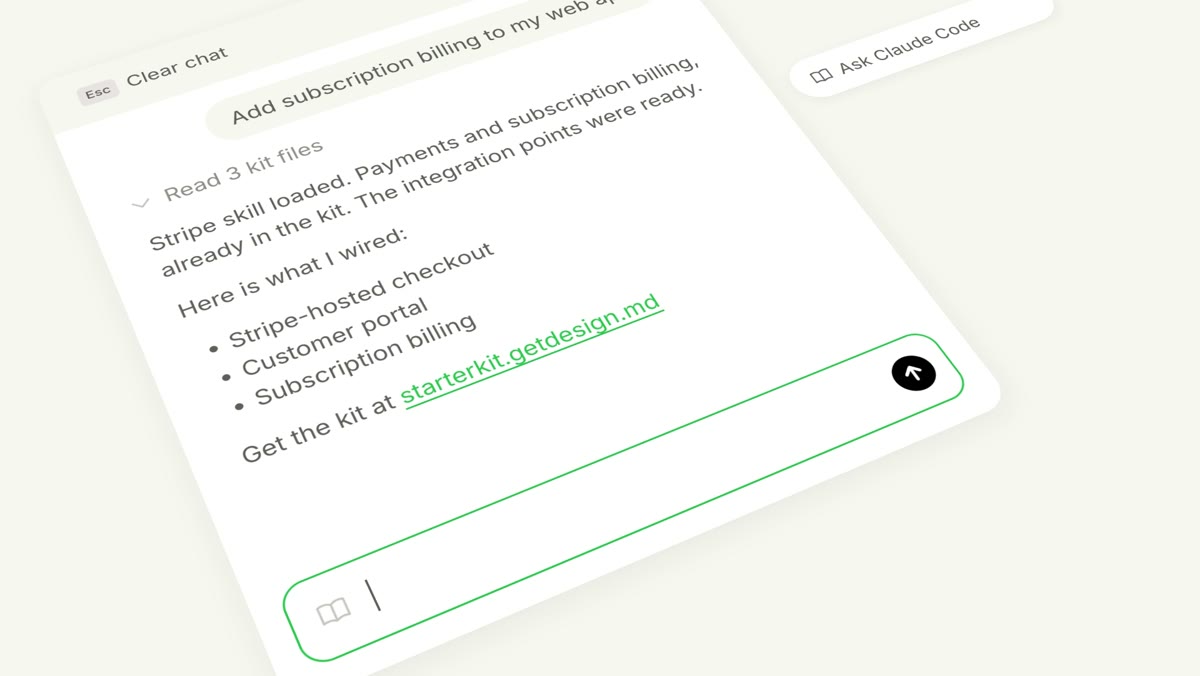 Source-Aware AI Assistant Demo Video TemplateShow project rules turning into a tilted AI chat, then highlight the source files behind its answer.