Source-Aware AI Assistant Demo Video Template
Show project rules turning into a tilted AI chat, then highlight the source files behind its answer.
Use this when viewers care which instructions an AI tool read before acting. The film ties a specific request to both the answer and the source list.
What’s in the film
- 01
Show the rules
A typed file tree folds into an assistant pill.
- 02
Ask for a change
A tilted chat streams an answer to the feature request.
- 03
Highlight references
The pointer moves through the files and skill behind the response.
Best use cases
Demonstrate how an assistant follows project rules
Pick a request that clearly depends on two or three project files, then name those files on screen.
Customize in Video Studio
- The opening rule statement and project file tree
- The request, assistant answer and highlighted source rows
Edit with Studio chat
Show [rule files and skill paths] before asking ‘[feature request]’. Reply with [completed work] and highlight the source rows that explain it.
Fine-tune manually
Use the same names in the file tree, answer and source list. Keep the most relevant file at the top of the reveal.
More video templates
See all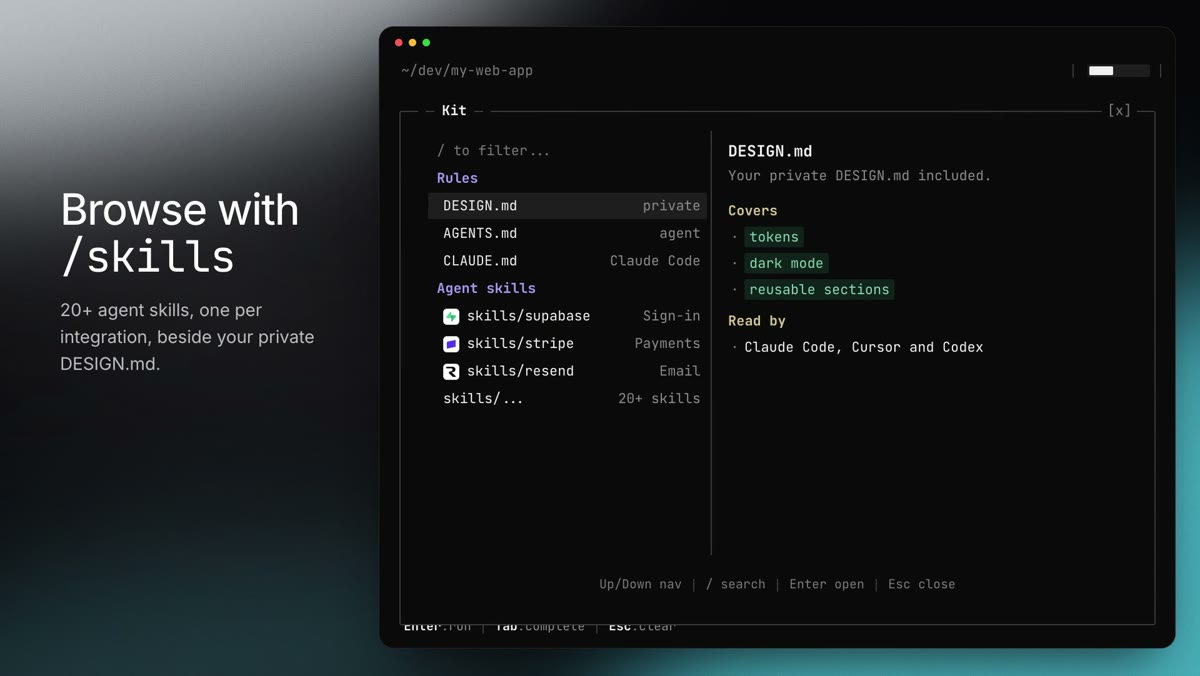 Repeatable AI Coding Rules Video TemplateShow an agent reading project rules before editing, browsing skills, then applying the same instructions in a later session.
 Transforming Dot Brand Motion TemplateA single dot travels through an address, a flame and bright geometric fields to connect several product messages.
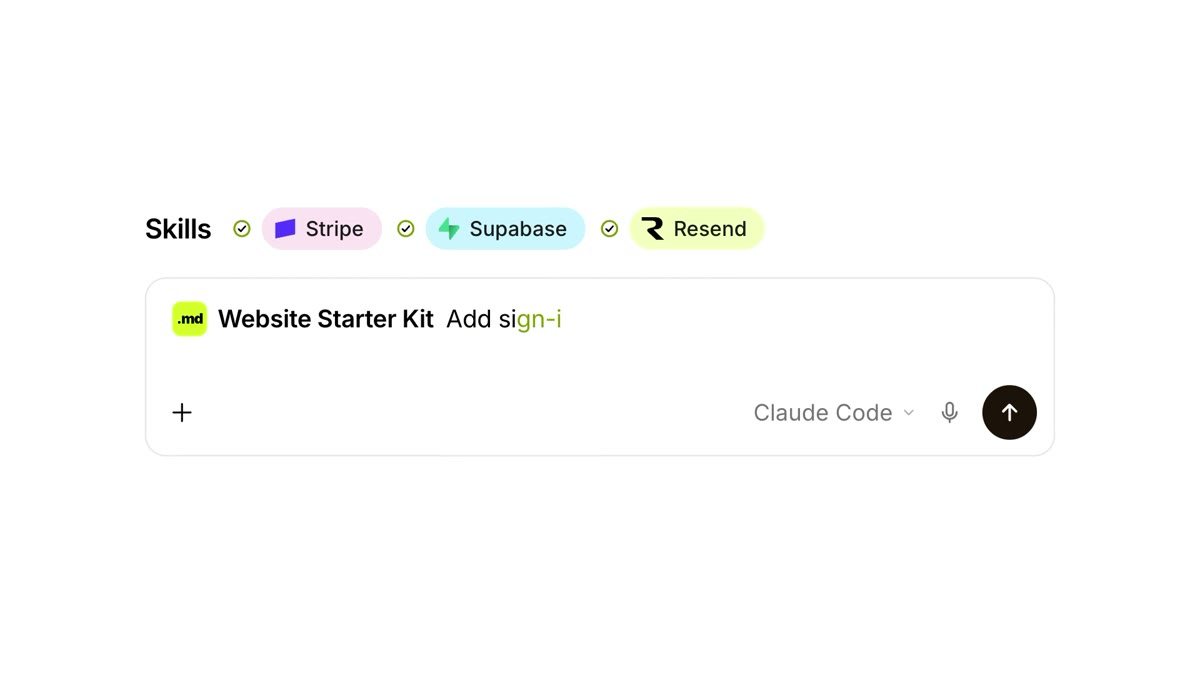 Mention-Driven AI Product Demo TemplateAn @mention brings a product and its skills into a prompt, followed by an app preview, an activity log and a metrics board.