Developer README Hero Video Template
Introduce a developer toolkit with an animated setup command, a branded page restyle and a short list of included services.
Use this above a README or project overview where the command and visible output can answer the reader’s first question.
What’s in the film
- 01
Open with the product
A bold cover introduces the first build idea.
- 02
Run the command
Five terminal beats show the project taking shape.
- 03
Restyle and summarize
Page and assistant panels lead into the final services view.
Best use cases
Show a repository’s first-use path
Use a command new users recognize and give the result a page they can identify instantly.
Customize in Video Studio
- Opening title, terminal states and restyle copy
- Service count and closing action
Edit with Studio chat
Run [public setup example], show [styled page], and close on [main benefit].
Fine-tune manually
Match the terminal title and generated page name to the same sample project.
More video templates
See all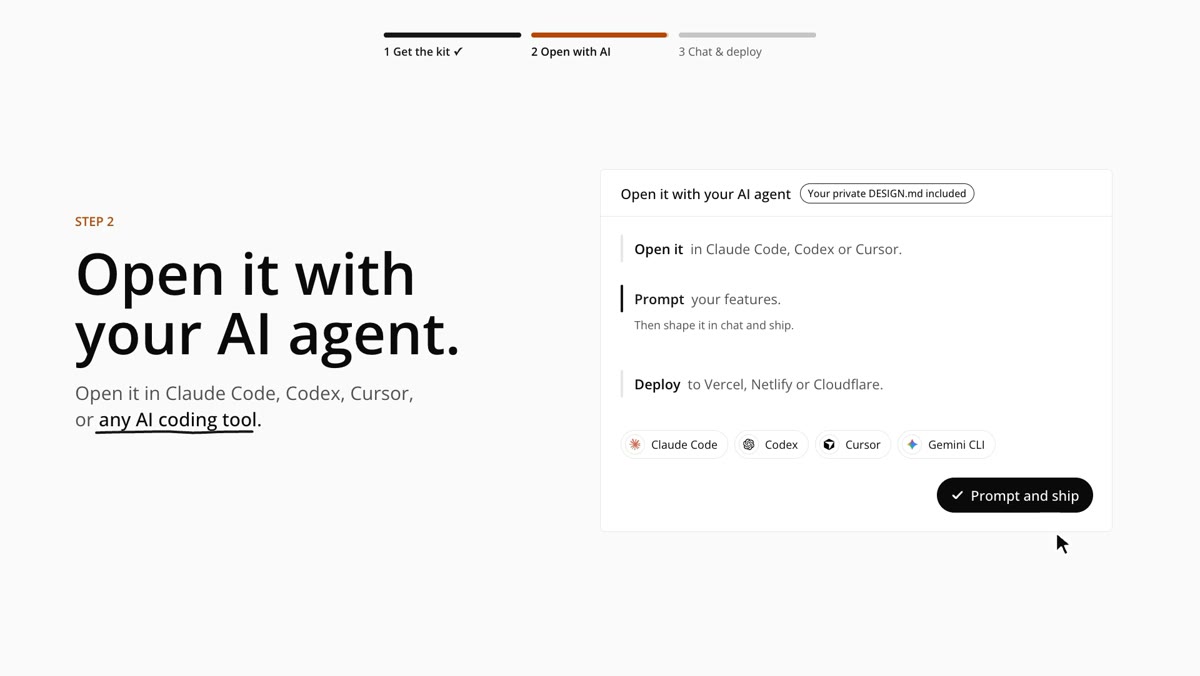 Three-Step Website Kit Walkthrough TemplateExplain a website kit chapter by chapter, from getting the files through opening an AI agent to seeing project examples.
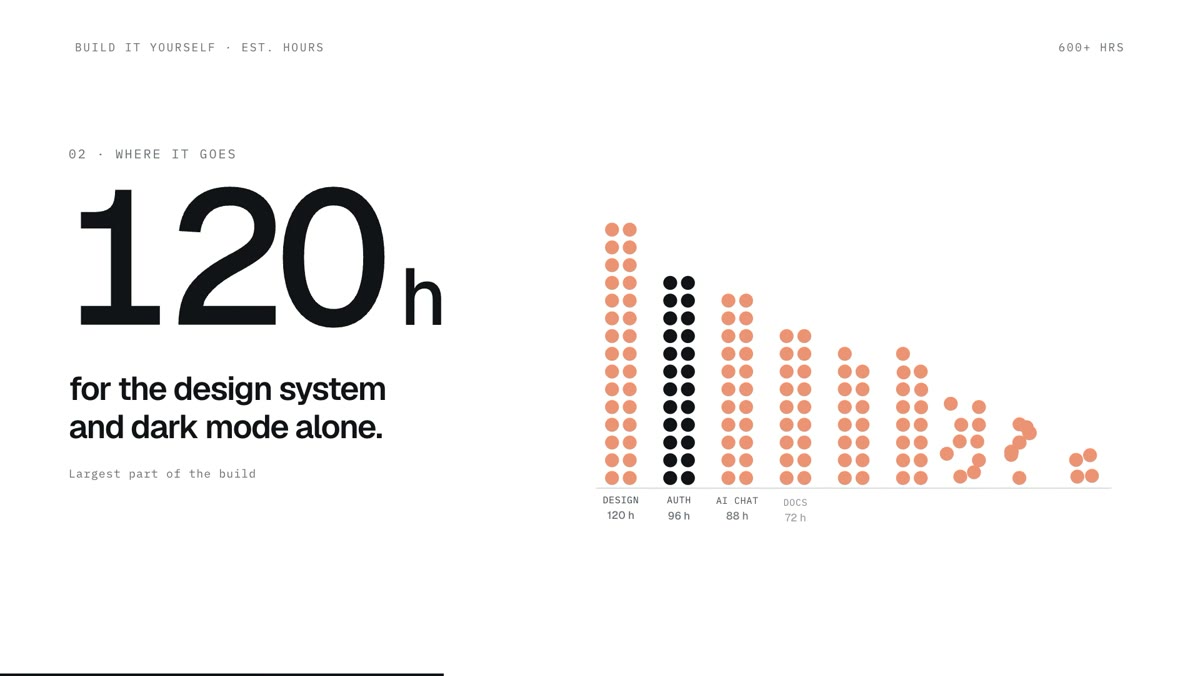 Editorial Build Time Report Video TemplatePresent the cost of repeated setup through large numbers, a printed-report chart and a comparison against a Day 1 outcome.
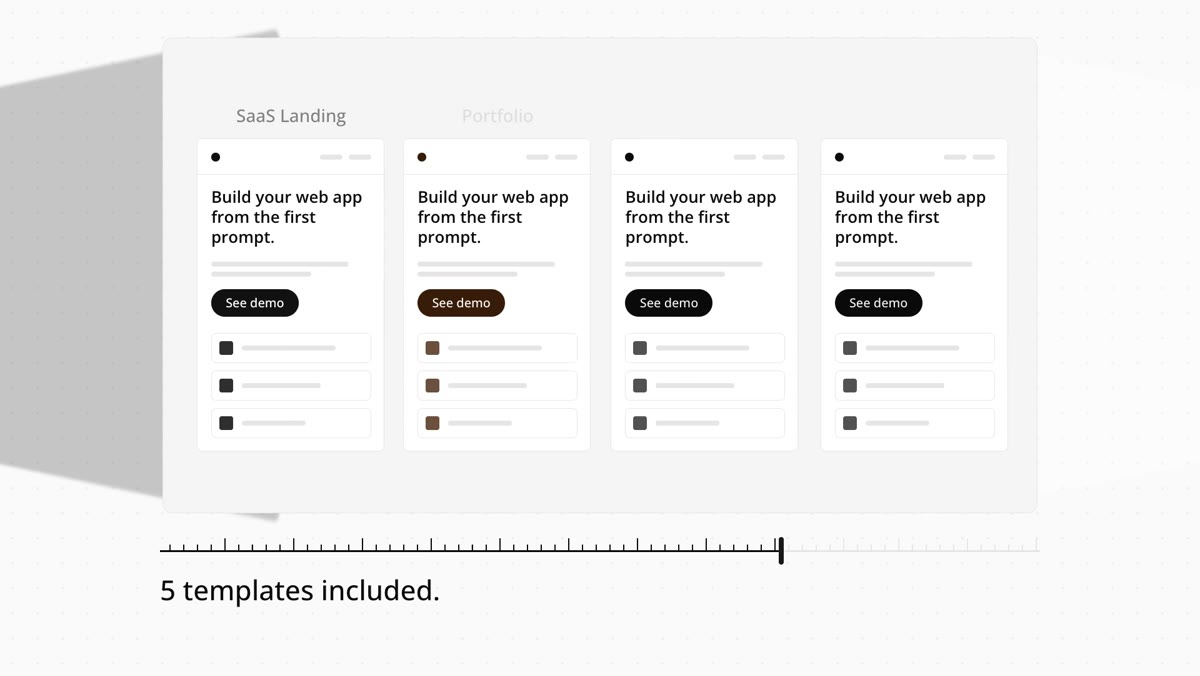 Website Stack and Template Carousel Video TemplateLead from a product request into stack descriptions, a set of website cards and one final terminal beat.