Editorial Task Focus Motion Graphic Template
Zoom from task cards on a muted geometric field into one selected item, then reveal files and skills.
Use this as a short editorial transition when an audience already knows the project and needs to see one task move into focus.
What’s in the film
- 01
Set out the tasks
Small white cards sit over a tinted oval.
- 02
Focus on one card
The camera widens before a ring contracts around the chosen task.
- 03
Reveal the resources
File and skill labels replace the abstract field.
Best use cases
Introduce a project chapter
Name the workstreams in the opening and let the chosen task lead into the files needed for that chapter.
Customize in Video Studio
- Four task labels and the selected card
- The file list, skill list and supporting note
Edit with Studio chat
Label the four cards [tasks], focus on [selected task] and reveal [file titles].
Fine-tune manually
Check that the focused task repeats one of the opening labels so the selection is easy to follow.
More video templates
See all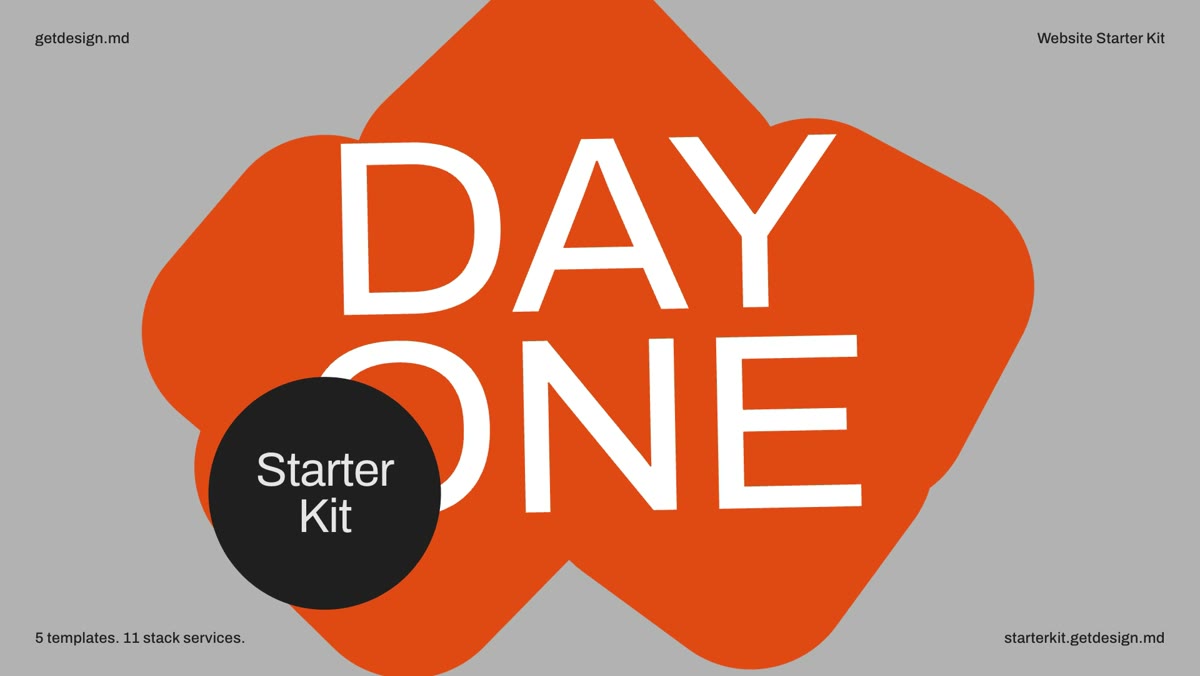 Blooming Headline Motion Sting TemplateReveal a two-word headline inside an orange shape that grows and contracts as a dark disc bounces across the frame in this eight-second motion sting.
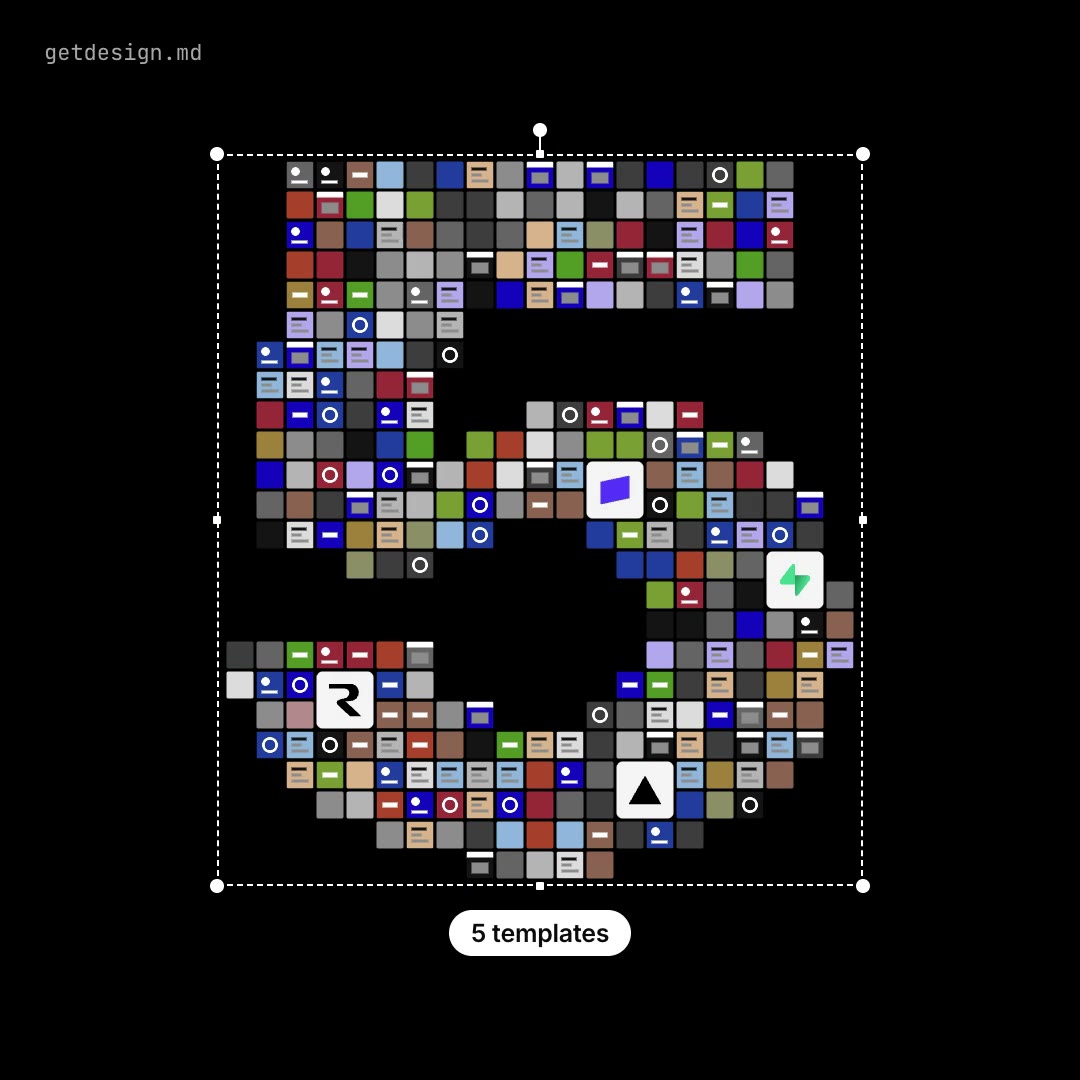 UI Mosaic Statistics Video TemplateBuild giant figures from miniature interface tiles, then squash and stretch the selection as the tiles reflow.
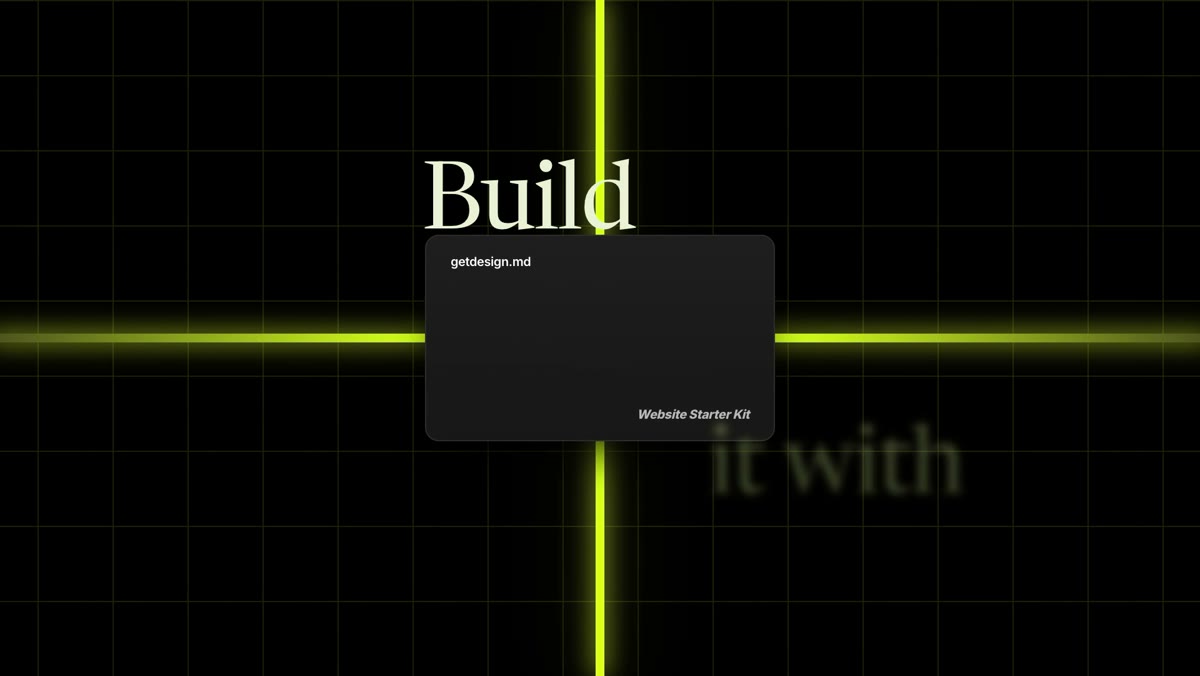 Serif Underline Product Launch Video TemplateIntroduce a toolkit with quiet serif lines, lime underlines and a dark product card that sits across a glowing cross.