Whiteboard Website Walkthrough Video Template
Use hand-drawn arrows, a template gallery and a terminal to teach a three-step website launch.
Choose this when viewers should be able to repeat the workflow after one watch. Tie each drawn step to a visible action.
What’s in the film
- 01
Pick a design
Marker notes point into the template gallery.
- 02
Ask for the build
A terminal and chat show what to open and type.
- 03
Follow the timeline
Handwritten labels connect the steps to deployment.
Best use cases
Teach a first website launch
Pick one example site to carry from gallery selection through the final timeline.
Customize in Video Studio
- Gallery and five template previews
- Terminal lines, typed prompt, timeline and hosts
Edit with Studio chat
Circle [template], type [build request], and label [three actions].
Fine-tune manually
Check each arrow points to the button or field named by its note.
More video templates
See all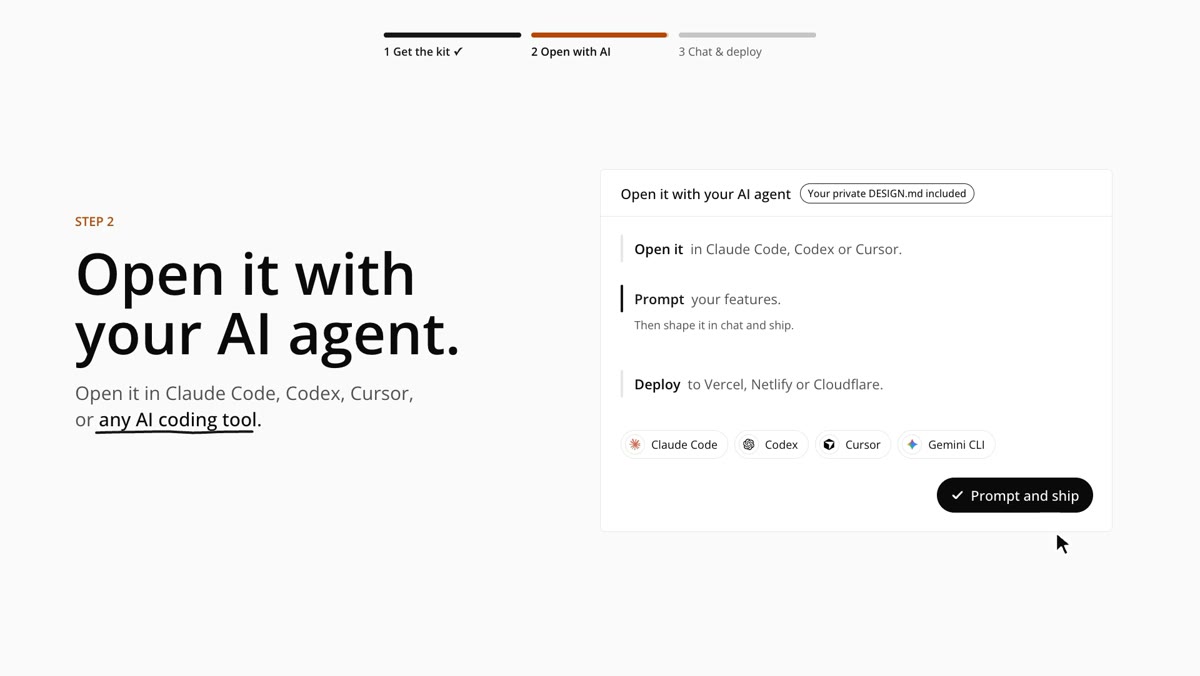 Three-Step Website Kit Walkthrough TemplateExplain a website kit chapter by chapter, from getting the files through opening an AI agent to seeing project examples.
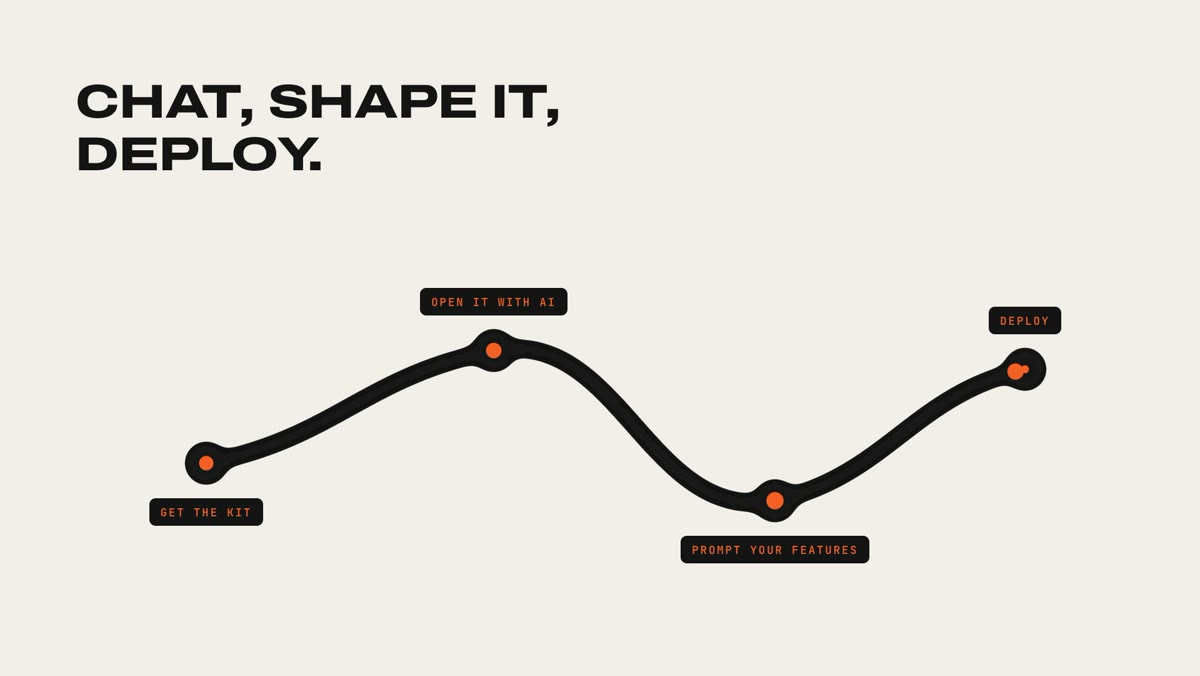 Liquid Ink Workflow Launch Video TemplateConnect tool names, metrics and workflow steps with melting ink lines and a tangerine accent.
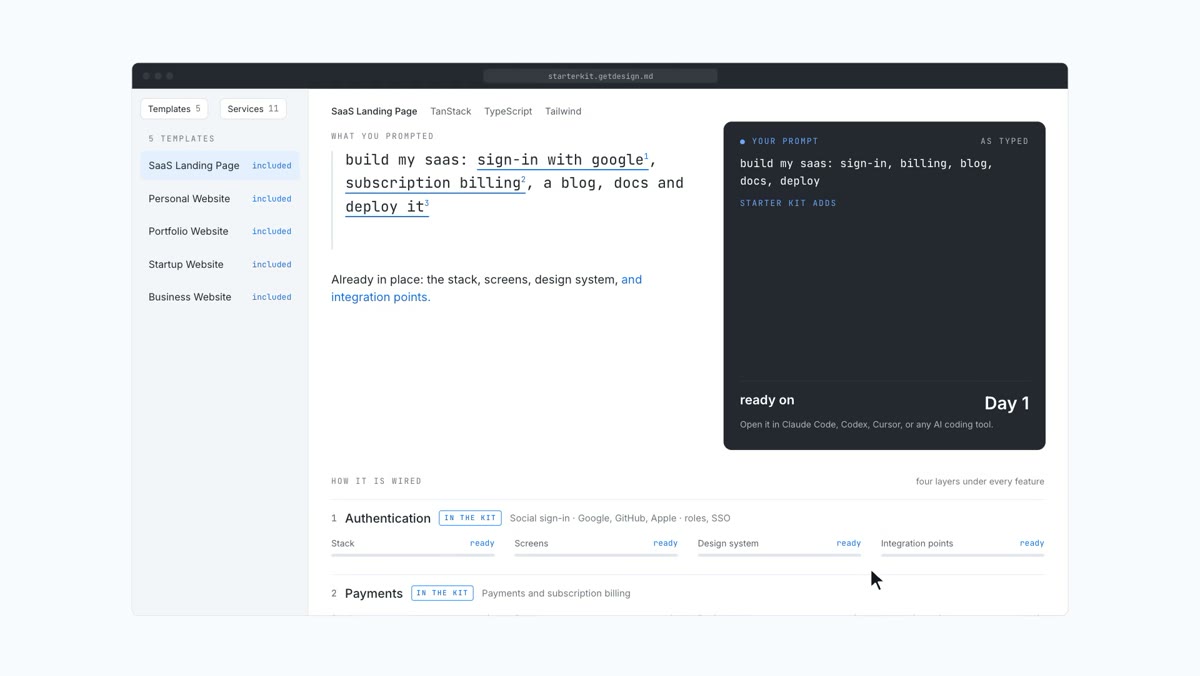 Prompt Gap Product Demo Video TemplateContrast a first prompt with the work a dashboard, setup list and deployment settings still need to show.