Interlocking Product Modules Motion Template
Three outlined feature modules slide, peel apart and join into one product in a square motion template.
Use this when the story is how several parts fit together. The animation gives each part a beat before the outlines become one shape.
What’s in the film
- 01
Draw the parts
Three outlined modules enter with individual labels.
- 02
Peel and relabel
The modules reappear one at a time and switch to a second set of labels.
- 03
Join
The outlines close their gaps and merge around the product name.
Best use cases
Introduce a modular product
Use the first set for capabilities and the second for the pieces a customer receives.
Customize in Video Studio
- Two sets of three module labels
- Final product name and site address
Edit with Studio chat
Use [three capabilities] in the first set of modules. Replace them with [three included components] in the second set and merge them into [product name].
Fine-tune manually
Keep module labels to one or two words. Preview the peel and merge to see which labels become visible first.
More video templates
See all Dot Morph Product Features Video TemplateA square feature teaser in which coloured dots turn into a page grid, a service diagram and a stack of cards.
 Animated Strikethrough Promo Video TemplateShow two before-and-after claims by striking out a short phrase and swapping in its replacement over drifting colour.
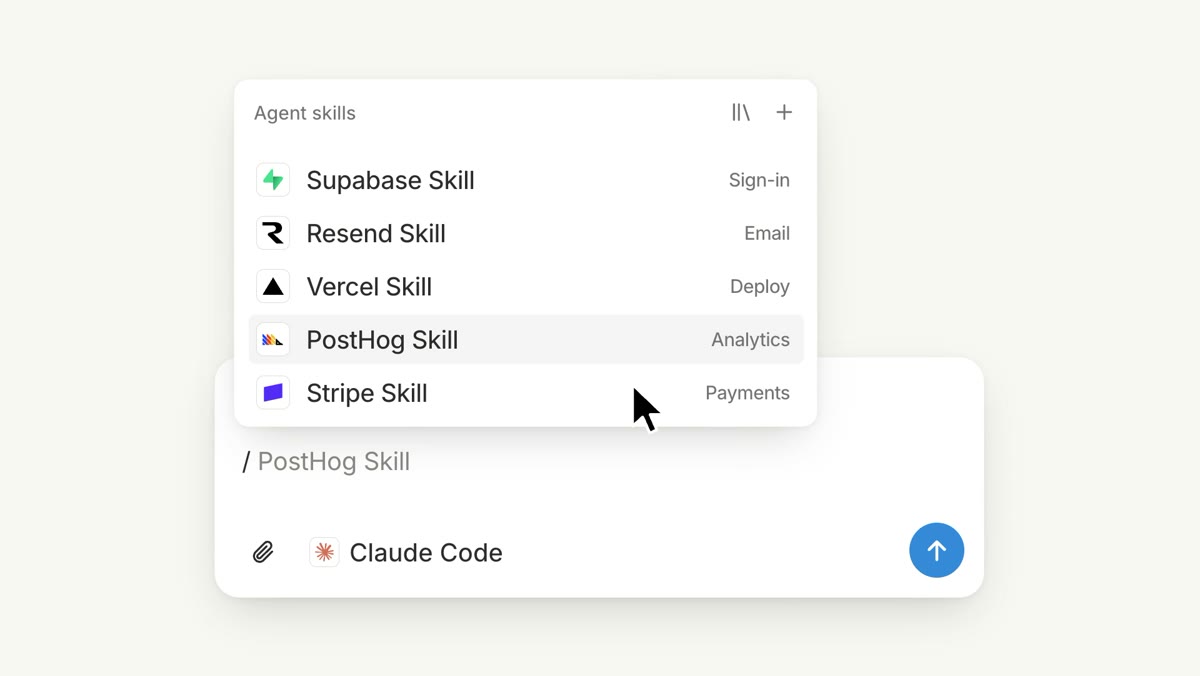 Slash Command Integration Demo Video TemplatePick an integration from a slash menu, follow a short agent run, then show where the skill can be opened.