Animated Strikethrough Promo Video Template
Show two before-and-after claims by striking out a short phrase and swapping in its replacement over drifting colour.
Use this when the difference can be expressed by changing only a few words. The fixed headline makes the old and new phrases easy to compare.
What’s in the film
- 01
Set the old wording
The first headline holds over a pale canvas.
- 02
Replace the phrase
A colour sweep and a strike mark trade the old ending for the new one.
- 03
Repeat and close
A second swap leads into the wordmark.
Best use cases
Announce a simpler process
Keep the action fixed and swap the step or time frame that has changed.
Customize in Video Studio
- The fixed part of each headline
- The two phrases replaced in each swap, plus the closing brand
Edit with Studio chat
Start with ‘[fixed text] [old phrase]’ and replace only [old phrase] with [new phrase]. Repeat with [second before and after claim], then close with [brand].
Fine-tune manually
Keep the old and new text in the phrase slots so the strike line hits the correct words. Use a supportable claim for the outcome.
More video templates
See all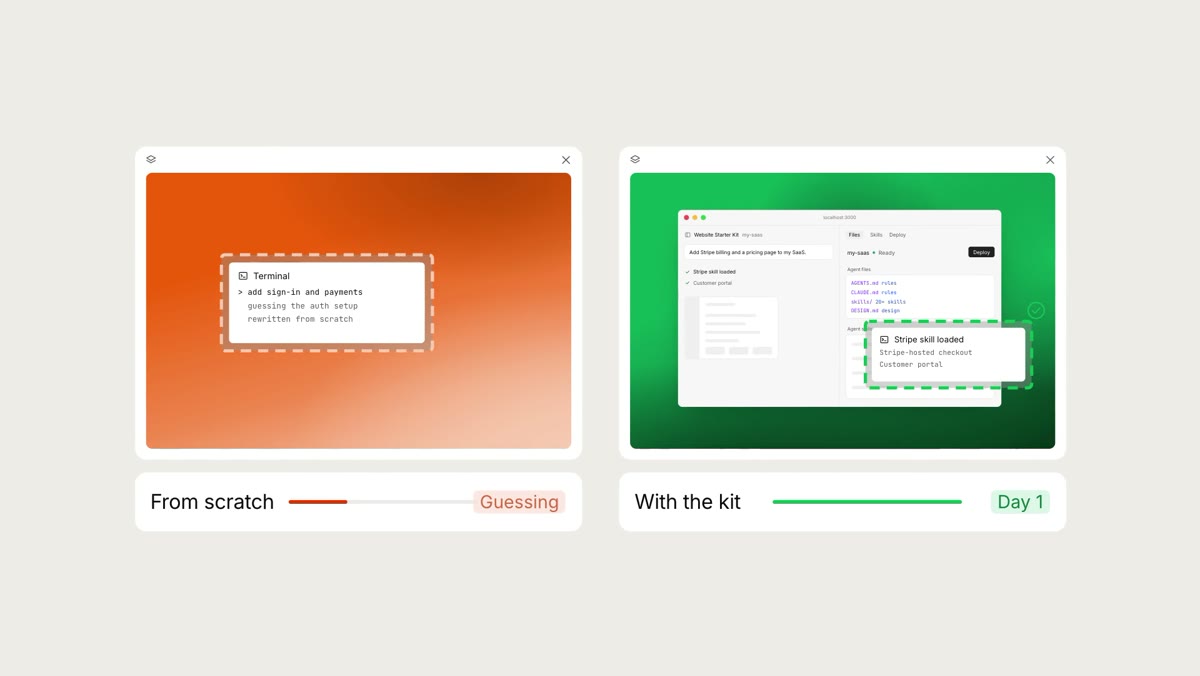 Split Screen Workflow Comparison Video TemplateCompare two workflows in a side-by-side race, with progress bars, error states and a working product preview.
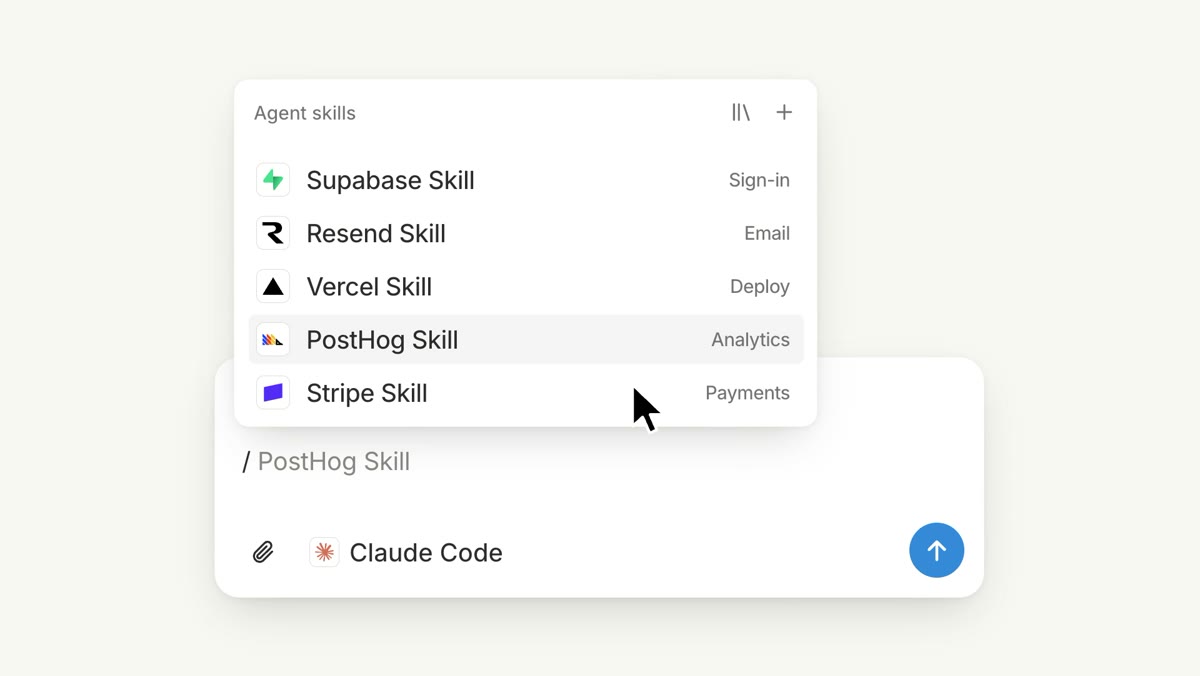 Slash Command Integration Demo Video TemplatePick an integration from a slash menu, follow a short agent run, then show where the skill can be opened.
 Kanban Agent Workflow Motion TemplateFollow one task across a board as an agent plans, a review hands it off, and a second agent takes it to release.