Mobile AI Coding Session Demo Video Template
A tilted phone shows a code diff, a typed feature request and the assistant’s reply in a dark mobile workspace.
Use this when the story is doing developer work from a phone. A visible diff makes the request concrete and gives the reply something specific to resolve.
What’s in the film
- 01
Inspect the change
The camera pulls back from a phone header to the changed file.
- 02
Send a request
A file chip enters the composer and a short brief types in.
- 03
Read the result
The working state gives way to a reply that names the change and the next step.
Best use cases
Demo reviewing a code change on mobile
Use a small diff and a request that can be understood while the phone moves.
Customize in Video Studio
- The changed file, code diff and typed request
- The working status, assistant reply and closing product line
Edit with Studio chat
Show [file name] with this short diff: [change]. Type ‘[request]’ and answer with [completed change] and [next step].
Fine-tune manually
Shorten the diff to the lines that explain the request. Check the tilted close-ups and keep the reply readable on the phone screen.
More video templates
See all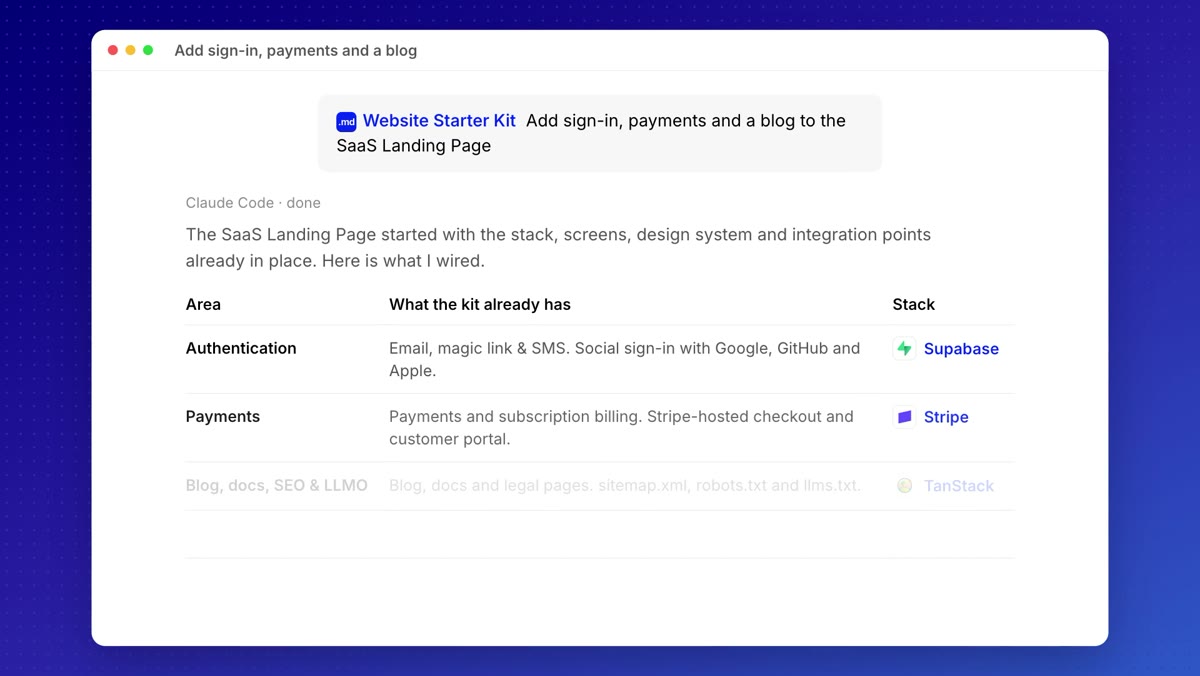 AI Coding Agent Session Demo Video TemplateFollow an AI coding session from a typed feature request through a tool log, an answer table and a preview of the shipped page.
 Scanline Statement Motion TemplateFour square launch statements move through moss, orange and lavender scanline backgrounds.
 Rolling Count Logo Motion TemplateA square logo film with a rolling integration count, a flipping logo tile and stats written in with pen strokes.