Mobile App Design Variants Demo Template
Start with a wall of app screens, choose one flow, compare nine variants and request a build with dark mode.
Use this when showing design exploration is as important as the finished screens. Keep the variants anchored to one interaction.
What’s in the film
- 01
Explore wide
A first prompt leads to a canvas full of mobile screens.
- 02
Go deeper
The selected screen gets a question and several related variants.
- 03
Build the choice
A design system panel and follow-up prompts lead to the final screens.
Best use cases
Show iteration before handoff
Start with a broad app brief, then compare copy or layout variants for one paywall or onboarding screen.
Customize in Video Studio
- Initial request, picked screen and follow-up question
- Nine variant labels, component library and build prompts
Edit with Studio chat
Generate [screen collection], compare [variants] of [chosen flow], and build [selected version] in dark mode.
Fine-tune manually
Keep the variant names distinct and carry the chosen one into the build prompt.
More video templates
See all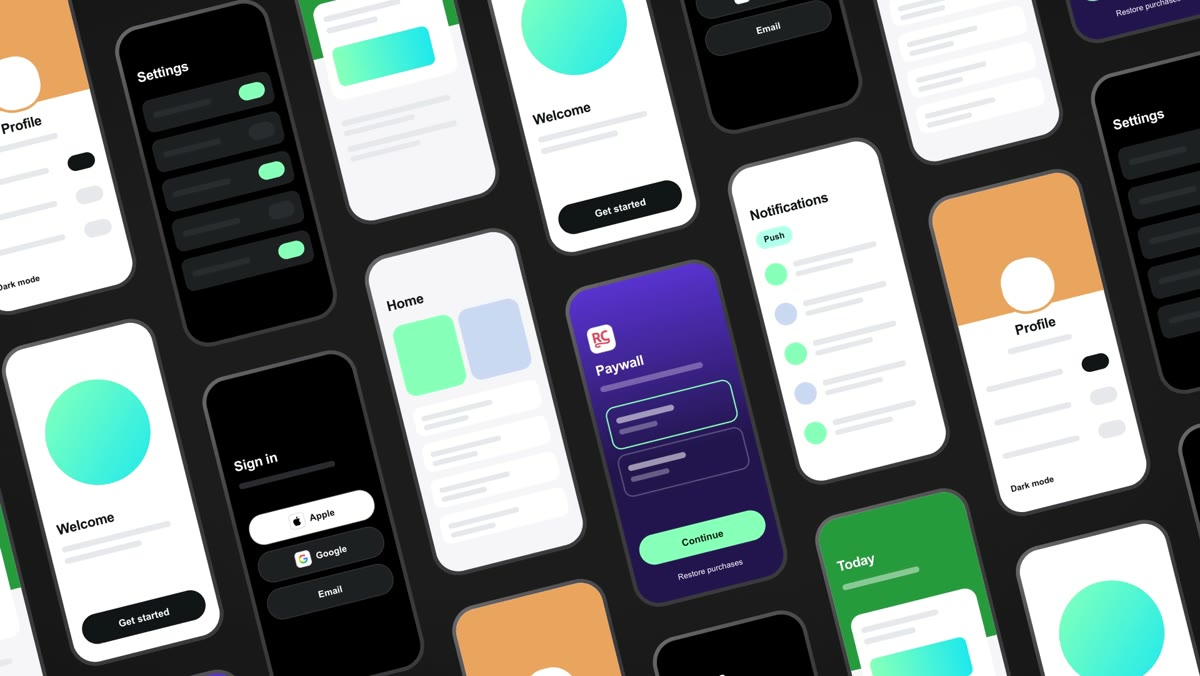 Orb and Mobile Screen Wall Launch Video TemplateFollow a glowing orb into a phone build sequence and then pull back to a wall of finished app screens.
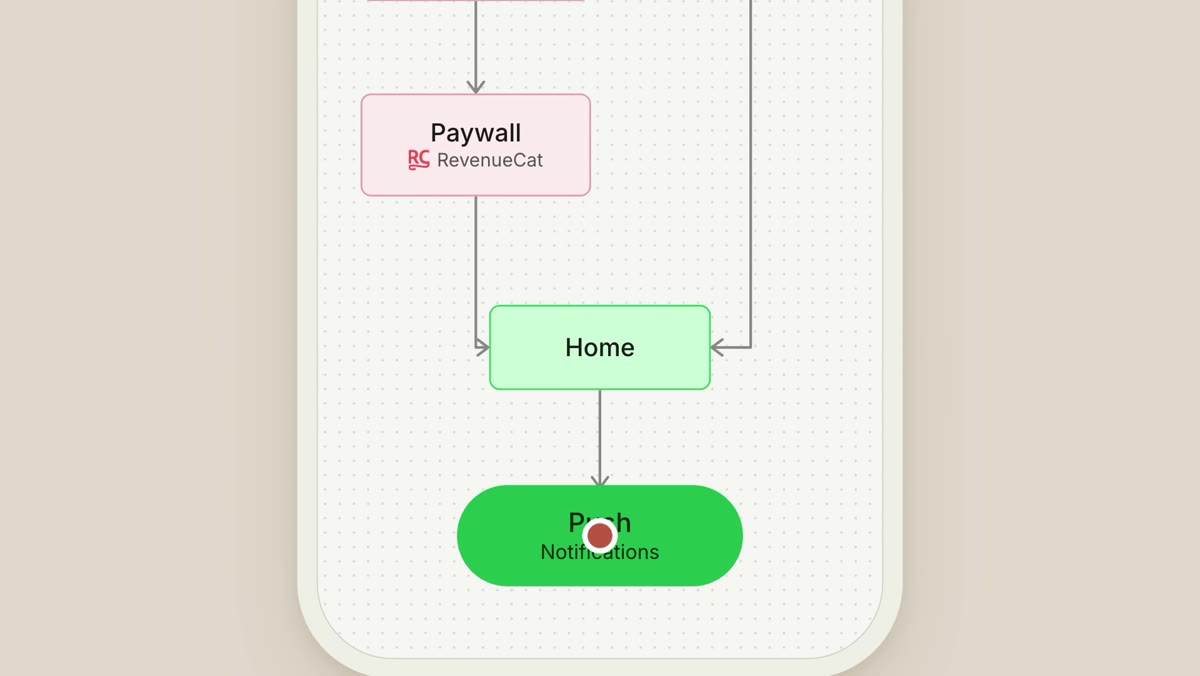 AI Answer Cards Product Demo TemplateTurn three questions about an app into a chart, a flow diagram and a presentation card inside a mobile chat.
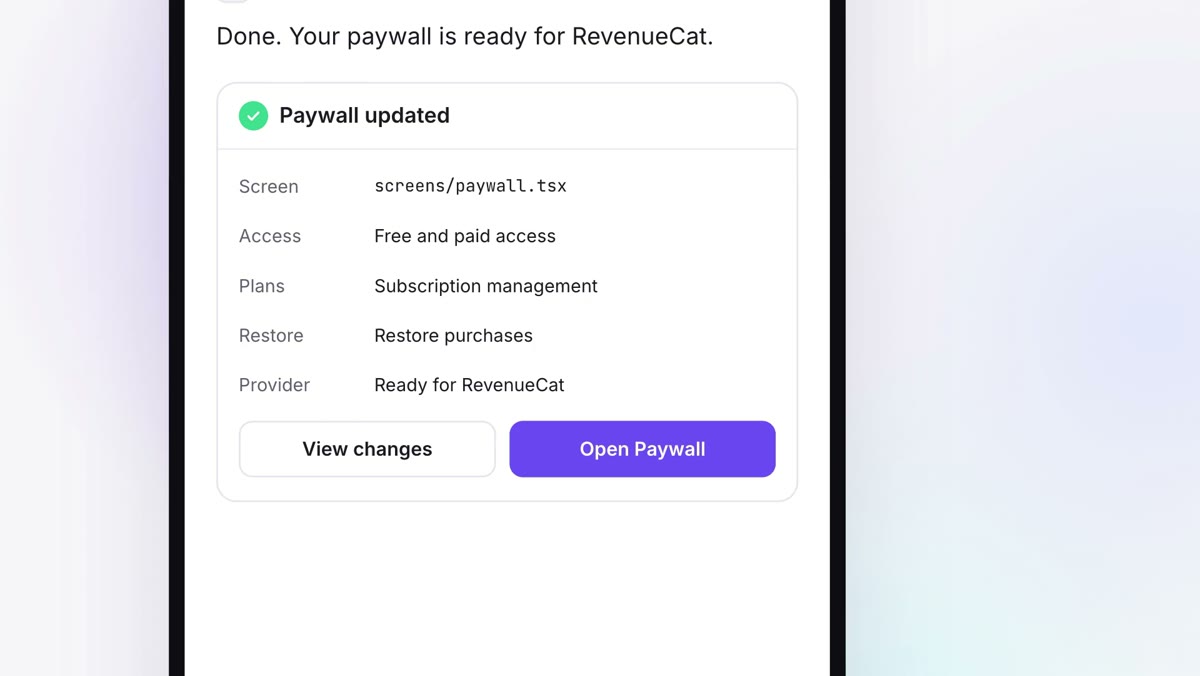 Subscription Paywall Walkthrough Video TemplateIntroduce subscription actions, a plan dialog and a result card through floating panels and a mobile chat.