Mobile Sign-In Approval Demo Video Template
Show an AI assistant asking for a sign-in choice, opening a phone sheet, and returning a submitted state.
Use this when your mobile workflow pauses for a real user decision. The film keeps the request, available options and confirmation in one phone demo.
What’s in the film
- 01
Ask for a decision
An assistant presents an Action needed card for sign-in.
- 02
Choose a method
A sheet opens and the phone walks through the choice.
- 03
Confirm
The card changes to Submitted before naming the next step.
Best use cases
Demonstrate a human approval step
Pick a real decision with a short set of options and show how the product confirms it.
Customize in Video Studio
- The chat request and Action needed card
- The sign-in options, sheet text and submitted message
Edit with Studio chat
Ask [setup question], show [options] in the phone sheet, submit [chosen option], and confirm [result and next step].
Fine-tune manually
Edit the action card, sheet and submitted response together. Use sample values in the form and check that the confirmation names the choice shown.
More video templates
See all Trigger and Action Workflow Demo Video TemplateExplain an automation from trigger to result using a typed composer, a phone notification and a series of workflow cards.
 Mobile Feature Card Reveal Motion TemplateReveal sign-in, payments and store setup in three quick cards on changing pastel backgrounds.
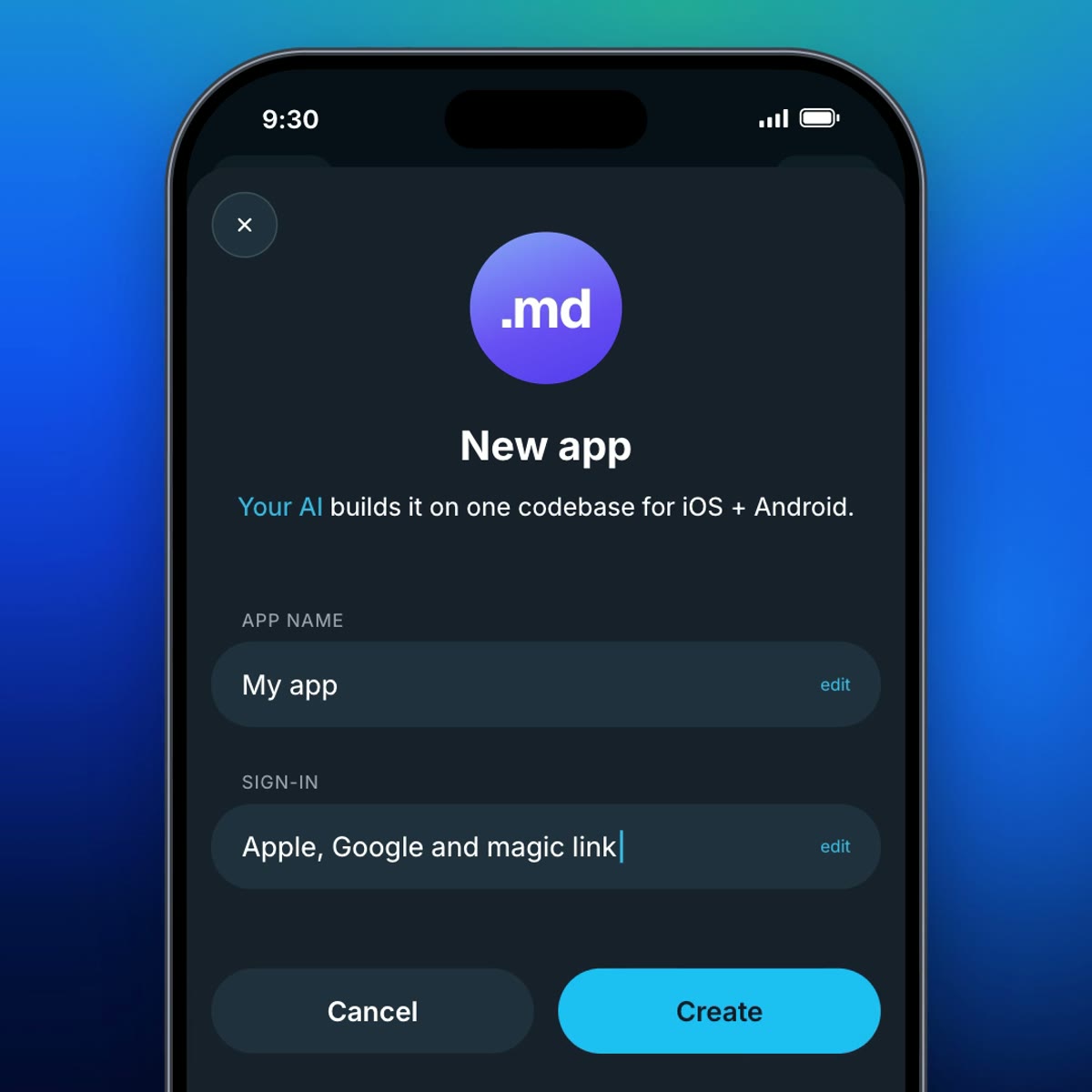 One-Tap Mobile App Setup Video TemplateA square phone demo moves from a Build button to a setup sheet, a ready state and the app profile.