Trigger and Action Workflow Demo Video Template
Explain an automation from trigger to result using a typed composer, a phone notification and a series of workflow cards.
Choose this for an automation with a result viewers can recognize immediately. The sample shows a Stripe payment triggering a Resend receipt, then shows the receipt on a phone.
What’s in the film
- 01
Write the rule
A cursor fills the trigger and action fields and sends the request.
- 02
Show the outcome
A phone reveals the receipt notification, then moves to an email list and dashboard.
- 03
Repeat the pattern
Paired workflow cards introduce other uses on the desert backdrop.
Best use cases
Demo a receipt automation
Start with a payment, then show the exact message the customer receives.
Explain event-driven features
Use the closing pairs to show how the same builder handles other triggers and actions.
Customize in Video Studio
- The trigger and action typed into the composer
- The notification, follow-up email rows and additional workflow examples
Edit with Studio chat
Start with ‘When [event happens]’, then type ‘[action]’. Show [message] arriving on the phone and use the final cards for [other trigger-and-action pairs].
Fine-tune manually
Edit the two composer fields, then update the notification so the wording matches the action. Check the preview from the send click through to the phone screen.
More video templates
See all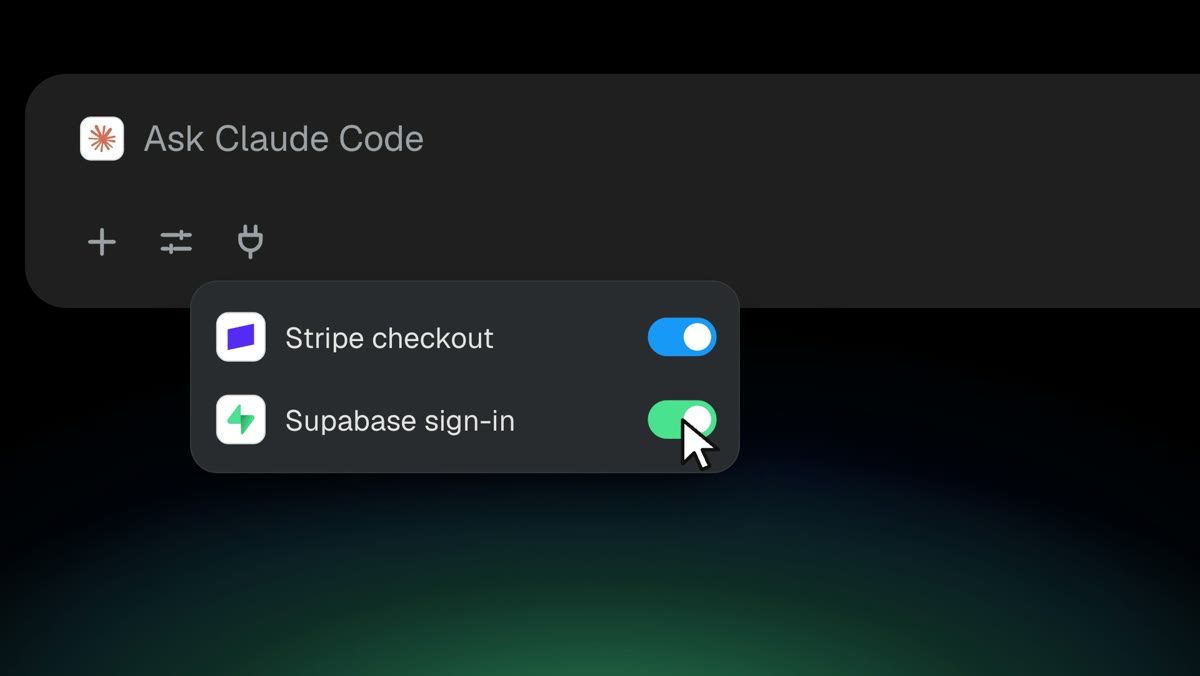 SaaS Integration Toggle Demo Video TemplateA dark composer demo that zooms into a connector menu, switches on an integration and shows a prompt using it.
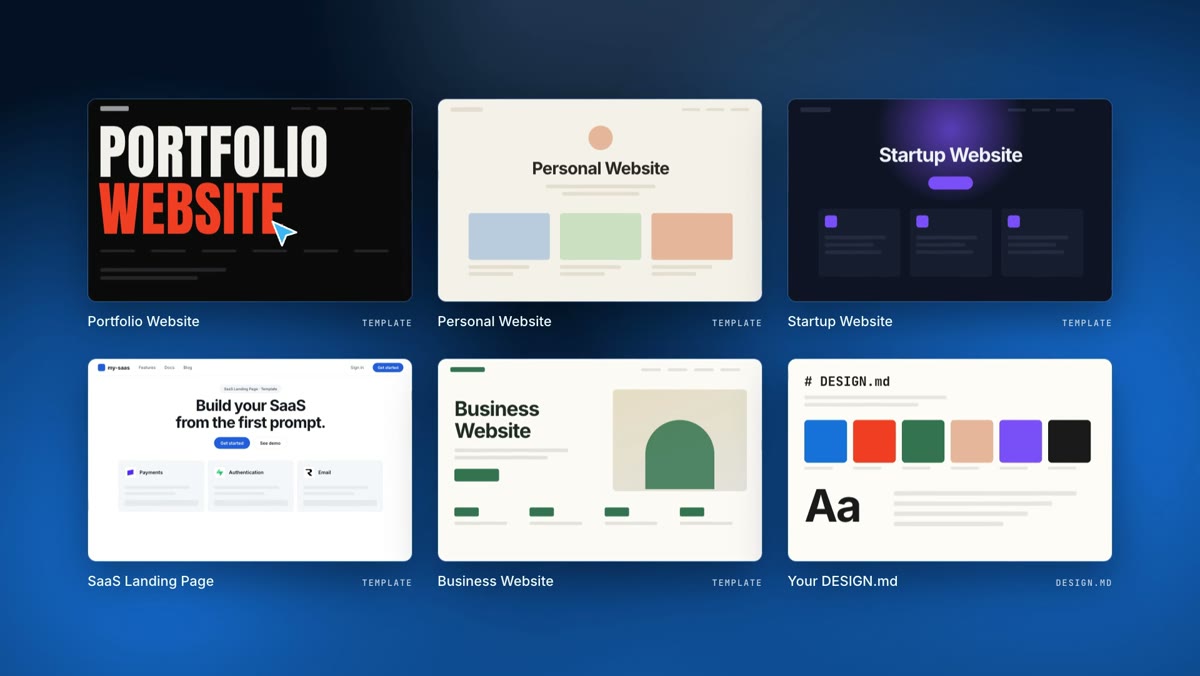 Website Template Collection Showcase Video TemplateTour a rotating gallery of website designs, open a sample page, and show an AI prompt adding a pricing section.
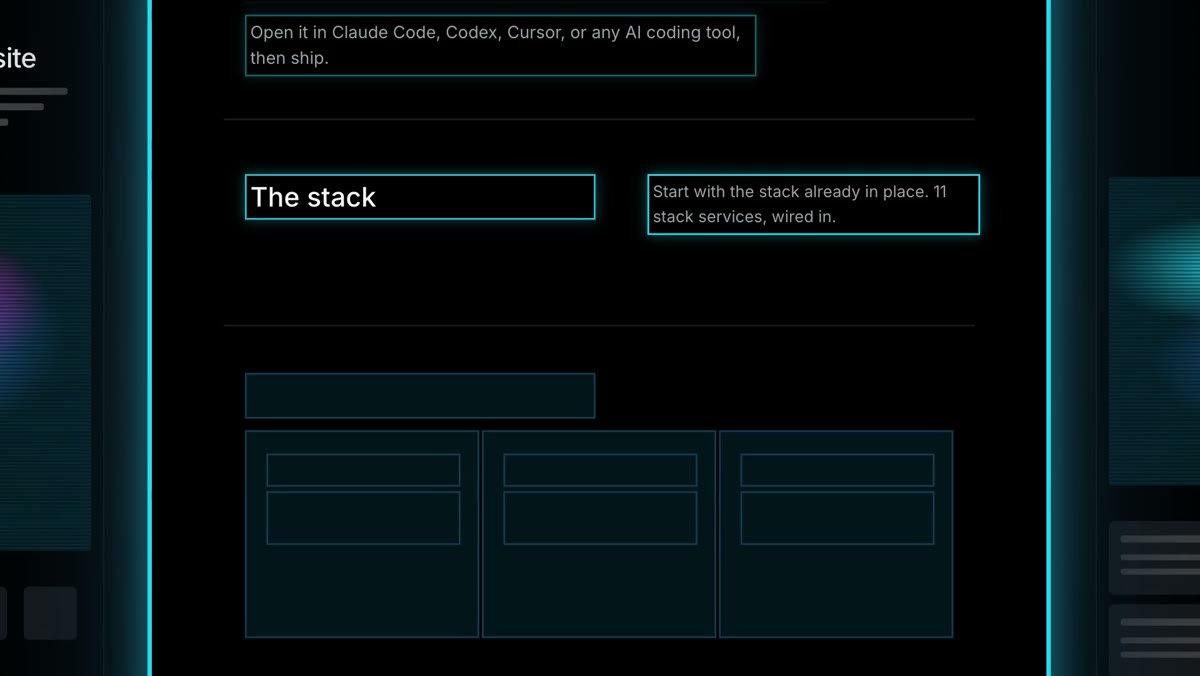 Design System AI Builder Demo Video TemplateShow an AI builder applying design rules as a site assembles, then builds a matching blog from a prompt.