Stacking Components Motion Graphic Template
Drop labeled blocks onto a foundation one by one until an animated tower balances and settles.
Use this when a product combines layers that viewers can understand in order. Let the foundation name the dependency the other pieces build on.
What’s in the film
- 01
Set the foundation
A dark block sits alone while its label types in.
- 02
Stack the pieces
Colored blocks land in order and wobble together.
- 03
Settle the tower
The stack straightens under a short explanation.
Best use cases
Introduce a modular toolkit
Put the base system on the bottom and arrange the remaining modules in the order customers use them.
Customize in Video Studio
- The foundation label and stacked block labels or logo choices
- The line above the tower and closing lockup
Edit with Studio chat
Label the foundation [base], stack [modules in order], and finish with [one-line benefit].
Fine-tune manually
Check that distinct colors and short labels remain distinguishable during the sway.
More video templates
See all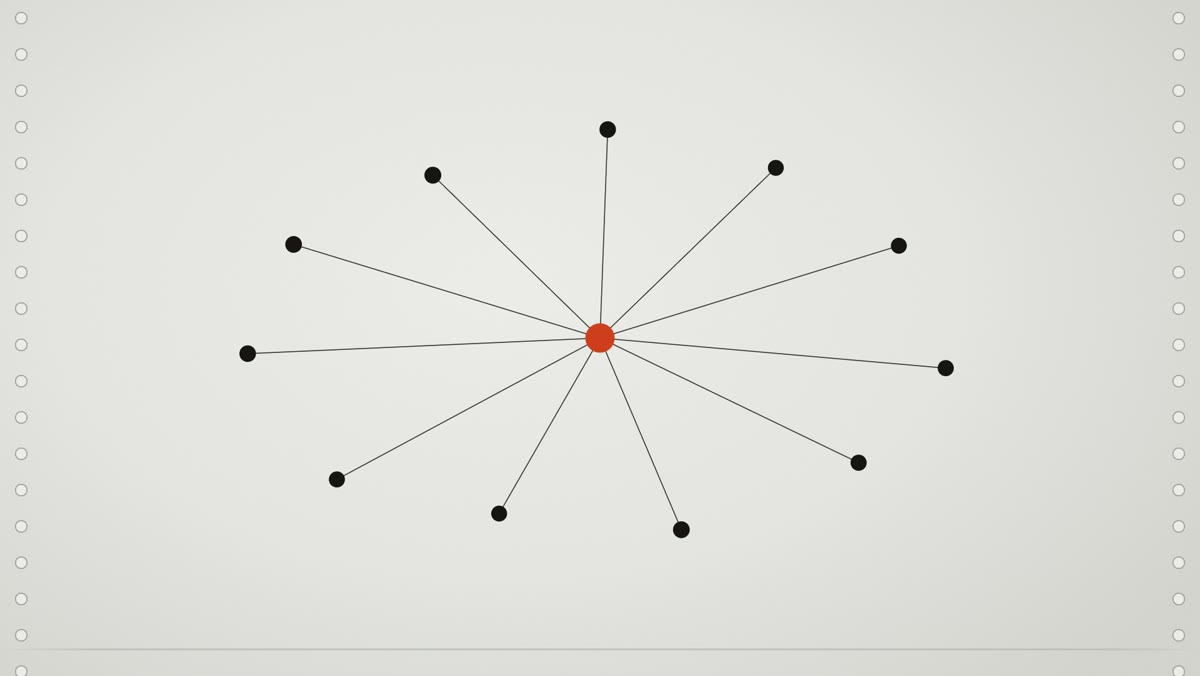 Network Hub Product Explainer Video TemplateOrganize scattered dots into a hub, radial service links and a prompt grid in an editorial product explainer.
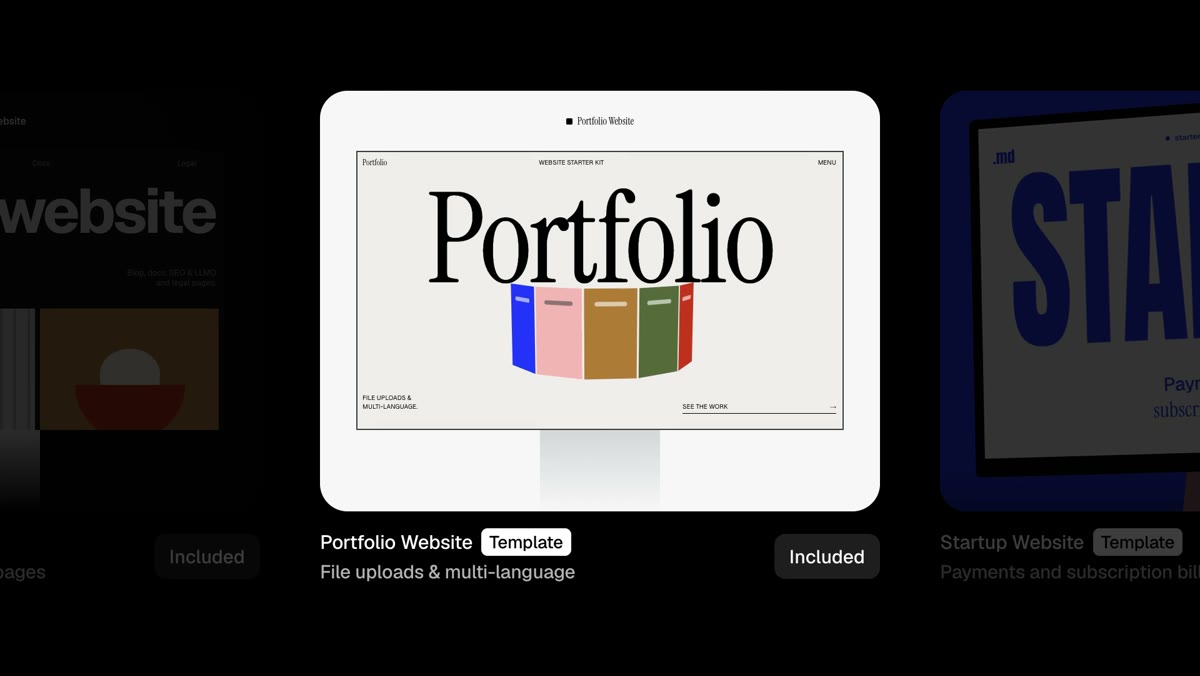 Spotlight Website Showroom Video TemplateMove four website previews through a single center spotlight so each design gets a readable front view.
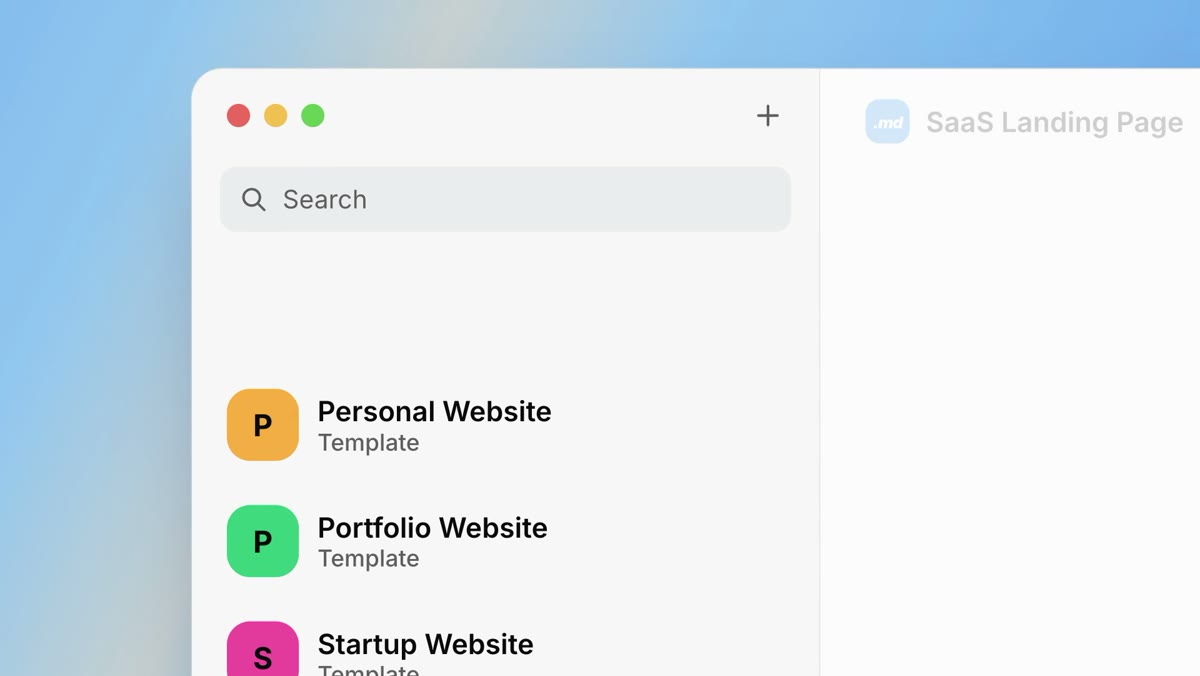 Chat to Website Template Demo TemplateTurn an AI chat request into a website draft, open its template card and show where other templates live.