Project Setup Scan Demo Video Template
Demonstrate a project scan that finds setup gaps, opens a finding and prepares a patch for human review.
Use this to show how a developer tool turns a list of findings into one concrete next action. Keep the issue, file and patch connected throughout.
What’s in the film
- 01
Run a scan
The project window opens a scan and shows the findings.
- 02
Inspect the first gap
One item expands into its affected file and resolution steps.
- 03
Hand back a patch
The session works through the change and shows the result as ready for review.
Best use cases
Show an onboarding health check
Pick one missing configuration area and make the patch address the same issue named in the results.
Customize in Video Studio
- Scan labels, findings and detail text
- Session steps, patch summary and review controls
Edit with Studio chat
Scan [sample project], flag [setup gaps], detail [one gap] and prepare [reviewable patch].
Fine-tune manually
Use placeholder configuration names and match the file in the finding to the file shown in the diff.
More video templates
See all Developer Kit Readiness Demo Video TemplateShow project rule files, deployment status and a ready checklist, then send a concrete request from a coding assistant.
 Chat Requests to Setup Board Video TemplateTurn a pile of chat requests into an organized setup board, then show a launch reaching its deployed state.
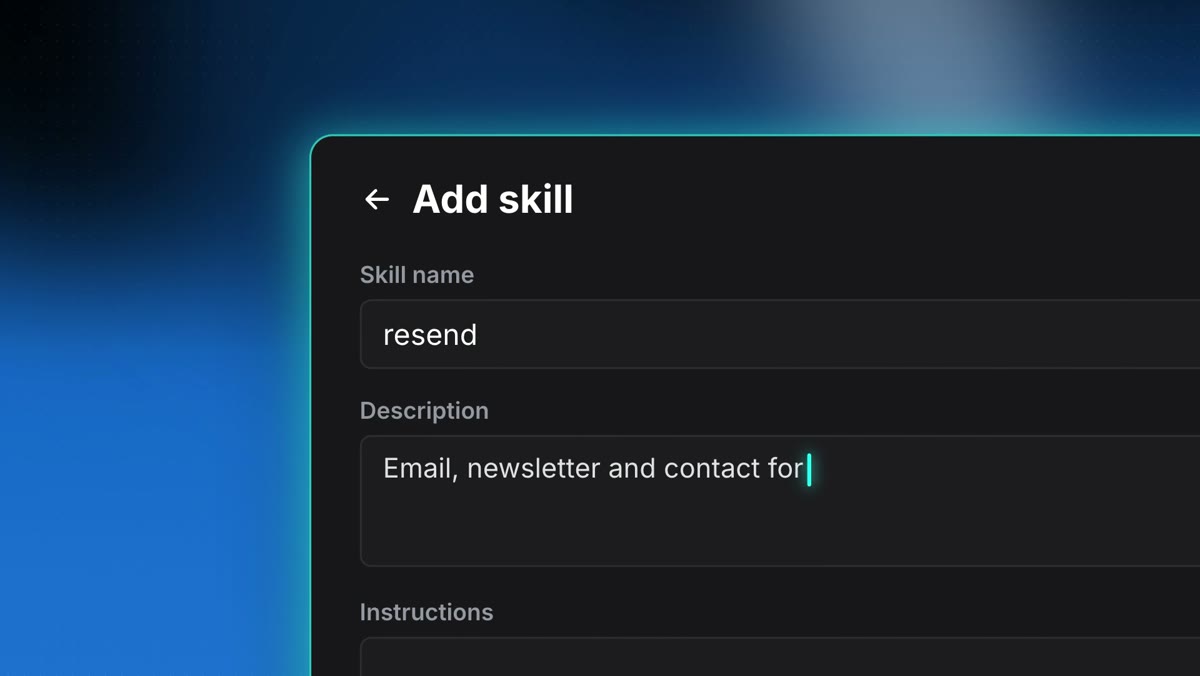 AI Skills Menu Walkthrough Video TemplateOpen a skills submenu, fill out a skill form and use a slash command to change a page from its design rules.