Sunrise AI Composer Reveal Template
Transform a rising orb into the send button of an AI composer, then show requests, file context and a welcome screen.
Choose this for a cinematic assistant launch with just a few product examples. Use the opening atmosphere to lead into concrete outcomes in the composer.
What’s in the film
- 01
Raise the orb
Warm rays dim as a glowing disk rises against a dark field.
- 02
Send example requests
The orb becomes the composer control next to typed requests and attached files.
- 03
Open the welcome screen
The scene brightens into a white panel with a next action.
Best use cases
Introduce an assistant that reads project files
Use three prompts that produce different outputs and name the referenced file in each example.
Customize in Video Studio
- Opening brand lines and three example prompts with file tabs
- Answer labels, welcome rows and first-action button
Edit with Studio chat
Reveal [brand], send [three example requests] with [context files], and end at [welcome action].
Fine-tune manually
Give each sample request a distinct result and keep the file-tab names short enough to read as they arrive.
More video templates
See all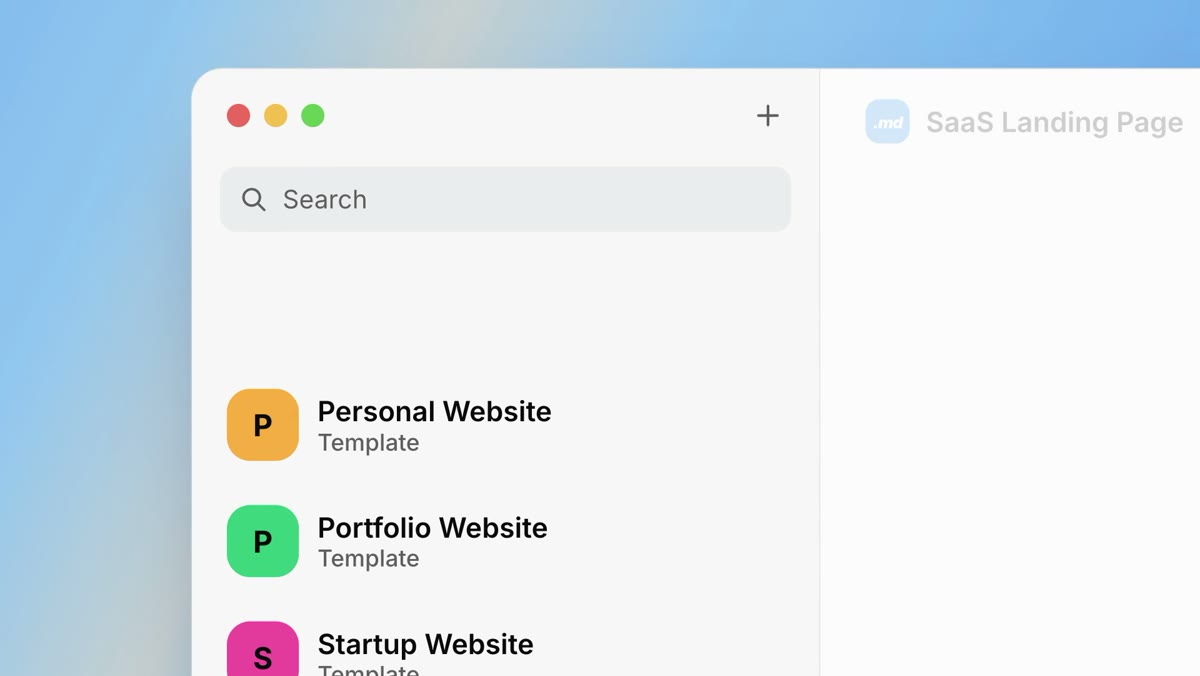 Chat to Website Template Demo TemplateTurn an AI chat request into a website draft, open its template card and show where other templates live.
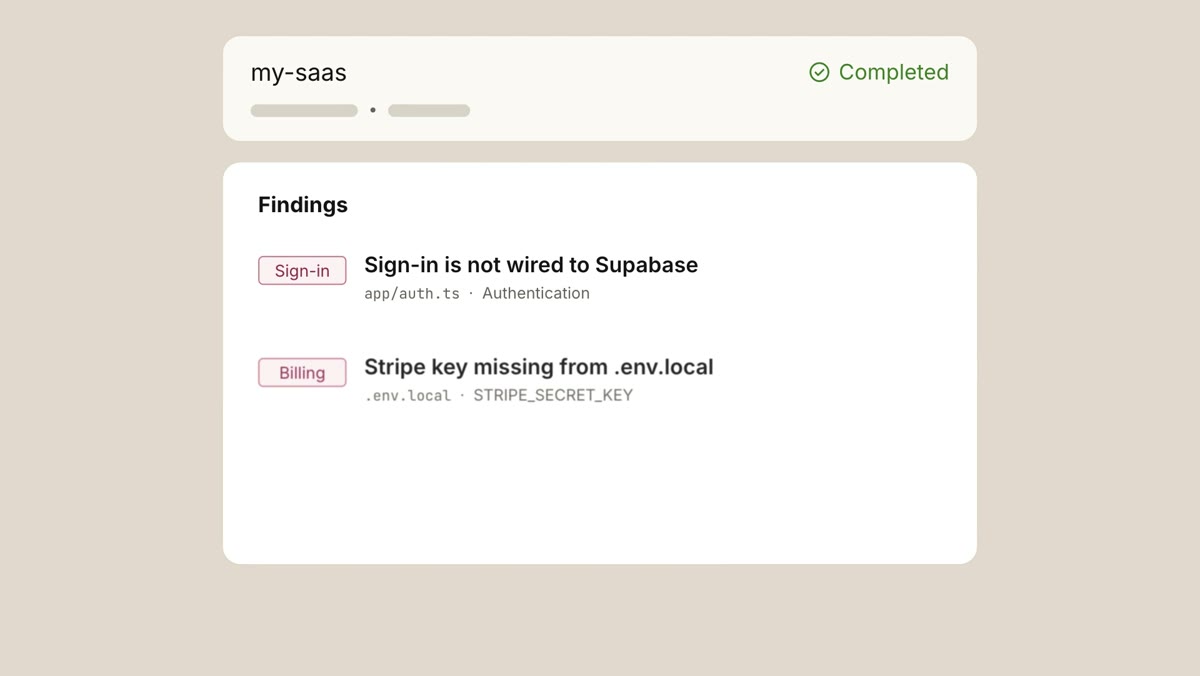 Project Setup Scan Demo Video TemplateDemonstrate a project scan that finds setup gaps, opens a finding and prepares a patch for human review.
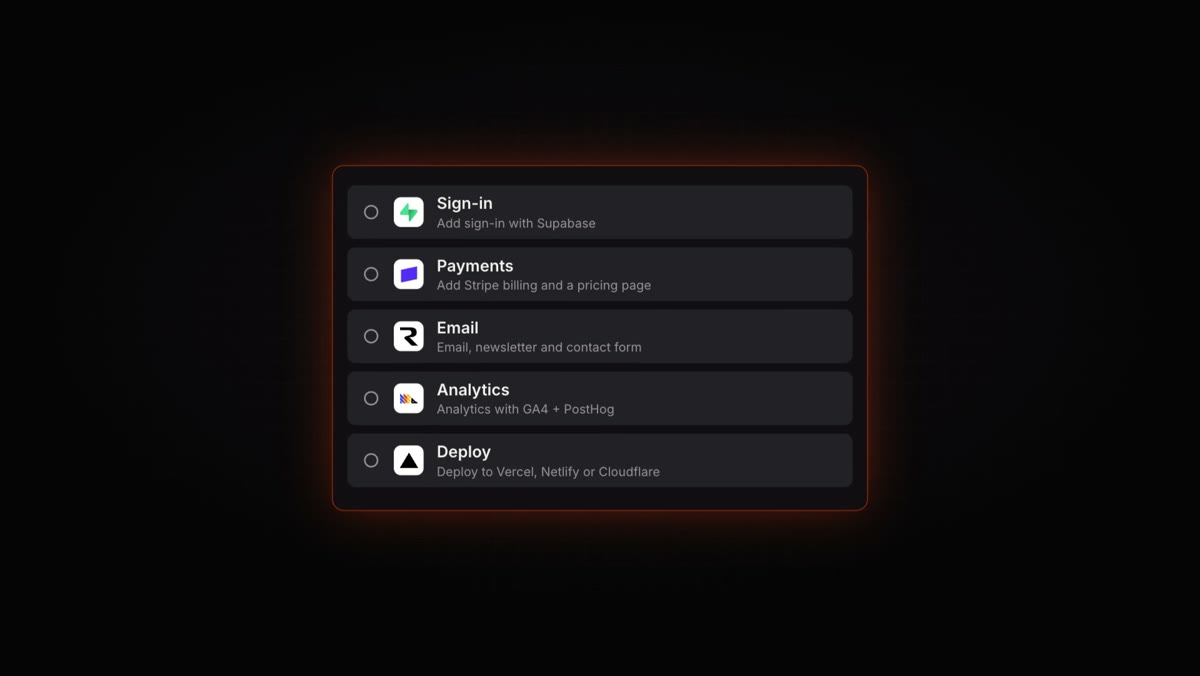 Chat Requests to Setup Board Video TemplateTurn a pile of chat requests into an organized setup board, then show a launch reaching its deployed state.