Team AI Thread Demo Video Template
A team thread shows several people making requests, reading the assistant’s reply and deciding what to deploy.
Choose this when your product is part of a conversation between teammates. The individual requests make it clear who needs what before the film switches to results.
What’s in the film
- 01
Start the thread
Teammates bring in a design file and request billing and a contact form.
- 02
Show the result
The conversation pulls back to a dashboard of product figures.
- 03
Make a decision
Follow-up replies lead to a deployment exchange and the closing tool names.
Best use cases
Show collaboration around one launch
Give each teammate a distinct request that contributes to the same outcome.
Customize in Video Studio
- The teammate names, requests and attached file
- The assistant replies, dashboard figures and deployment exchange
Edit with Studio chat
Have [teammate A] introduce [project], [teammate B] request [change] and [teammate C] request [another change]. Reply with [result] and show how the team decides to deploy.
Fine-tune manually
Check the author and message in each bubble. Use the dashboard for verified figures that relate to the requests.
More video templates
See all Kanban Agent Workflow Motion TemplateFollow one task across a board as an agent plans, a review hands it off, and a second agent takes it to release.
 Developer Kit Readiness Demo Video TemplateShow project rule files, deployment status and a ready checklist, then send a concrete request from a coding assistant.
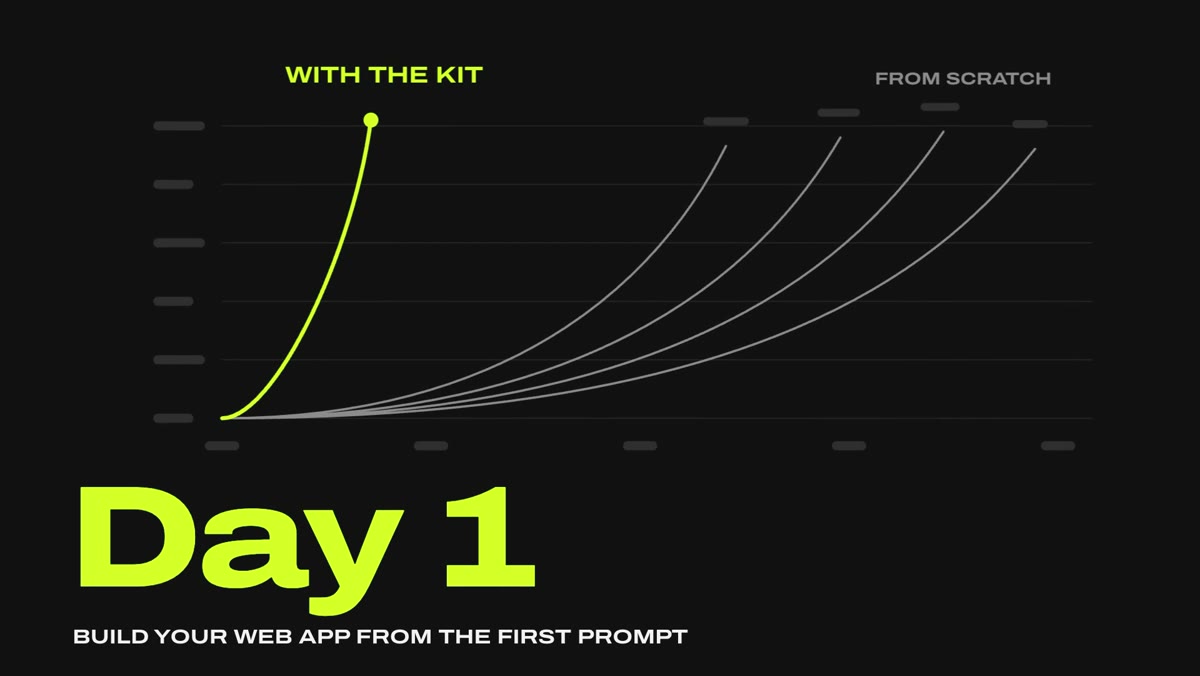 Product Metrics Stat Reel Video TemplateTurn product milestones into a 26-second motion reel with fast count-ups, a lime gauge, an animated comparison curve and highlighted launch headlines.