Vertical App Build and Publish Ad Template
Follow a vertical app creation flow from project form and build status to edited screens and store choices.
Use this when the audience should see how a brief becomes an app they can customize and prepare for release.
What’s in the film
- 01
Describe the app
A phone and dark project form show the initial brief.
- 02
Build and customize
The build status gives way to a generated screen gallery.
- 03
Edit and publish
Screen changes and store chips show what comes next.
Best use cases
Promote a mobile app builder
Choose a before-and-after change that is visible even in a portrait crop.
Customize in Video Studio
- Project fields, build status and gallery prompts
- Before and after labels, store chips and CTA
Edit with Studio chat
Describe [example app], generate [screens], then apply [one noticeable edit].
Fine-tune manually
Match the before-and-after labels to the exact screen being edited.
More video templates
See all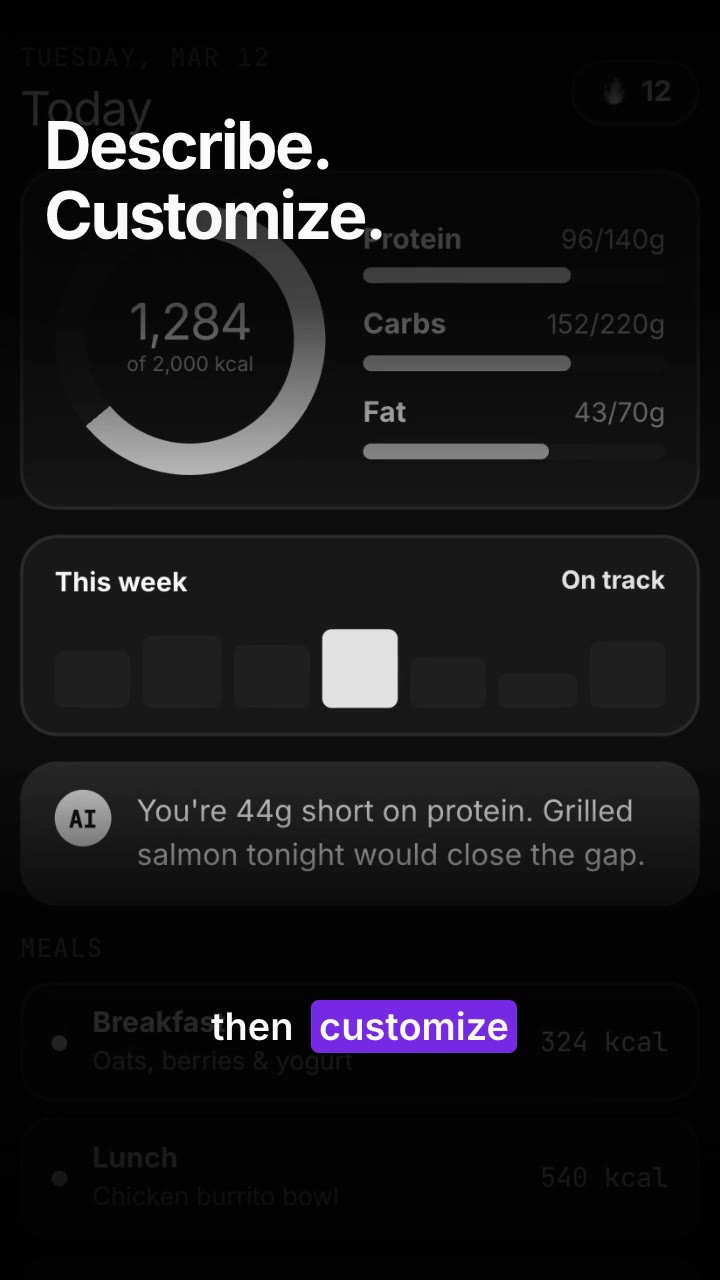 Vertical Mobile App Builder Promo TemplateShow a dark phone editor, a build timeline, a screen grid and a publishing sequence inside a vertical promo.
 Iris Scan Technical Brand Video TemplateOpen a technical iris, assemble a numeric readout and introduce supported tools on bright waveform fields.
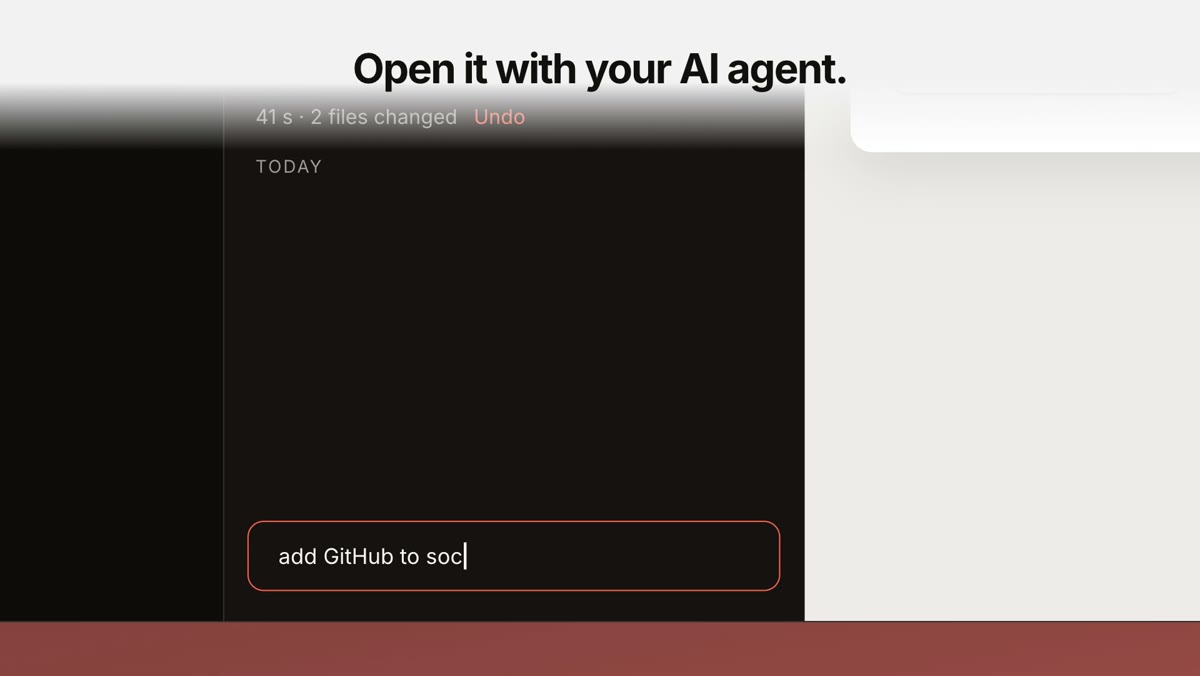 Notification to Desktop Launch Video TemplateStart with notifications on a light page, open a desktop AI chat and show hosting choices and project files.