AI Code Review Walkthrough Video Template
Follow a proposed change from a review queue to a colored diff, a file-specific comment and a submitted review.
Use this for a developer workflow where the reviewer needs context before approving. The walkthrough can show exactly where feedback belongs.
What’s in the film
- 01
Choose a review
A sidebar leads to a list of proposed changes and their states.
- 02
Read the diff
Highlighted additions and removals appear alongside supporting notes.
- 03
Leave and submit feedback
A file-specific comment opens before the final review action.
Best use cases
Teach a team’s review process
Use a small, recognizable change so viewers can connect the review note with the line that prompted it.
Customize in Video Studio
- Review queue, change title and sample diff rows
- Review notes, comment text and submit labels
Edit with Studio chat
Open [sample change], show [diff summary], comment on [file or line] and submit [review status].
Fine-tune manually
Use a short sample diff and verify that the comment refers to a visible line.
More video templates
See all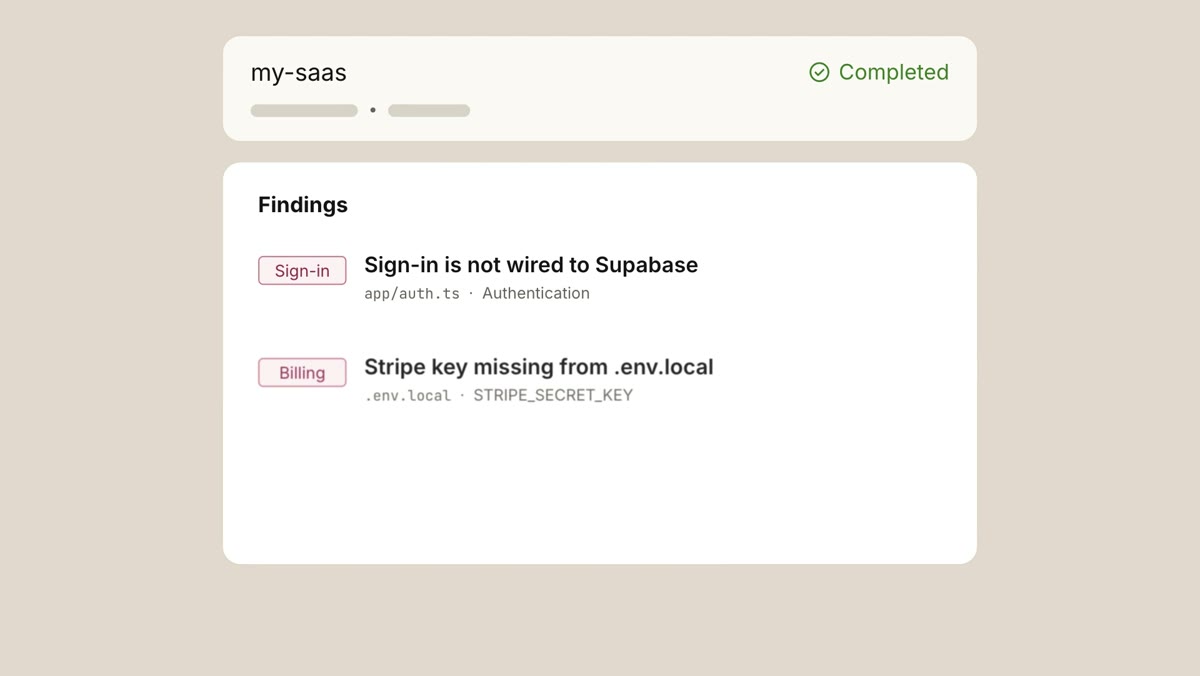 Project Setup Scan Demo Video TemplateDemonstrate a project scan that finds setup gaps, opens a finding and prepares a patch for human review.
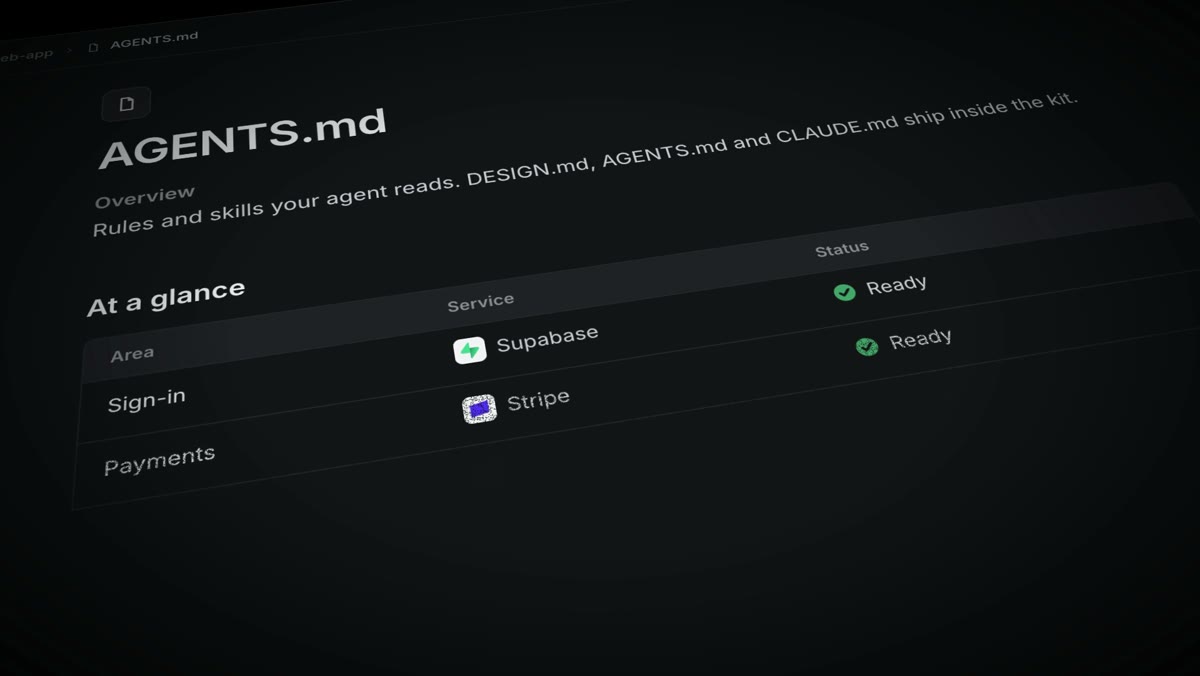 AI Launch Planning Walkthrough Video TemplateShow a launch request becoming a task checklist, a project rules document and a diagram of connected services.
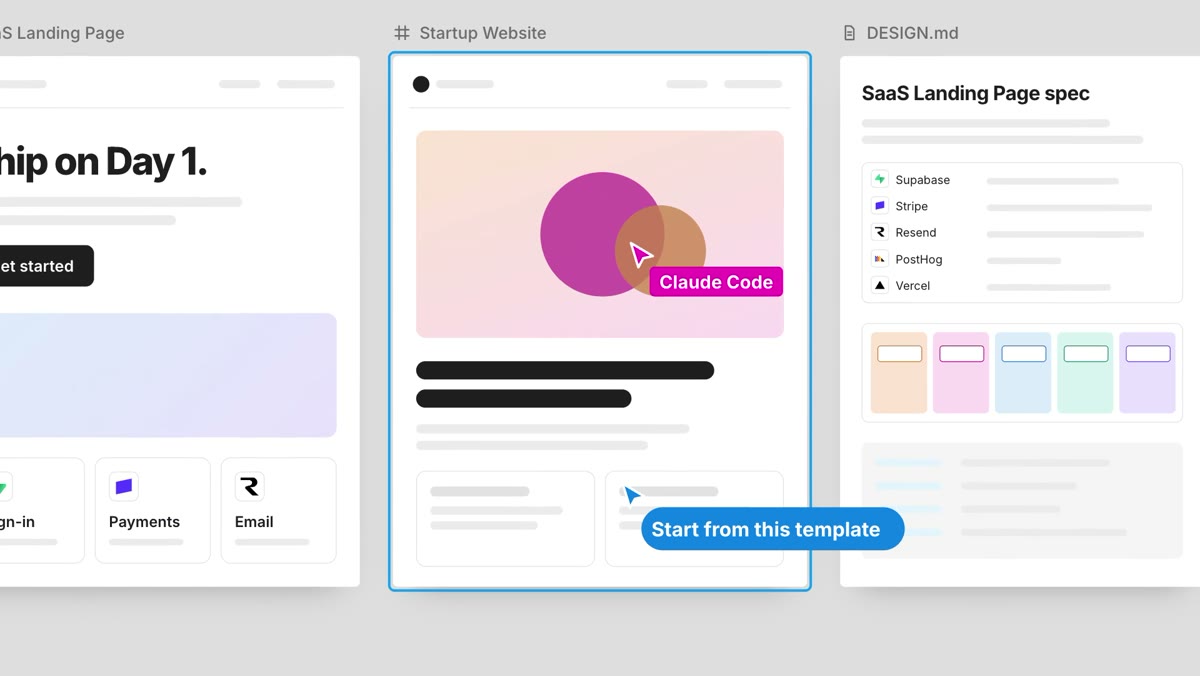 Project Spec to Build Handoff Video TemplateMove from a shared project spec to a stack table, a selected canvas template and a build plan sent to a coding assistant.