Project Spec to Build Handoff Video Template
Move from a shared project spec to a stack table, a selected canvas template and a build plan sent to a coding assistant.
Choose this to demonstrate a handoff between planning and implementation. The spec, canvas and plan give three places to show the same project taking shape.
What’s in the film
- 01
Write the spec
A shared document fills with a service table and project context.
- 02
Choose the canvas starting point
The stack flow and file list lead into a selected page template.
- 03
Send the plan
A structured brief is attached to a request for a coding assistant.
Best use cases
Demo collaborative project planning
Give the document a clear scope and show one canvas decision reflected in the final handoff.
Customize in Video Studio
- Spec heading, editors, service rows and file labels
- Canvas template, build-plan scope and handoff message
Edit with Studio chat
Write [project spec], select [template] and send [build plan] to [coding tool].
Fine-tune manually
Use the same scope phrase in the plan and attached message so viewers see what gets carried over.
More video templates
See all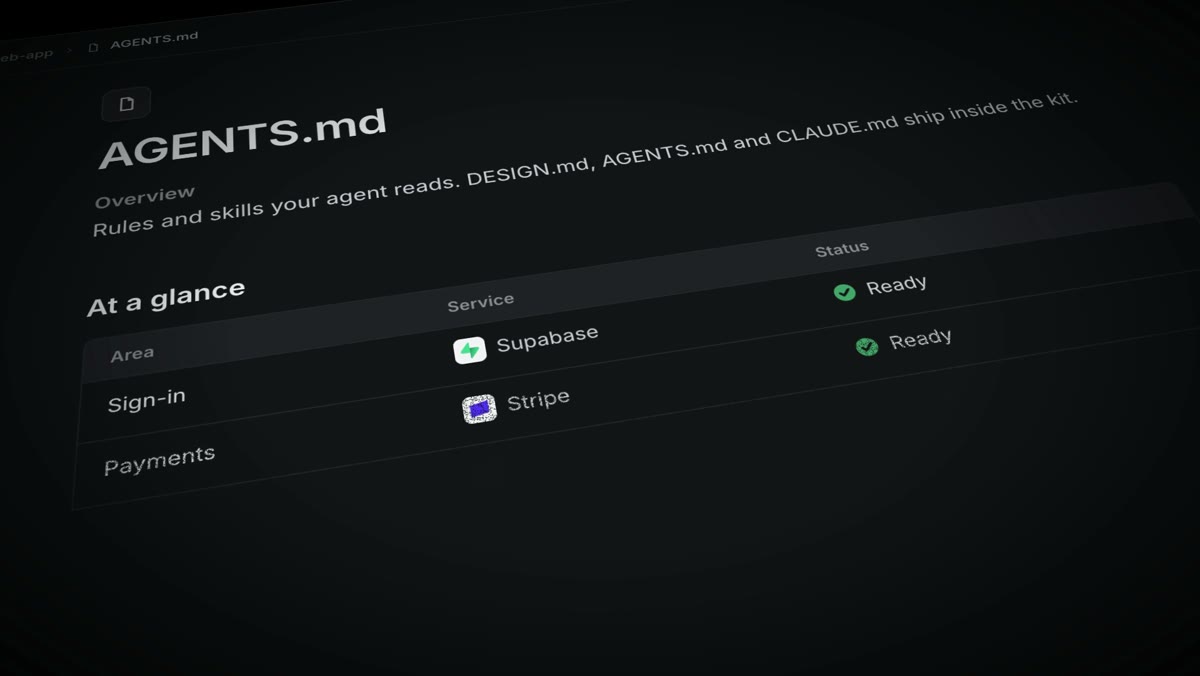 AI Launch Planning Walkthrough Video TemplateShow a launch request becoming a task checklist, a project rules document and a diagram of connected services.
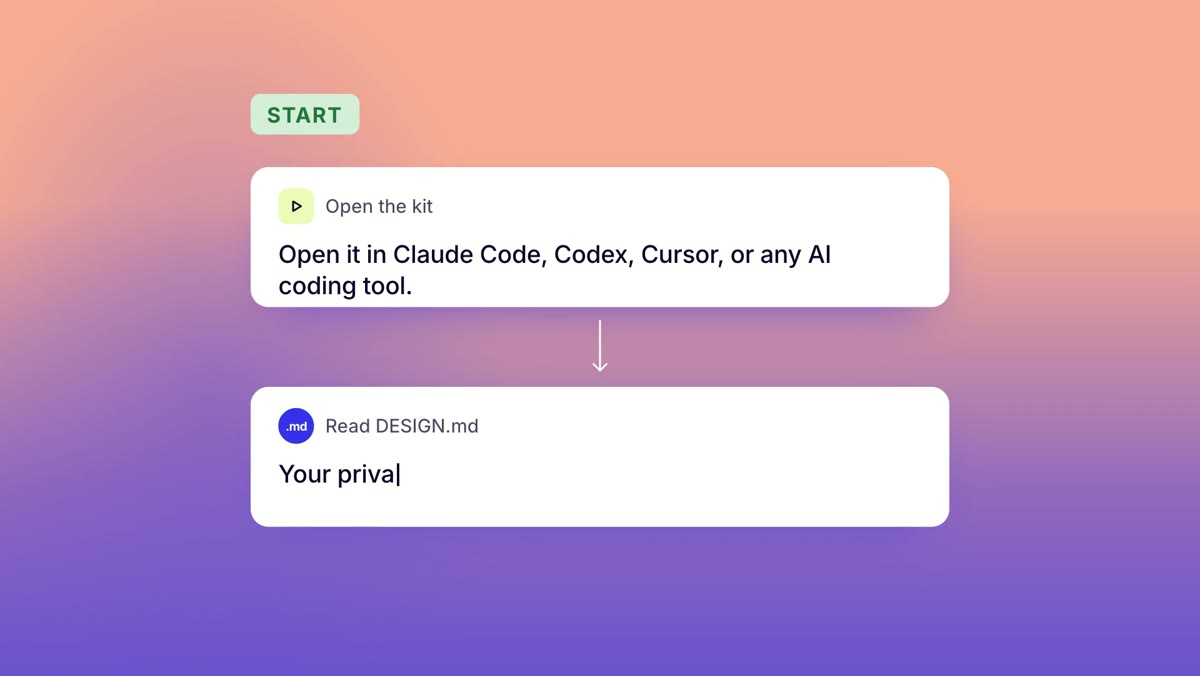 Orbit to Deployment Workflow Video TemplateReveal templates and orbiting tool cards, then follow a six-step chain from a typed request to deployment.
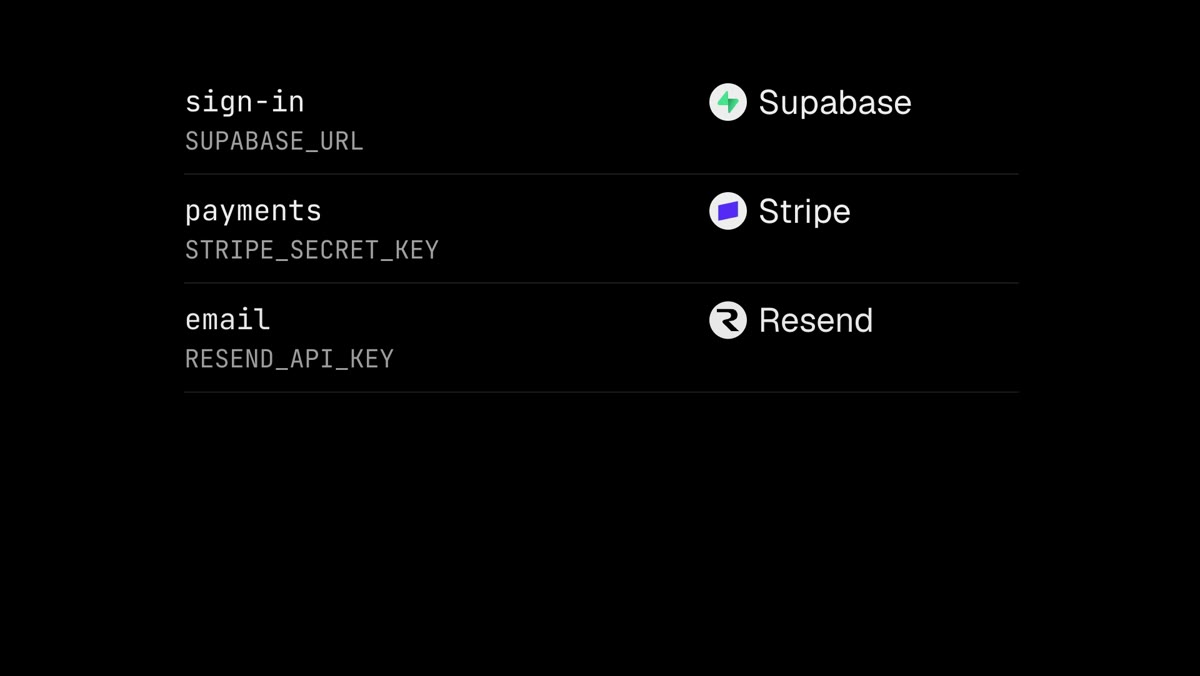 Hosting Migration Product Demo TemplateMap app features to services, show a single hosting row change and finish at the destination host’s configuration form.