AI Launch Planning Walkthrough Video Template
Show a launch request becoming a task checklist, a project rules document and a diagram of connected services.
Use this when a planning assistant needs to show what it produces before implementation begins. Carry the same services through the checklist and diagram.
What’s in the film
- 01
Ask for the launch plan
A typed prompt appears inside a tilted dark workspace.
- 02
Review the tasks and document
The assistant lists tasks and opens a rules page with a service table.
- 03
Draw the stack
Connected service lanes come into view, followed by a document card.
Best use cases
Present an AI project planner
Give the planner a specific launch target and show which dependencies are ready versus still open.
Customize in Video Studio
- Planning prompt, tasks and their status tags
- Project document, service lanes and follow-up question
Edit with Studio chat
Plan [release], list [tasks and states], and map [five service lanes] in the project document.
Fine-tune manually
Check that the state in each task row agrees with the corresponding service row.
More video templates
See all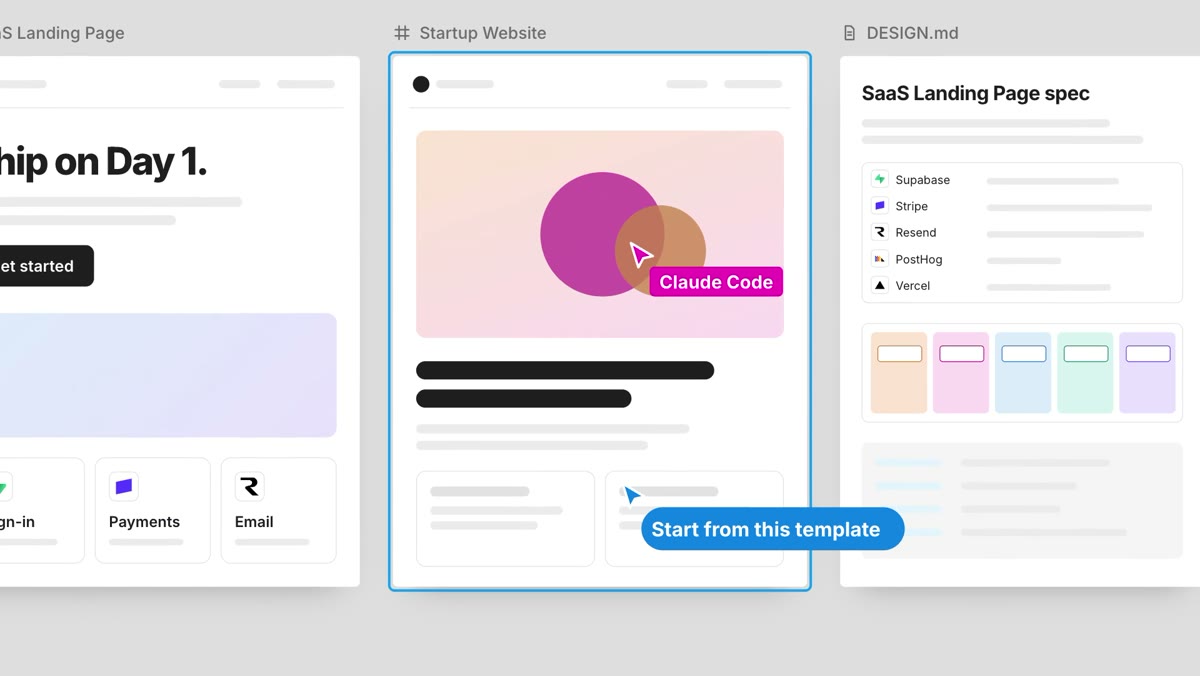 Project Spec to Build Handoff Video TemplateMove from a shared project spec to a stack table, a selected canvas template and a build plan sent to a coding assistant.
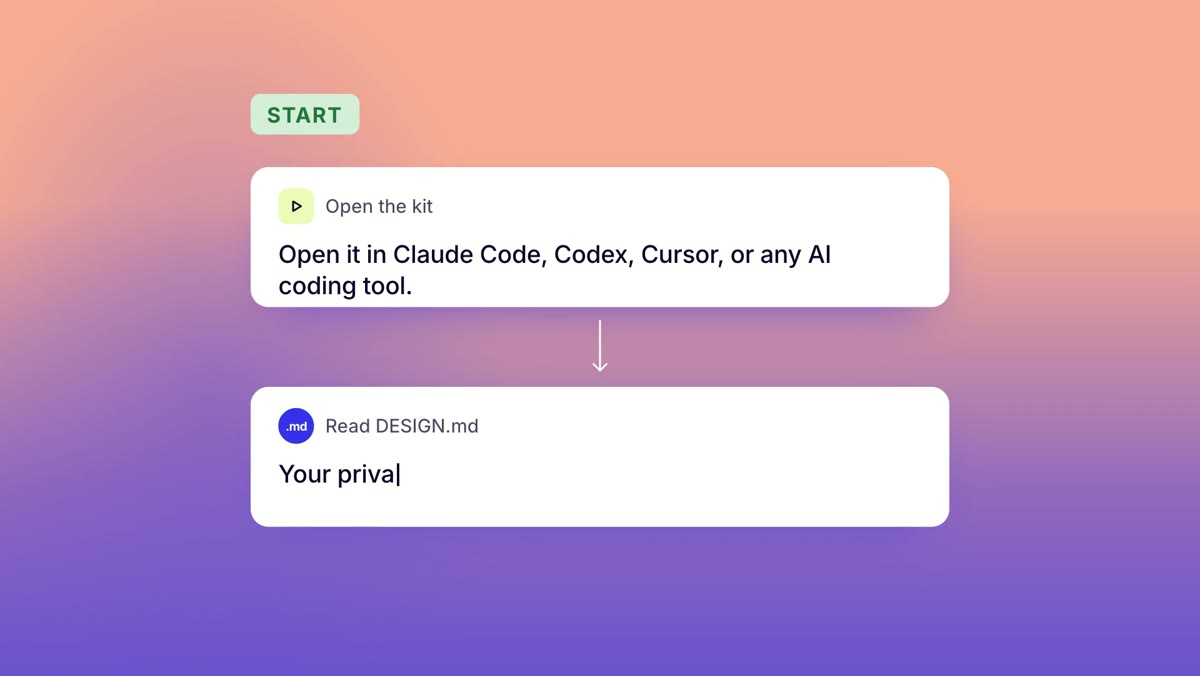 Orbit to Deployment Workflow Video TemplateReveal templates and orbiting tool cards, then follow a six-step chain from a typed request to deployment.
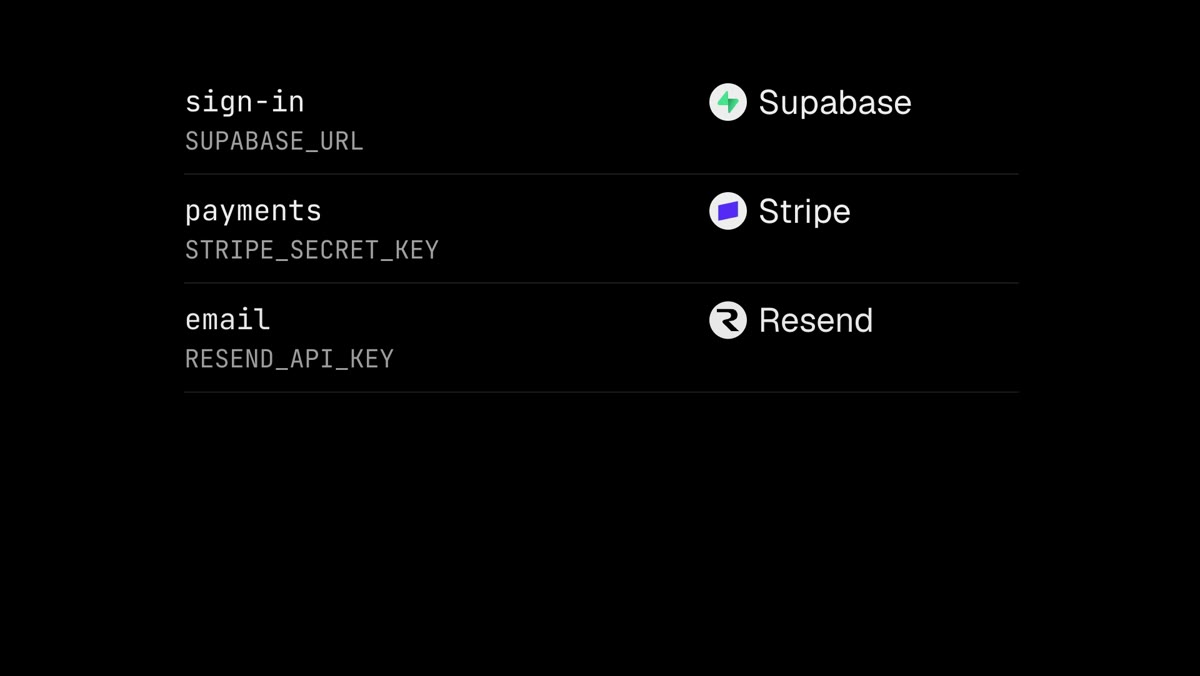 Hosting Migration Product Demo TemplateMap app features to services, show a single hosting row change and finish at the destination host’s configuration form.