Orbit to Deployment Workflow Video Template
Reveal templates and orbiting tool cards, then follow a six-step chain from a typed request to deployment.
Use this when a workflow has several named steps and the tools need a visual introduction. Keep the chain focused on how one request reaches the final state.
What’s in the film
- 01
Open the toolkit
An app window shows templates over a soft colored background.
- 02
Connect the tools
Tool and skill cards orbit the mark while a prompt appears.
- 03
Follow the chain
Steps arrive in order before the completed state and closing cards.
Best use cases
Explain a guided release path
Give each step a concrete output, such as preview, review or deployment, that leads into the next.
Customize in Video Studio
- Template names, orbiting tool and skill labels and prompt
- Six step descriptions, completion pill and end card
Edit with Studio chat
Show [tool and skill cards], type [project request], then name [six milestones] through deployment.
Fine-tune manually
Use short step headers that still make sense when read as a sequence.
More video templates
See all One Prompt Website Publishing Demo TemplateSelect a kit from a composer, build a page, request a pricing change and show the site being published.
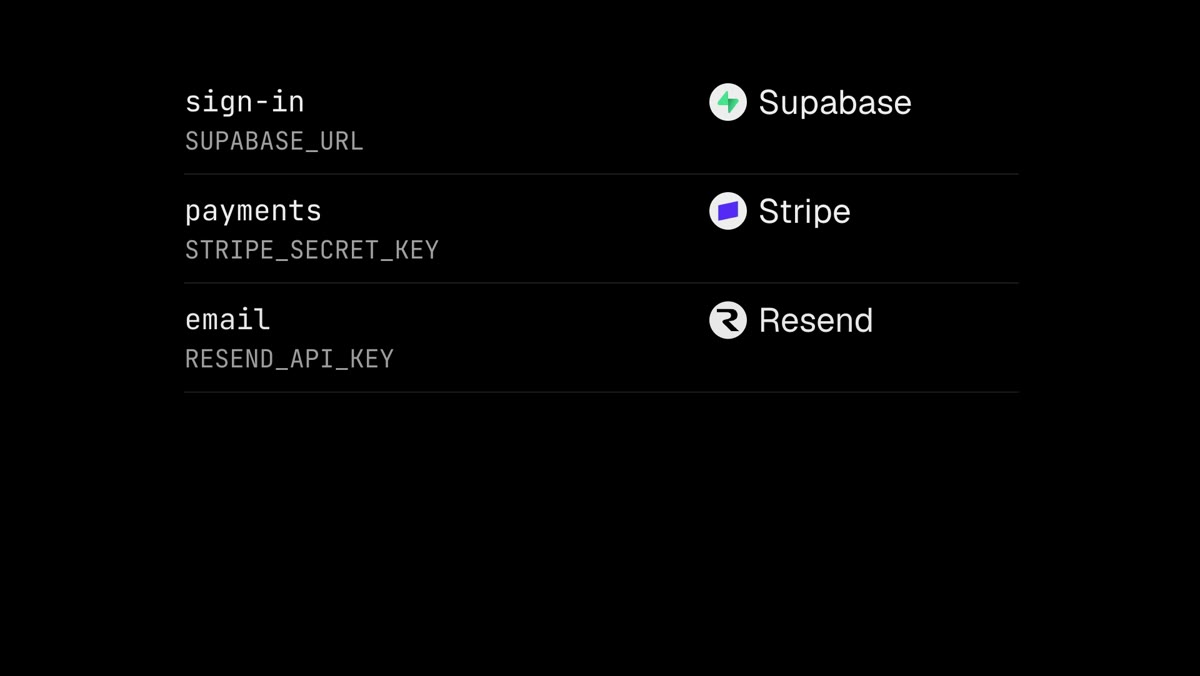 Hosting Migration Product Demo TemplateMap app features to services, show a single hosting row change and finish at the destination host’s configuration form.
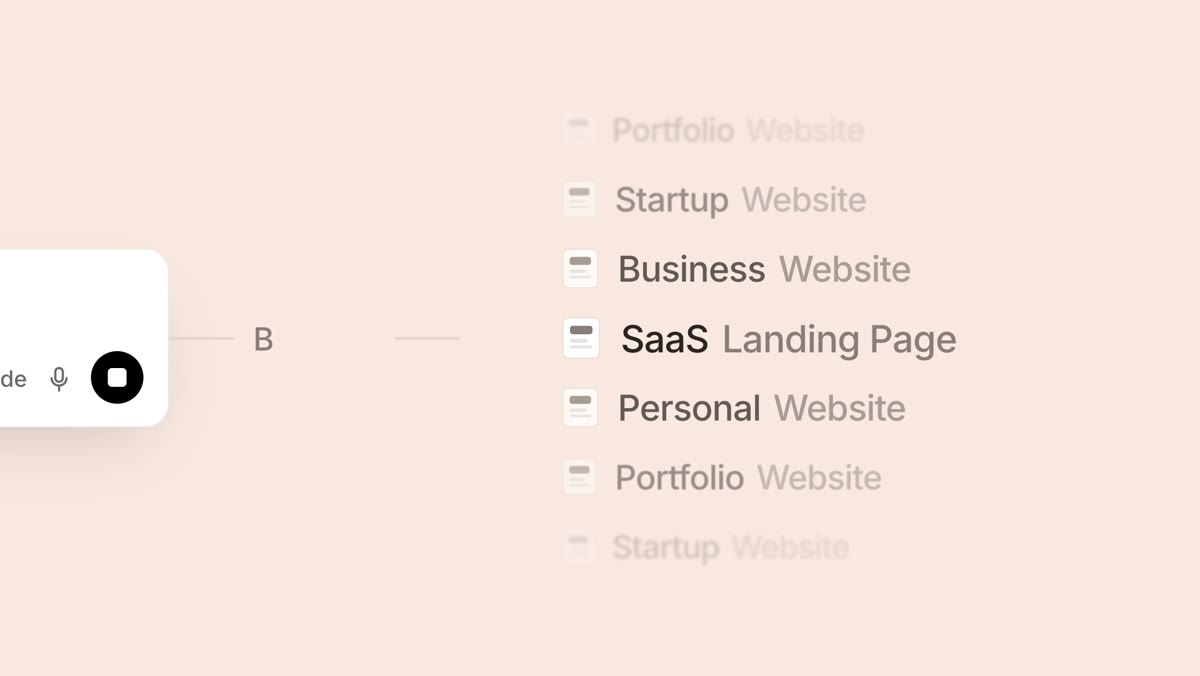 AI Build and Connect Product Demo TemplateFollow an AI setup request through a template picker, a service connection and a dashboard populated with product figures.