Branching AI Workflow Canvas Demo Template
Map a typed request to connected cards on a dotted canvas while colored tool cursors work around the branches.
Use this when one input creates several related outputs. The branching graph lets viewers see who or what handles each piece.
What’s in the film
- 01
Draw the canvas
Cursors trace the title from connected nodes.
- 02
Type into the root card
One request appears in the first card.
- 03
Branch into outputs
Lines connect new cards while statuses appear on the shared board.
Best use cases
Explain a coordinated build
Use the first card for the brief and give each branch a distinct deliverable, such as a page or a shared file.
Customize in Video Studio
- Canvas title and four cursor labels
- Root prompt, downstream card headers and statuses
Edit with Studio chat
Start with [project request], branch into [five outputs] and label [responsible tools].
Fine-tune manually
Read the graph at the widest zoom and shorten any card title that wraps into its status.
More video templates
See all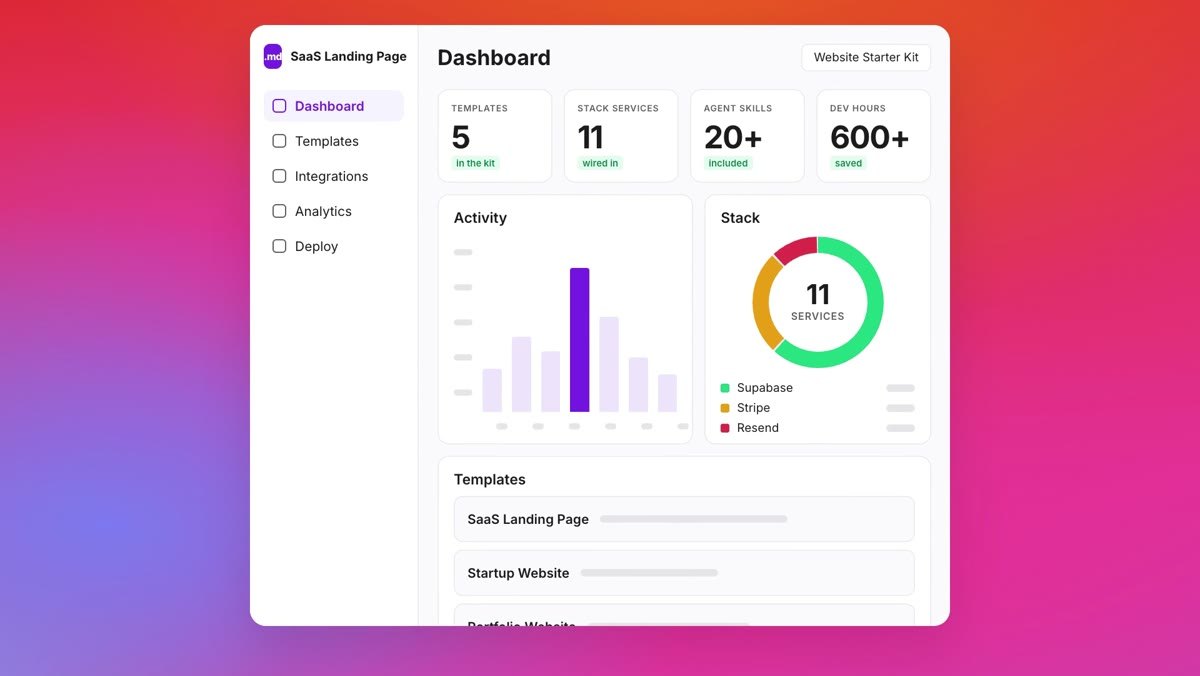 Team AI Thread Demo Video TemplateA team thread shows several people making requests, reading the assistant’s reply and deciding what to deploy.
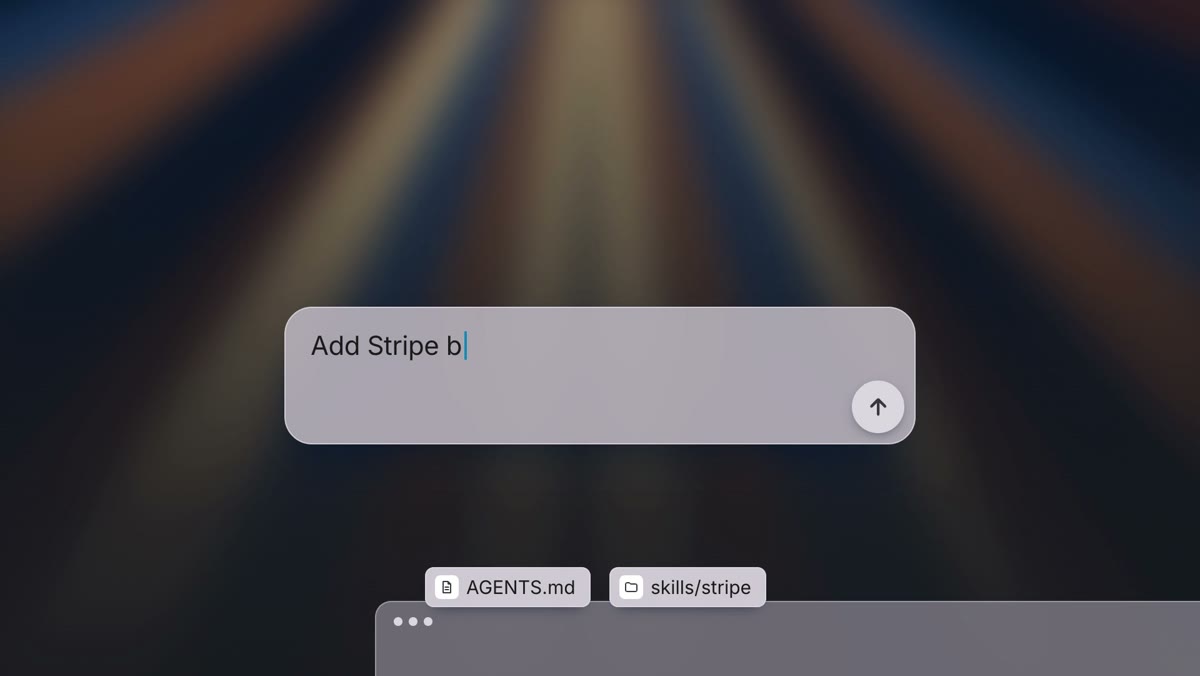 Sunrise AI Composer Reveal TemplateTransform a rising orb into the send button of an AI composer, then show requests, file context and a welcome screen.
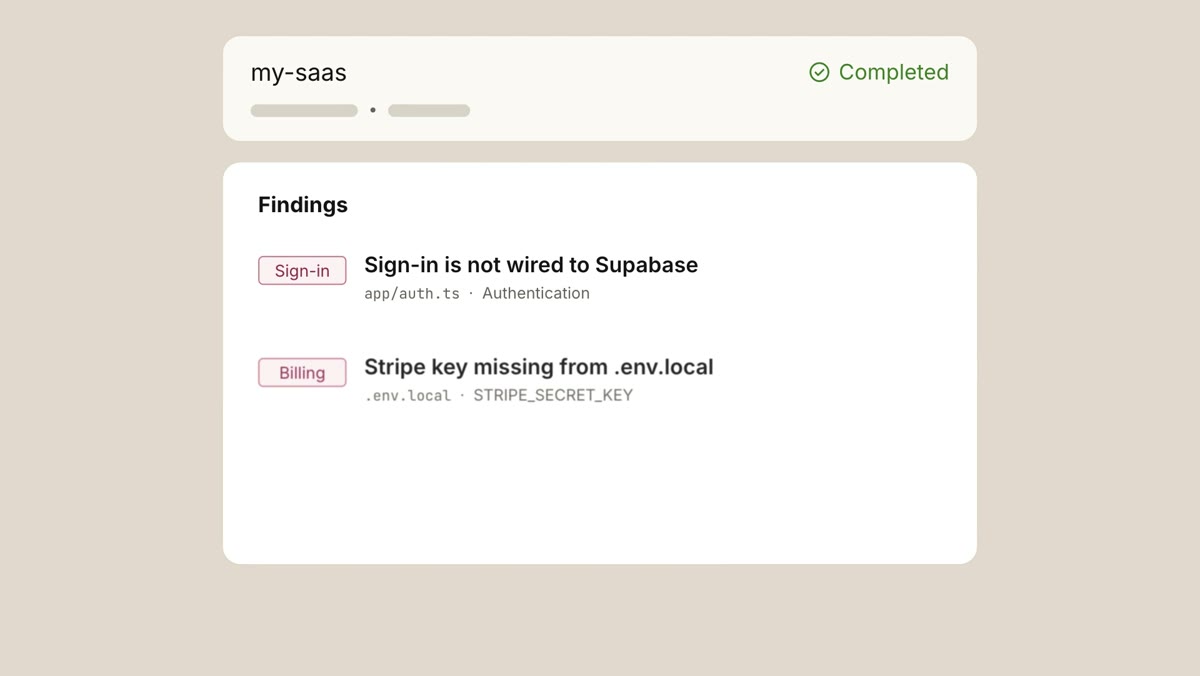 Project Setup Scan Demo Video TemplateDemonstrate a project scan that finds setup gaps, opens a finding and prepares a patch for human review.