Foldable App Split View Demo Template
Unfold a dark phone into a tablet layout and show a list beside its selected detail on a paper desk.
Use this when the same app needs to demonstrate how it adapts from one pane to two. Carry one recognizable item across both layouts.
What’s in the film
- 01
Start folded
The phone first presents a compact list.
- 02
Unfold into split view
The larger screen shows the list and selected detail together.
- 03
Fold into tent mode
The shot returns to a compact device view before the brand close.
Best use cases
Show a responsive inbox or catalog
Pick one entry on the phone and keep its name visible in the detail after the device opens.
Customize in Video Studio
- Folded phone rows and unfolded list groups
- The selected detail, tent-screen labels and closing lockup
Edit with Studio chat
Show [phone list], unfold to [tablet groups], and open [matching item].
Fine-tune manually
Check the selected row and detail title agree at the moment both panes appear.
More video templates
See all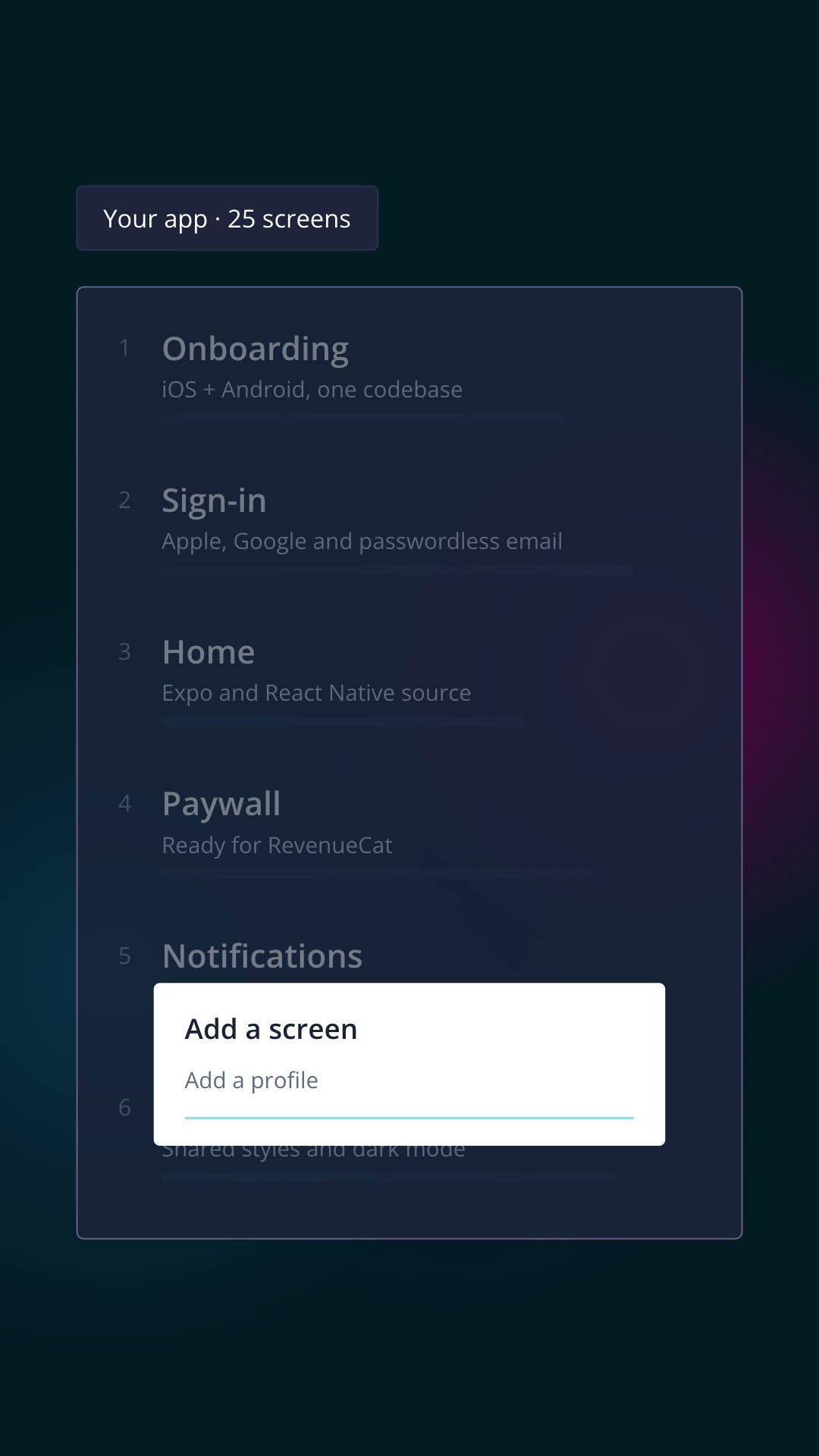 Mobile App Outline to Screens Demo TemplateShow an app prompt become a six-row plan, insert a requirement and reveal the resulting phone screens.
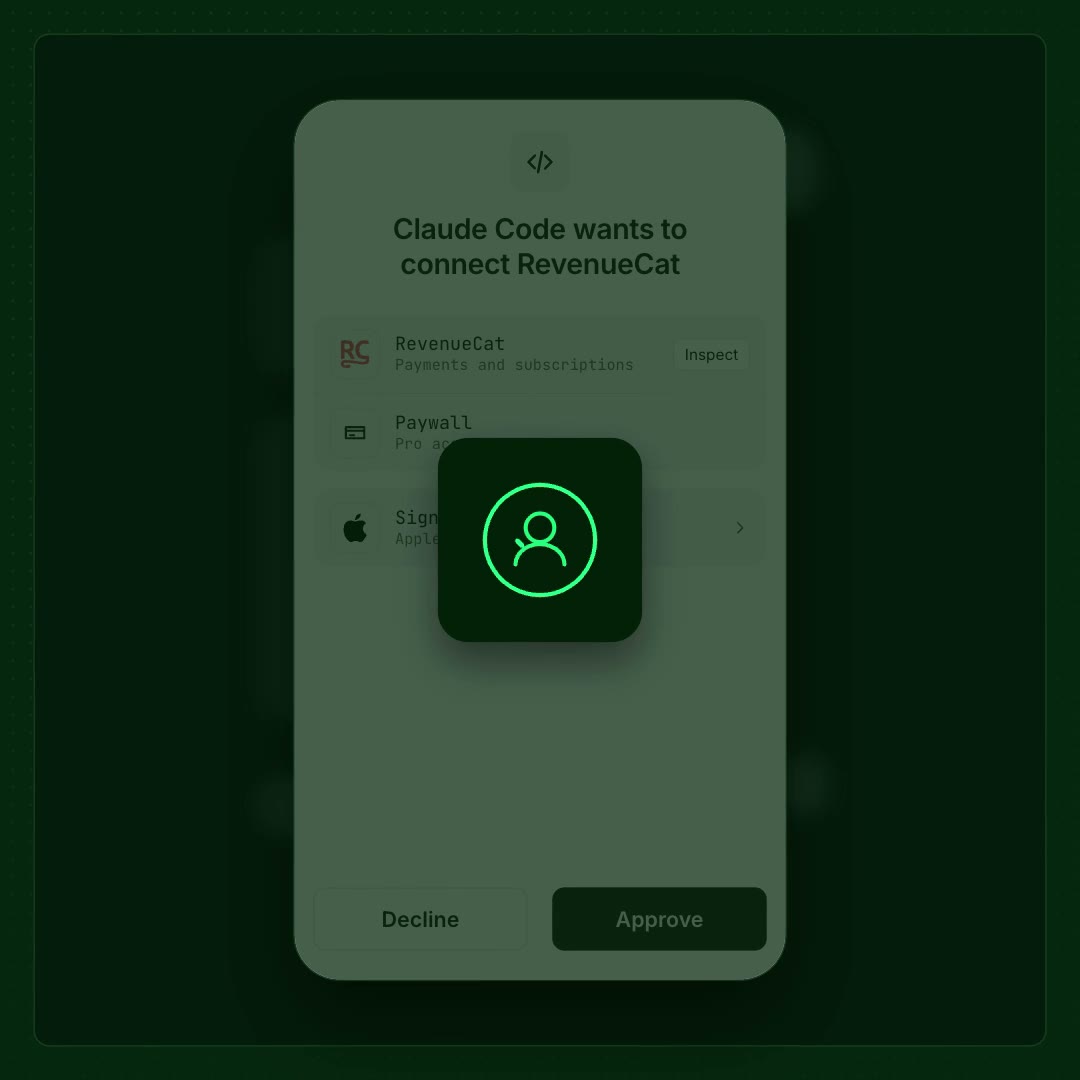 Mobile Payment Approval Demo TemplateFollow a payment connection from an agent’s waiting state to a phone notification, an approval sheet and a connected result.
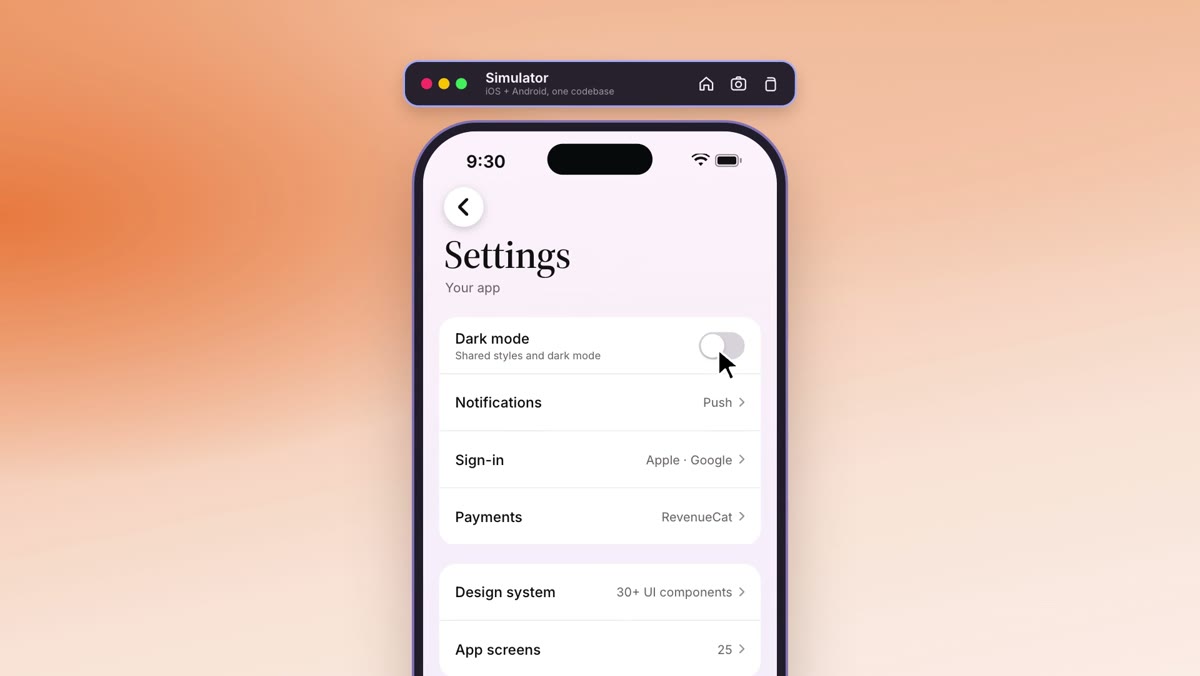 App Simulator Tap-Through Video TemplateStart from an AI request and show a simulator opening the mobile app, tapping a feature and reaching Settings.