Integration Plus Burst Video Template
Click a plus to launch a ring of tools, count the integrations and move into a scrolling list of supported services.
Choose this for a launch where the number of integrations is a selling point and their names are useful evidence. The burst supplies the reveal and the scrolling list gives it detail.
What’s in the film
- 01
Click the plus
The cursor activates a plus and a ring of logos bursts out.
- 02
Read the stack
The count lands and labeled rows scroll past one by one.
- 03
Introduce related tools
Cards and an orbiting tool ring lead to the closing question.
Best use cases
Launch a larger integration catalogue
Use recognizable service names in the list, then use the closing tool ring to show where they can be used.
Customize in Video Studio
- The opening phrase, count and integration list
- The tool cards, skill labels and closing question
Edit with Studio chat
Open with [claim], reveal [integration count] and scroll through [integration names]. Show [related skills or tools], then end with [short question and brand].
Fine-tune manually
Change the count and the service rows together. Scrub the scroll and check that the logo and name in each row refer to the same service.
More video templates
See all Rolling Count Logo Motion TemplateA square logo film with a rolling integration count, a flipping logo tile and stats written in with pen strokes.
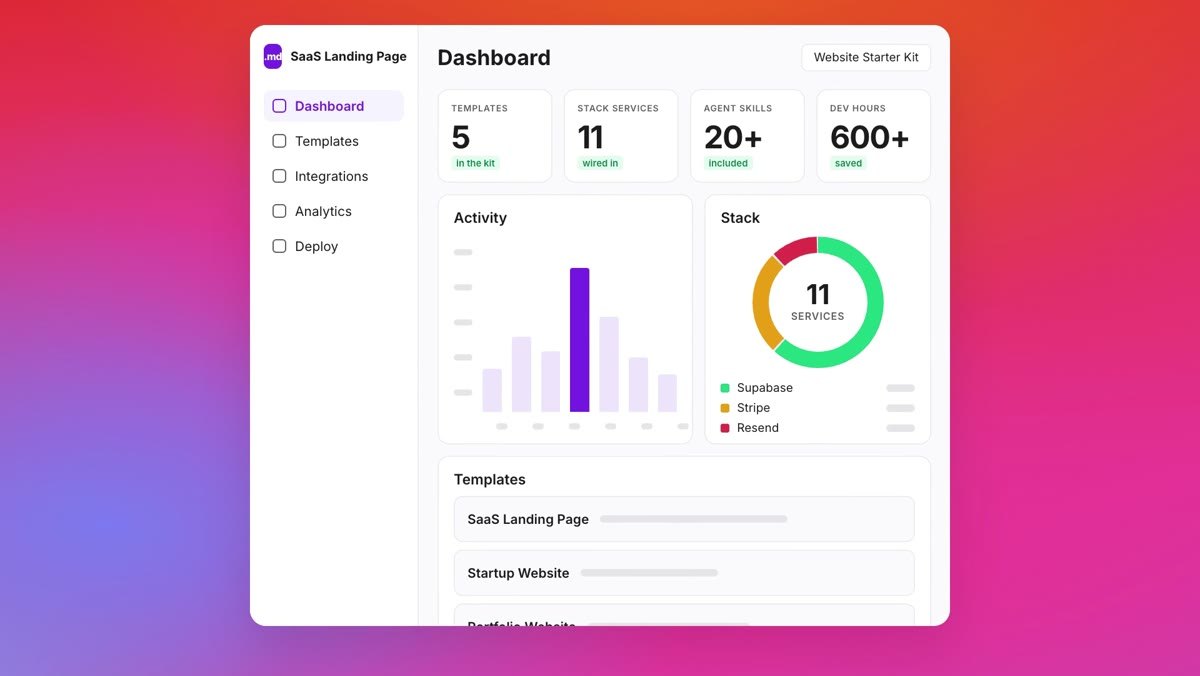 Team AI Thread Demo Video TemplateA team thread shows several people making requests, reading the assistant’s reply and deciding what to deploy.
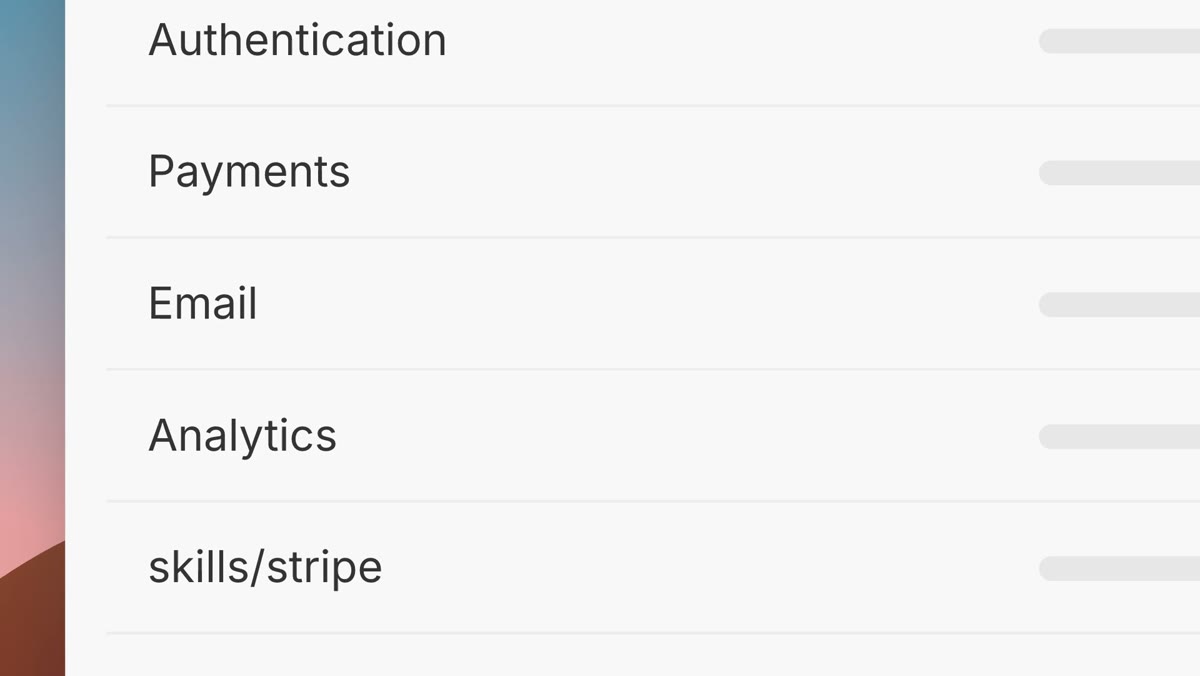 Developer Kit Readiness Demo Video TemplateShow project rule files, deployment status and a ready checklist, then send a concrete request from a coding assistant.